
All Games
Assassin’s Creed Brotherhood System Requirements
November 15, 2016Virtuos
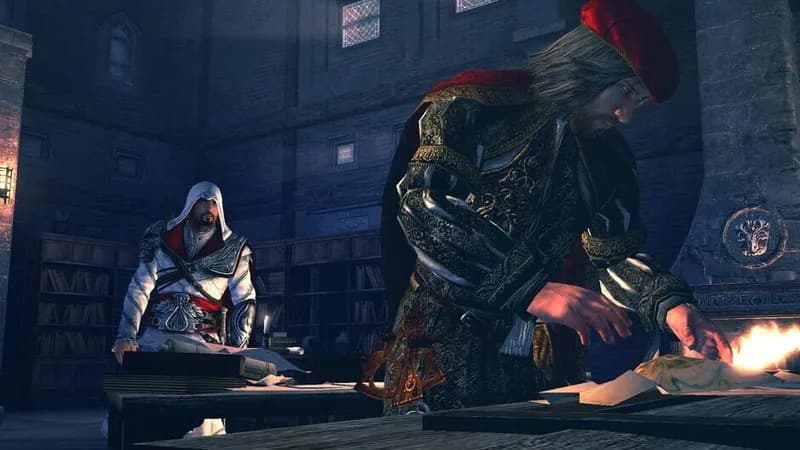
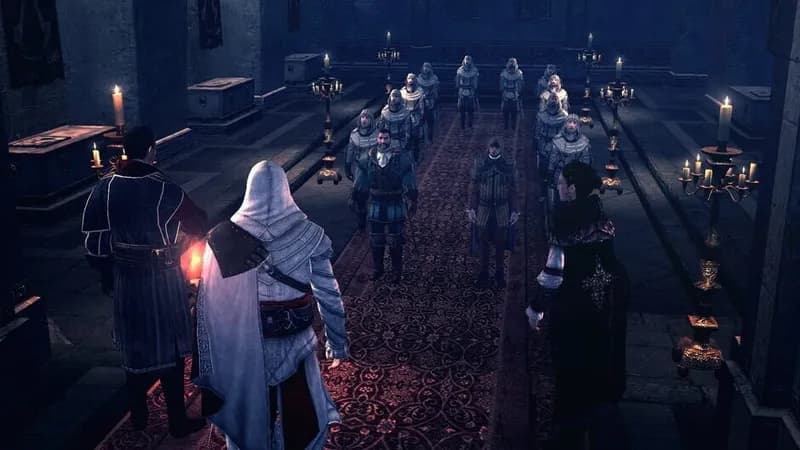
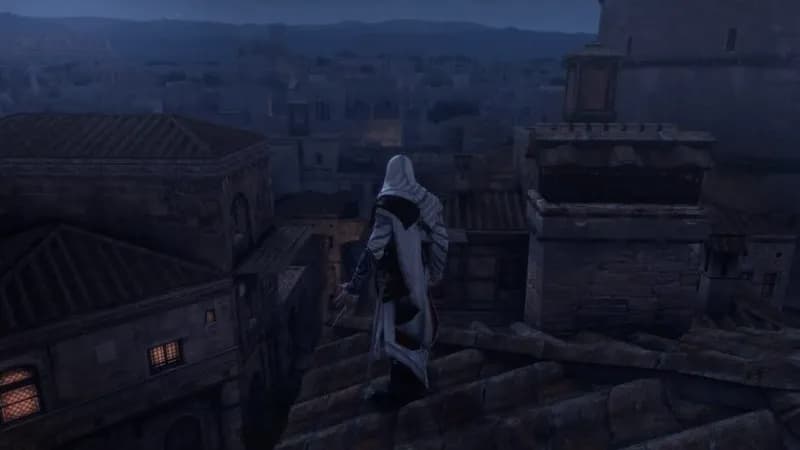
Assassin's Creed Brotherhood is back as a single-player-focused remaster, bundled within The Ezio Collection. This PC version includes all original single-player DLC while omitting the multiplayer component.
Assassin’s Creed Brotherhood Minimum & Recommended Specs
Minimum: Intel Pentium Dual, NVIDIA GeForce 8800, 2 GB. Recommended: 4 GB RAM.
Minimum System Requirements
Recommended System Requirements
| OS | Windows XP (32/64 bits) / Windows Vista (32/64 bits) / Windows 7 (32/64 bits) |
| Processor | Intel Core 2 Duo E8400 3.0GHz or AMD Athlon 64 X2 6000+ 3.0Ghz or betterCPU Deals |
| RAM | 4 GBRAM Deals |
| Graphics Card | NVIDIA GeForce GTX 260 or ATI Radeon HD 5850 or betterGPU Deals |
| DirectX | DirectX 9.0c |
| Storage | 8 GBSSD Deals |
Quick Performance Tips for Assassin’s Creed Brotherhood
#1
Lower shadow quality for a significant FPS boost.
#2
Reduce anti-aliasing to improve performance.
#3
Close background applications to free up RAM.
#4
Update your graphics drivers for optimal performance.
Assassin’s Creed Brotherhood System Requirements FAQ
Can I run Assassin’s Creed Brotherhood on a low-end PC?
If your PC meets the minimum requirements (Intel Pentium Dual Core E6300 2.8GHz or AMD Athlon 64 X2 5200+ 2.7GHz, NVIDIA GeForce 8800 GT or ATI Radeon HD 4830, 2 GB RAM), you should be able to run the game at lower settings and resolution. Expect lower frame rates.
What GPU do I need for Assassin’s Creed Brotherhood?
At a minimum, you'll need an NVIDIA GeForce 8800 GT or an ATI Radeon HD 4830. For a smoother experience at higher settings, an NVIDIA GeForce GTX 260 or ATI Radeon HD 5850 or better is recommended.
How much RAM does Assassin’s Creed Brotherhood need?
The game requires a minimum of 2 GB of RAM. However, 4 GB of RAM is recommended for optimal performance, especially at higher settings and resolutions.
Will Assassin’s Creed Brotherhood run on integrated graphics?
It's unlikely Assassin's Creed Brotherhood will run well on integrated graphics. The game requires a dedicated graphics card with its own memory for acceptable performance. You might be able to run it at very low settings, but expect significant performance issues.
What is the best graphics settings for Assassin’s Creed Brotherhood?
The best settings depend on your hardware. Start with medium settings and then adjust individual settings like texture quality, shadows, and anti-aliasing. Lowering shadows and anti-aliasing usually provides the biggest performance boost.

Assassin’s Creed Brotherhood Game Info
Developer
Virtuos
Publisher
Ubisoft Entertainment
Release Date
November 15, 2016
Platforms
PlayStation 4, Xbox One, Nintendo Switch
Genres
Adventure
Game Modes
- Single player
Assassin’s Creed Brotherhood Screenshots
Games Similar to Assassin’s Creed Brotherhood



Optimize Your PC for Assassin’s Creed Brotherhood
Use our free tools to analyze and improve your gaming performance