FREE GPU COMPARISON
Instantly compare over 1000 NVIDIA and AMD GPUs side-by-side. See real-world gaming FPS, benchmark scores, and value-per-dollar to make the right choice for your PC build.
Database: 0 graphics cards • Powered by PassMark G3D Mark
Picking a new graphics card can feel overwhelming. You've got dozens of models from NVIDIA and AMD, confusing naming schemes, and prices that swing wildly. How do you know if an RTX 4060 is actually better than an older RTX 3070? That's exactly why we built this tool and wrote this guide. We're here to cut through the marketing noise and give you the real data you need.
For years, we've been building and testing PCs, and we've seen it all. We know that the model number on the box is only a tiny part of the story. Performance depends on architecture, VRAM, memory bandwidth, driver support, and so much more. Our GPU Comparison tool pulls all of this together, letting you pick any two cards and see a direct, no-nonsense comparison of what really matters.
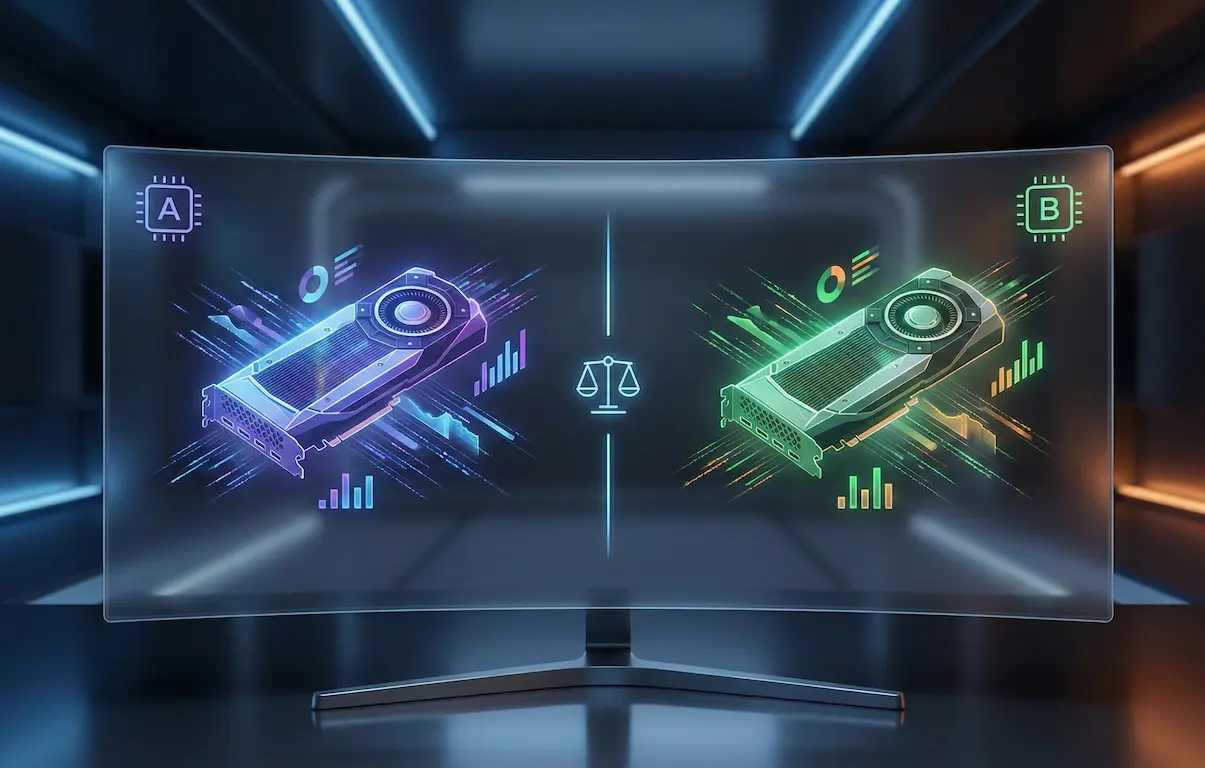
Use our tool to compare raw benchmark scores from PassMark's G3D Mark, see estimated gaming performance in frames-per-second (FPS) at 1080p, 1440p, and 4K, and check critical specs like power consumption (TDP) and video memory (VRAM). We even calculate a value score to help you find the best bang for your buck. This guide will walk you through how to interpret that data, so you can go from confused to confident and choose the perfect GPU for your budget and your games.
Let's get one thing straight: a bigger number isn't always better. GPU manufacturers love to use naming conventions that can be misleading. A common mistake is assuming a newer generation '60' card, like the GeForce RTX 4060, will automatically crush a last-generation '70' card, like the RTX 3070. In reality, it's a lot more complicated.
The RTX 4060 is based on the AD107 chip, while the RTX 3070 uses the more powerful GA104 chip. While the 4060 has newer architecture and features like DLSS 3, the 3070 has a much wider memory bus (256-bit vs 128-bit) and more raw shading units. This means in pure rasterization performance, without upscaling, the older RTX 3070 often pulls ahead, especially at higher resolutions like 1440p. Our tool highlights these nuances, showing you the percentage difference in performance so you can see past the branding.
So, what should you look at? First, check the benchmark scores. A card's G3D Mark score gives you a great at-a-glance idea of its overall horsepower. Next, look at the memory configuration. Pay attention to both the amount of VRAM (in GB) and the memory bus width (in bits). A wider bus allows the GPU to access its memory faster, which is critical for high-resolution textures and complex scenes. Finally, consider the architecture and its specific features. Is DLSS 3 Frame Generation a must-have for you? Then you'll need an RTX 40 series card. Do you just want the most raw performance for your dollar? An older AMD card might be the ticket. It's about weighing these factors, not just picking the newest product.
Benchmarks are the heart of any good hardware comparison. They provide a standardized way to measure and compare performance between different components. But not all benchmarks are created equal, and it's helpful to know what they're actually measuring.
In our main comparison tool, we use PassMark's G3D Mark score. This is a synthetic benchmark, meaning it runs a series of standardized 3D graphics tests that are designed to stress the GPU in various ways. The result is a single number that represents its overall 3D graphics potential. We like G3D Mark because it's a massive database that covers virtually every GPU ever made, making it fantastic for quick, broad comparisons. It's a great starting point to see if Card A is in the same league as Card B.
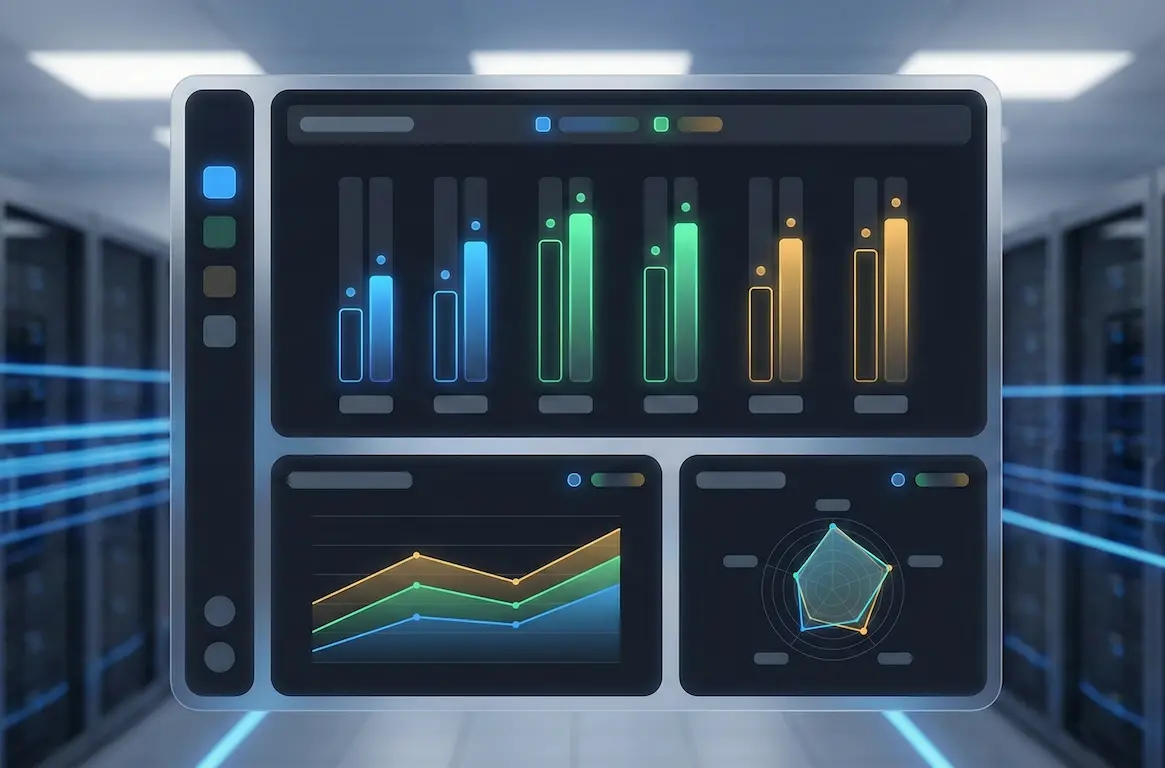
For a more gaming-centric view, you'll often see scores from UL's 3DMark suite, specifically Time Spy and Fire Strike. Time Spy is a DirectX 12 benchmark, which is the standard for most modern PC games. It's an excellent indicator of how a GPU will perform in new titles. Fire Strike is an older DirectX 11 benchmark. While still relevant for many popular esports titles like Valorant or CS2, its importance is fading as more games adopt DX12. The key takeaway is that a GPU that scores well in Time Spy is generally well-prepared for today's AAA games.
Ultimately, synthetic benchmarks are just one piece of the puzzle. The real test is how a GPU performs in actual games. That's why our tool also provides estimated FPS figures for popular resolutions. We compile data from dozens of independent reviews and our own testing to give you a realistic expectation of the performance you'll see when you actually fire up a game.
The battle between Team Green (NVIDIA) and Team Red (AMD) is as old as PC gaming itself. For years, the story was simple: NVIDIA had the performance crown, and AMD competed on price. Today, the lines are much blurrier, and both companies have distinct strengths and weaknesses that might make one a better fit for you.
NVIDIA's biggest strength is its ecosystem and feature set. Their ray tracing (RT) performance is, generation after generation, significantly ahead of AMD's. If you want to play games like Cyberpunk 2077 or Alan Wake 2 with all the stunning lighting effects enabled, NVIDIA is the clear winner. Their DLSS (Deep Learning Super Sampling) upscaling technology is also widely considered the gold standard for its image quality and performance boost. With DLSS 3 Frame Generation, exclusive to the RTX 40 series, they've pushed performance even further, although this tech can add a bit of input latency.
AMD, on the other hand, often wins on pure rasterization performance-per-dollar. Rasterization is traditional rendering without the heavy workload of ray tracing. If you primarily play esports titles or games where you prioritize raw framerates over graphical bells and whistles, an AMD card like the Radeon RX 7800 XT often offers better value than its direct NVIDIA competitor, the RTX 4070. AMD's upscaling tech, FSR (FidelityFX Super Resolution), is open-source, meaning it works on GPUs from all brands (including older NVIDIA cards). While FSR's image quality has improved immensely, most testers agree it still lags slightly behind DLSS. However, AMD's commitment to open standards with things like FreeSync is a big plus for many gamers.
Graphics cards can be broken down into a few general performance tiers. Understanding these categories helps you narrow down your search and set a realistic budget for the kind of gaming experience you want.
Budget Tier (Under $300): This is the entry point for 1080p gaming. Cards like the RTX 3050, RX 6600, or the newer RTX 4060 (when on sale) live here. You can't expect to max out every setting in the latest AAA titles, but you can get a great experience at medium to high settings, especially if you use upscaling. These cards are perfect for esports games like Valorant, League of Legends, and Fortnite, where hitting high frame rates is easy.
Mid-Range Tier ($300 - $600): This is the sweet spot for most PC gamers and where you'll find the best value. This tier is ideal for high-refresh-rate 1080p gaming or solid 60+ FPS at 1440p. Cards like the RTX 4060 Ti, RX 7700 XT, and the phenomenal RX 7800 XT are king here. They offer a huge performance jump over the budget tier and have enough VRAM (usually 12GB-16GB) to handle modern games without issues.

High-End Tier ($600 - $1000): If you're serious about 1440p high-refresh-rate gaming or want to dip your toes into 4K, this is your category. Here you'll find the RTX 4070 Super, RTX 4070 Ti Super, and the RX 7900 XT. These GPUs have the power to run demanding games on ultra settings and deliver a smooth, responsive experience. They also offer excellent ray tracing performance, making them a great choice for visual purists.
Enthusiast Tier ($1000+): This is the top of the mountain. We're talking about the RTX 4080 Super and the beastly RTX 4090. These cards are built for no-compromise 4K gaming at high refresh rates. They have massive amounts of VRAM and can handle anything you throw at them, including fully path-traced games with all settings cranked to the max. This tier is for those who want the absolute best performance and are willing to pay for it.
For a long time, 8GB of video memory (VRAM) was considered the standard for gaming. It was plenty for 1080p and even 1440p. That time is officially over. As game textures become more detailed and resolutions increase, VRAM capacity has become one of the most important specs to consider, and a lack of it can cripple your gaming experience.
VRAM acts as a super-fast storage buffer for your GPU. It holds all the data the GPU needs to render a scene, like textures, models, and shaders. When a game needs more data than your VRAM can hold, it has to fetch it from your system's main RAM or even your SSD. This process is incredibly slow compared to accessing VRAM directly, and it results in jarring stutters, texture pop-in, and a massive drop in your minimum frame rates. You might have a GPU that can average 90 FPS, but if you run out of VRAM, your 1% lows could drop to 20 FPS, making the game feel unplayable.
In 2026, we consider 8GB the absolute bare minimum for 1080p gaming. Cards like the RTX 4060 8GB can still work, but you'll find yourself turning down texture settings in many new releases like Alan Wake 2 or Starfield to avoid VRAM-related issues. The real sweet spot for 1440p gaming is now 12GB to 16GB. This is why cards like the RX 7800 XT (16GB) and RTX 4070 Super (12GB) are so popular. They have enough VRAM to load high-resolution texture packs and keep performance smooth. For 4K gaming, 16GB is the minimum you should aim for, with cards like the RTX 4090 offering a massive 24GB buffer, ensuring it won't be VRAM-limited for years to come.
Ray tracing is a rendering technique that simulates the physical behavior of light, creating incredibly realistic reflections, shadows, and global illumination. When it's done well, it can transform the look of a game. But this visual upgrade comes at a steep performance cost, and the two major GPU makers handle it very differently.
NVIDIA has been all-in on ray tracing since the launch of their RTX 20 series. Their GPUs contain dedicated hardware cores, called RT Cores, specifically designed to accelerate these complex calculations. With each generation, these cores have become more powerful. An RTX 4070, for example, can deliver significantly better ray tracing performance than even a previous-generation flagship like the RTX 3090. If you want to play a game like Cyberpunk 2077 in its full 'Overdrive' path-traced mode, you absolutely need a high-end NVIDIA card and DLSS to get playable frame rates.
AMD's approach has been more conservative. Their RX 6000 and 7000 series cards also have hardware for ray tracing, called Ray Accelerators, but they are generally not as powerful or efficient as NVIDIA's RT Cores. As a result, an AMD GPU will typically see a much larger performance drop when ray tracing is enabled compared to its NVIDIA counterpart at the same price point. For example, in many RT-heavy titles, an RX 7800 XT might compete with an RTX 4070 in pure rasterization, but it falls behind significantly once ray tracing is turned on.
So, is it worth it? It's subjective. For some gamers, the added immersion of realistic lighting is a must-have. For others, particularly in competitive shooters, the performance hit is a deal-breaker. Our recommendation is this: if ray tracing is a high priority for you, an NVIDIA RTX card is the smarter choice. If you rarely use it and prefer to maximize your raw FPS, AMD often provides better value.
Upscaling technologies are one of the biggest advancements in PC graphics in the last decade. They allow your GPU to render a game at a lower internal resolution (like 1080p) and then use sophisticated algorithms, often powered by AI, to intelligently reconstruct the image to a higher output resolution (like 4K). The result is a massive performance boost with minimal loss in image quality. There are three main players in this space.
NVIDIA DLSS (Deep Learning Super Sampling): This is the technology that started it all and is exclusive to NVIDIA's RTX graphics cards. It uses dedicated Tensor Cores on the GPU to run its AI algorithm. DLSS is widely regarded as the best of the bunch, offering fantastic image quality that can sometimes look even sharper than native resolution, combined with a huge performance uplift. The latest version, DLSS 3, introduced Frame Generation, which uses AI to insert entirely new frames between traditionally rendered ones, boosting FPS even further. The downside is that Frame Generation is only available on RTX 40 series cards.
AMD FSR (FidelityFX Super Resolution): AMD's answer to DLSS is an open-source spatial upscaler. This is a huge advantage, as it means FSR works on almost any modern GPU, including those from NVIDIA and Intel, and even older cards that don't support DLSS. FSR's image quality has improved dramatically with FSR 2 and beyond, but most experts agree it's still a small step behind DLSS in terms of motion clarity and artifacting. However, its wide compatibility makes it a fantastic feature for all gamers.
Intel XeSS (Xe Super Sampling): Intel's upscaling solution is a bit of a hybrid. On Intel's own Arc GPUs, it uses dedicated hardware (XMX Engines) similar to NVIDIA's Tensor Cores. On NVIDIA and AMD cards, it can fall back to a more universal algorithm. XeSS generally produces a very stable and clean image, often competing closely with DLSS and FSR. Its adoption is growing, making it another great option for boosting performance.
Our verdict? If you have an RTX card, DLSS is usually the best option. For everyone else, FSR and XeSS are excellent technologies that can make demanding games playable on a wide range of hardware.
A graphics card's performance doesn't exist in a vacuum. It generates heat and consumes power, and you need to account for both when building or upgrading a PC. The key metric here is TDP, or Thermal Design Power, which is measured in watts (W). It represents the maximum amount of heat a component is expected to generate, which is a good proxy for its power consumption under load.
Why does this matter? First, your Power Supply Unit (PSU) needs to be able to handle the total power draw of all your components. If you're pairing a power-hungry GPU like an RTX 4080 Super (320W TDP) with a high-end CPU like an Intel Core i9-14900K, you'll need a robust PSU of at least 850W, preferably 1000W, to ensure stability. Slapping a powerful new GPU into a system with a weak, old power supply is a recipe for random crashes and instability. Our tool lists the TDP for every card so you can plan accordingly.
Second, all that power becomes heat that needs to be exhausted from your PC case. A card with a 300W+ TDP will dump a lot of hot air into your case, which can raise the temperature of your other components, like your CPU and SSD. This makes good case airflow essential. If you have a small, compact case with limited airflow, choosing a more power-efficient GPU might be a smarter move. For example, the RTX 4070 (200W TDP) offers fantastic 1440p performance with significantly less power draw and heat output than a last-gen card like the RTX 3080 (320W TDP). This improvement in performance-per-watt is one of the biggest advantages of newer GPU architectures.
The graphics card market can be a rollercoaster. We've seen periods of insane overpricing due to cryptocurrency mining booms and supply chain shortages, followed by market crashes where prices plummet below the Manufacturer's Suggested Retail Price (MSRP). Understanding these trends can save you hundreds of dollars.
First, always check the MSRP of a card when it launches. This is the baseline price set by NVIDIA or AMD. In a healthy market, you can expect partner cards (from brands like ASUS, Gigabyte, MSI) to be priced slightly above or below this, depending on the quality of their cooler and factory overclock. If you see cards selling for 30-50% above MSRP, it's a sign that the market is inflated, and it might be wise to wait if you can.
Second, keep an eye on generational transitions. When a new series of GPUs is about to launch (e.g., the RTX 50 series), retailers often slash prices on the outgoing generation (RTX 40 series) to clear stock. This can be one of the best times to buy, as you can often get a high-end card from the previous generation for the price of a mid-range new one. The value proposition can be incredible.
Third, don't forget the used market, but be cautious. You can find amazing deals on platforms like eBay or local marketplaces, especially a few months after a new generation launches and enthusiasts are upgrading. However, there's always a risk. Try to buy from reputable sellers with good feedback, and if possible, ask to see the card running before you buy. Be especially wary of cards that may have been used for 24/7 crypto mining, as this can degrade the fans and thermal paste. A card used for gaming is generally a safer bet.
One of the most common dilemmas when upgrading is whether to buy a brand-new, current-generation GPU or save some money by picking up a discounted previous-generation model. There's no single right answer, as it depends on your priorities: features, efficiency, or raw value.
A new, current-gen card like an NVIDIA RTX 40 series or AMD RX 7000 series GPU gives you two main advantages: features and efficiency. The RTX 40 series, for example, has exclusive access to DLSS 3 Frame Generation, which can provide a massive FPS boost in supported games. Newer architectures are also more power-efficient, meaning you get more performance for every watt of electricity consumed. An RTX 4070 delivers performance similar to an RTX 3080 but uses about 120 fewer watts to do it. This means less heat, less noise, and less strain on your power supply.
On the other hand, a discounted previous-gen card can offer unbeatable raw performance for the price. When new cards launch, the top-tier models from the last generation, like the RTX 3080 Ti or RX 6950 XT, often see huge price drops. You might be able to buy a last-gen flagship for the same price as a new mid-range card. For pure rasterization performance, the older card will often be faster. You'll miss out on the latest features and a bit of efficiency, but if your goal is simply the most frames-per-dollar, this is a very compelling route. Our comparison tool is perfect for this scenario. You can directly compare a new card like the RTX 4060 Ti against an older one like the RTX 3070 Ti to see exactly how they stack up in performance and price.
Your monitor's resolution and refresh rate are the most important factors in determining what kind of GPU you need. Buying a powerful RTX 4090 for a 1080p 60Hz monitor is a waste of money, just as trying to run a 4K 144Hz display with an RTX 3050 will be a frustrating experience. Let's break down the common targets.
1080p (1920x1080): This is still the most popular gaming resolution. For a standard 60Hz or 75Hz monitor, a budget card like the RX 6600 or RTX 3050 is sufficient for a good experience at medium-to-high settings. If you have a high-refresh-rate 1080p monitor (144Hz or higher), which is great for competitive games, you'll want more power to push those frames. A mid-range card like an RTX 4060 or RX 7600 XT is an excellent choice here, ensuring you stay above 144 FPS in most esports titles.
1440p (2560x1440): This resolution, also called QHD, is the current sweet spot for immersive PC gaming, offering a big step up in clarity from 1080p. To get a smooth 60+ FPS experience at 1440p with high settings, you should be looking at cards like the RX 7700 XT or RTX 4060 Ti. For high-refresh-rate 1440p gaming (144Hz or 165Hz), you'll need a more powerful GPU to keep up. This is where the high-end tier shines. The RX 7800 XT and RTX 4070 Super are fantastic options that can consistently deliver over 100 FPS in demanding games.
4K (3840x2160): This is the peak of visual fidelity, but it's incredibly demanding. To get a playable 60 FPS at 4K, you'll need at least an RTX 4070 Ti Super or an RX 7900 XT, and you'll likely need to use upscaling like DLSS or FSR. For a true no-compromise, high-refresh-rate 4K experience, you're in enthusiast territory. The RTX 4080 Super can handle it, but the RTX 4090 is the undisputed king of 4K gaming, capable of pushing well over 100 FPS even in the most graphically intensive titles.
When you buy a graphics card, you're not just buying a chip from NVIDIA or AMD. You're buying a complete product from a partner company like ASUS, MSI, Gigabyte, or Sapphire, and one of the biggest differentiators between their models is the cooler design. A better cooler can lead to lower temperatures, less noise, and even slightly higher performance.
There are two main types of air coolers. The most common is the open-air design. These typically feature two or three fans that blow air down onto a large heatsink with heatpipes. This design is very effective at cooling the GPU itself, but it exhausts most of the hot air back into your PC case. This means you need a case with good overall airflow to get that hot air out.
The other type is the blower-style cooler. These have a single, enclosed fan that sucks air in, pushes it across a heatsink, and exhausts all the hot air directly out the back of your case through the PCI-E bracket. This is great for small form factor cases with poor airflow, as it doesn't heat up your other components. However, blower fans have to spin very fast to be effective, making them much louder than open-air coolers, and they generally don't cool the GPU as effectively, which can lead to slightly lower boost clocks.
Within open-air designs, you'll see dual-fan and triple-fan models. For lower-power cards (under 220W TDP), a well-designed dual-fan cooler is usually perfectly adequate. For high-end, power-hungry cards like an RTX 4080 Super, a triple-fan cooler with a massive heatsink is almost always better, allowing the fans to spin slower and quieter while keeping temperatures in check. When choosing between different models of the same GPU, it's always worth looking up reviews that compare their cooling performance and noise levels.
We've already talked about VRAM capacity (how much memory a card has), but the speed of that memory is just as important. This is determined by its memory bandwidth, a spec that often gets overlooked but has a huge impact on performance, especially at higher resolutions.
Memory bandwidth is a measure of how quickly the GPU core can read from and write to its onboard VRAM. It's calculated based on the memory clock speed and the width of the memory interface, or 'bus'. You'll see this listed in our specs as a number like 128-bit, 192-bit, 256-bit, or 384-bit. A wider bus is like having a wider highway, it allows more data to travel at once.
Why does this matter for gaming? Think about 4K resolution. A 4K image has four times as many pixels as a 1080p image. To render a single frame, the GPU has to move four times the amount of data for textures, frame buffers, and other assets. A GPU with low memory bandwidth will struggle to feed its powerful core with enough data, creating a bottleneck. This is why high-end cards designed for 4K, like the RTX 4090, have a massive 384-bit bus, while a 1080p-focused card like the RTX 4060 has a narrower 128-bit bus.
This is also why simply comparing core counts between generations can be tricky. The RTX 4060 Ti has a 128-bit bus, which seems like a big downgrade from the RTX 3060 Ti's 256-bit bus. However, NVIDIA compensated for this by giving the 40 series a huge L2 cache on the GPU die. This cache is much faster than VRAM and can handle a lot of the data requests, reducing the need to go out to the main VRAM. It's an effective design, but at very high resolutions where the cache is less effective, the narrower bus can still become a limiting factor.
Not every PC needs a powerful, expensive dedicated graphics card. Many modern CPUs, especially from AMD, come with surprisingly capable integrated graphics processors (iGPUs) right on the chip. These are often called APUs, or Accelerated Processing Units. So, when do you need a dedicated card, and when can you get by with an iGPU?
An iGPU shares system memory (your main RAM) and power with the CPU. This makes it far less powerful than even a low-end dedicated GPU, which has its own super-fast VRAM and a dedicated power budget. For a long time, iGPUs were only good for displaying a desktop and watching videos. That's changed.
Modern APUs like the AMD Ryzen 7 8700G feature RDNA 3 graphics, the same architecture found in their RX 7000 series cards. This iGPU is powerful enough to run many popular esports titles like League of Legends, CS2, and Valorant at 1080p with low-to-medium settings and achieve playable frame rates, often over 60 FPS. This makes them a fantastic choice for an ultra-budget gaming build or a small form factor PC where a dedicated card won't fit or would produce too much heat.
However, the moment you want to play modern, graphically demanding AAA titles like Baldur's Gate 3 or Cyberpunk 2077, an iGPU just won't cut it. You'll be looking at unplayable, slideshow-like frame rates even at the lowest settings. For any kind of serious gaming, a dedicated graphics card is a necessity. Even an entry-level card like an RX 6600 or RTX 3050 will offer a night-and-day performance difference, delivering 3-5 times the frame rate of the best iGPU on the market. In short: iGPUs are great for budget esports builds, but a dedicated GPU is essential for the modern PC gaming experience.
For 1440p, the sweet spot for value and performance is currently the AMD Radeon RX 7800 XT or the NVIDIA GeForce RTX 4070 Super. The RX 7800 XT often wins in raw performance for the price, while the RTX 4070 Super offers better ray tracing and DLSS support. Both are excellent choices for a high-refresh-rate 1440p experience.
While 8GB of VRAM can still work for 1080p gaming, it is becoming a significant limitation in newer titles. We consider 8GB the absolute minimum and strongly recommend aiming for at least 12GB for a smoother experience, especially at 1440p. Many modern games can use more than 8GB of VRAM, leading to stuttering and texture issues on cards with less memory.
Performance should always be your primary consideration. However, brand does matter when it comes to specific features. If you care deeply about ray tracing performance and access to DLSS 3 Frame Generation, NVIDIA is the better choice. If you prefer open-source standards like FSR and want the most raw rasterization performance for your dollar, AMD is often the way to go.
There's no set rule, but a good mid-range graphics card should provide a solid gaming experience for about 3-4 years. Most gamers upgrade when their current card can no longer provide the desired frame rates at their target resolution and settings in new games. If you're still happy with your performance, there's no need to upgrade.
Not always. While the GPU is often the primary component for gaming performance, your system could be 'CPU-bottlenecked'. This happens when your CPU is not fast enough to prepare data for your powerful GPU, holding it back. It's common in CPU-intensive games or when pairing a high-end GPU like an RTX 4080 with an old CPU like a Ryzen 5 2600. A balanced system is key.
These are different performance tiers within the same family. The RTX 4070 is the base model. The 'Super' version has more cores and often more memory bandwidth for about 15% more performance. The 'Ti Super' is another step up, offering a wider memory bus and even more cores, putting it closer in performance to the next model up, the RTX 4080.
It can be a great way to save money, but it comes with risks. You get no warranty, and the card may have been used heavily for crypto mining. If you choose to buy used, purchase from a reputable seller with a good return policy and, if possible, see proof that the card is working correctly before you buy.
'Ti' (Titanium) for NVIDIA and 'XT' for AMD are suffixes that denote a higher-performance version of a base model card. For example, an RTX 4060 Ti is faster than a standard RTX 4060. These cards typically feature more CUDA cores or Stream Processors, and sometimes faster memory, than their non-Ti/XT counterparts.
Check the specifications for both the graphics card and your PC case. You need to verify three things: the GPU's length (mm), its height (often measured in slot-width, e.g., 2.5-slot), and its power connector requirements. The manufacturer's website for both the card and the case will list these dimensions.
For most gaming scenarios, the GPU (Graphics Processing Unit) is more important. It handles the vast majority of the work in rendering the 3D graphics you see on screen. However, a weak CPU can bottleneck a strong GPU, so having a balanced system with a reasonably modern CPU like a Ryzen 5 7600X or Core i5-13600K is ideal for getting the most out of your graphics card.
Yes, absolutely. You can mix and match CPU and GPU brands without any issues. An AMD Radeon GPU will work perfectly with an Intel Core CPU, and an NVIDIA GeForce GPU will work just as well with an AMD Ryzen CPU. There are no performance penalties or compatibility problems for doing so.
The price difference between various models of the same GPU (e.g., an ASUS TUF RTX 4080 vs a Gigabyte Windforce RTX 4080) comes down to the custom cooler, factory overclock, and build quality. More expensive models typically have larger, quieter coolers, higher-quality power delivery components, and a slight performance boost out of the box. For most users, a model at or near MSRP provides the best value.
Frame Generation is a feature exclusive to NVIDIA's RTX 40 series GPUs. It uses AI and data from the GPU's Optical Flow Accelerator to generate and insert entirely new frames between traditionally rendered ones. This can dramatically increase your FPS for a smoother visual experience, though it can add a small amount of input lag, making it best for single-player games.
Yes, it can, but usually only by a small amount. Modern GPUs have a feature called GPU Boost that automatically overclocks the card as long as it stays within its power and temperature limits. A better cooler keeps the card at a lower temperature, allowing it to maintain a higher boost clock for longer, which can result in a 2-5% performance increase.
Our estimated FPS figures are derived from an aggregation of real-world gaming benchmarks across a wide variety of popular PC games. We analyze performance data at 1080p, 1440p, and 4K resolutions to provide a reliable average. Please note that actual performance can vary based on the specific game, your CPU, RAM, and driver versions, so these values should be used as a comparative guide.
The PassMark G3D Mark is a synthetic benchmark score that measures a GPU's overall 3D graphics processing capability. We use it as a standardized, high-level metric to quickly assess the relative power difference between two cards. While it provides an excellent general performance snapshot, real-world gaming can differ, which is why our tool also includes estimated FPS for a more practical comparison.
The 'Value per Dollar' score is calculated by dividing a GPU's performance benchmark (its G3D Mark) by its current market price. A higher score indicates that you are getting more raw performance for your money. This is an excellent metric for budget-focused builders, but it's important to also consider other factors like power consumption, specific game performance, and features like DLSS or FSR.
TDP, or Thermal Design Power, is the maximum amount of heat a graphics card is expected to generate under a typical workload, measured in watts. This figure is critical for two reasons: it helps you choose a Power Supply Unit (PSU) with enough wattage to run your system safely, and it indicates how much heat your PC case needs to dissipate. A GPU with a high TDP will require a stronger PSU and better case airflow to prevent overheating.
This common dilemma depends on your priorities. A high-end last-generation card (e.g., an RTX 3080) might offer superior raw performance in older games, but a mid-range current-generation card (e.g., an RTX 4060 Ti) provides better power efficiency and access to newer technologies like DLSS 3 Frame Generation. Use our tool to directly compare a last-gen flagship against a new mid-ranger to see the specific trade-offs in performance and features.
Bottlenecking is when one component in your PC limits the performance of another. If you install a powerful new GPU alongside an old, slow CPU, the CPU may not be able to 'feed' the graphics card data fast enough for it to process. This means your new GPU won't reach its full potential, resulting in lower FPS than you might expect until the slower component is also upgraded.
GDDR6 and GDDR6X are types of dedicated memory used on a graphics card, with GDDR6X being a faster, more advanced version. GDDR6X technology allows for higher memory bandwidth, meaning the GPU can access and process texture data more quickly. This can lead to a noticeable performance improvement, especially at very high resolutions like 4K where large amounts of data are constantly being moved.
A GPU's memory bus width, measured in bits (e.g., 128-bit, 256-bit), is like the number of lanes on a highway for its VRAM. A wider bus allows more data to travel between the GPU processor and its memory simultaneously, which is crucial for high-resolution gaming and complex textures. While not the only factor, a wider memory bus, combined with fast VRAM, generally contributes to better performance, especially at 1440p and 4K.
While it might seem like overkill, buying a powerful GPU for a 1080p monitor can be beneficial, especially if you have a high-refresh-rate display (144Hz or higher). A stronger GPU will be able to push extremely high frame rates, providing a smoother and more responsive experience in competitive games. It also future-proofs your system for when you eventually decide to upgrade your monitor to a higher resolution.
The 'Gaming Tier' classification (e.g., 'Entry-Level 1080p', 'High-End 1440p', 'Elite 4K') is our way of simplifying a GPU's performance profile. It provides an immediate, at-a-glance understanding of the intended gaming experience for that card. This helps you quickly determine if a GPU aligns with your performance goals and monitor resolution without having to dive deep into specific benchmark numbers.
Free tools to analyze, compare, and optimize your PC gaming performance
Compare Intel and AMD processors with benchmarks
Use Tool →Estimate your gaming frame rate based on your hardware
Use Tool →Estimate gaming performance gains from a GPU upgrade
Use Tool →Find how much VRAM you need for gaming and AI
Use Tool →Check if your PC meets the requirements for these popular games
Benchmark data from PassMark and publisher specs. Calculators run locally in your browser — we never upload your hardware info.