
Baldur's Gate II: Enhanced Edition System Requirements
Irenicus seeks to steal your inherent power, holding you prisoner and subjected to torment. Determine the fate of your dark heritage: will you rise as a legendary hero or embrace destruction and claim the mantle of Lord of Murder? Baldur's Gate II: Enhanced Edition brings this classic RPG to modern PCs.
Baldur's Gate II: Enhanced Edition Minimum & Recommended Specs
Minimum: 1GHZ, OpenGL 2.0 compatible, 512MB RAM. Recommended: 1GB RAM RAM.
Minimum System Requirements
Recommended System Requirements
Upgrade Your Hardware
Trailer
Quick Performance Tips for Baldur's Gate II: Enhanced Edition
Lower the resolution for better performance.
Disable shadows for a significant FPS boost.
Close unnecessary background applications.
Update your graphics drivers for compatibility.
Baldur's Gate II: Enhanced Edition System Requirements FAQ
Can I run Baldur's Gate II: Enhanced Edition on a low-end PC?
What GPU do I need for Baldur's Gate II: Enhanced Edition?
How much RAM does Baldur's Gate II: Enhanced Edition need?
Will Baldur's Gate II: Enhanced Edition run on integrated graphics?
What is the best graphics settings for Baldur's Gate II: Enhanced Edition?
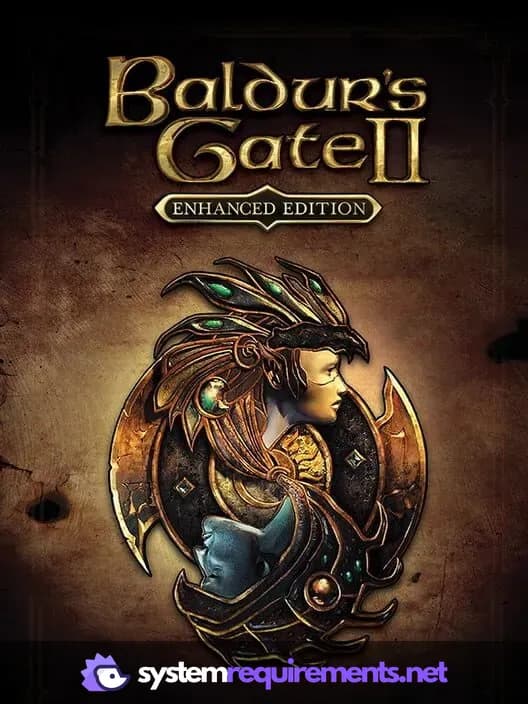
Baldur's Gate II: Enhanced Edition Game Info
Developer
Overhaul Games
Publisher
Atari, Inc.
Release Date
November 15, 2013
Platforms
PlayStation 4, Linux, Android, PC (Microsoft Windows), iOS
Genres
Game Modes
- Single player
- Multiplayer
- Co-operative
Baldur's Gate II: Enhanced Edition Screenshots

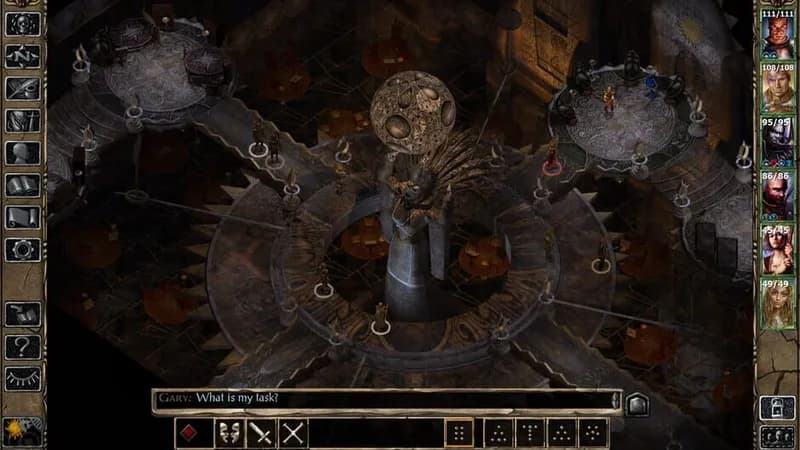
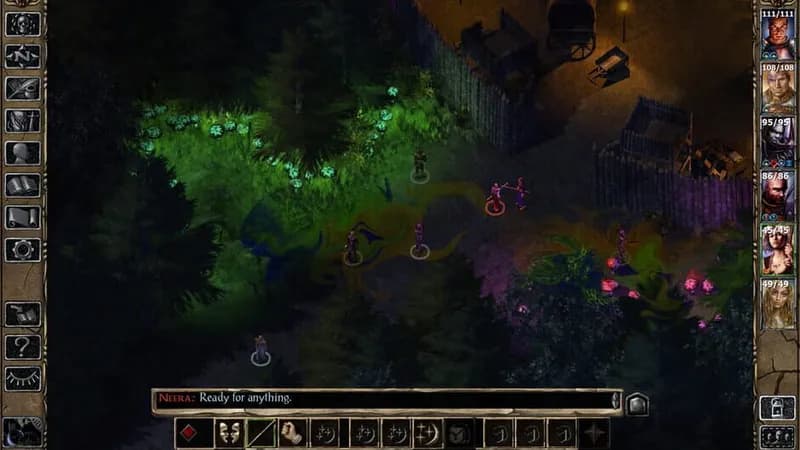
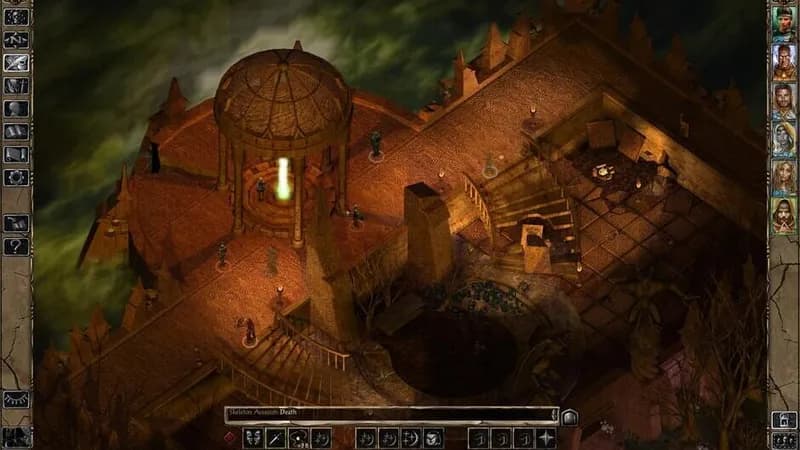
Games Similar to Baldur's Gate II: Enhanced Edition




Optimize Your PC for Baldur's Gate II: Enhanced Edition
Use our free tools to analyze and improve your gaming performance