
All Games
Besiege System Requirements
February 18, 2020Spiderling Games85/100
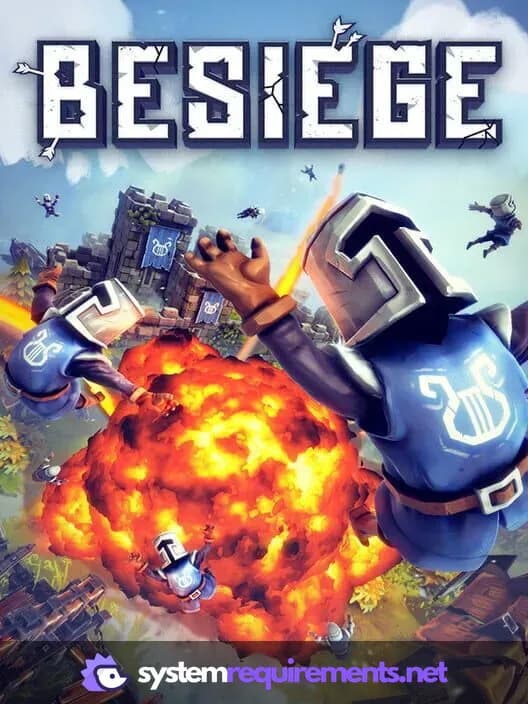
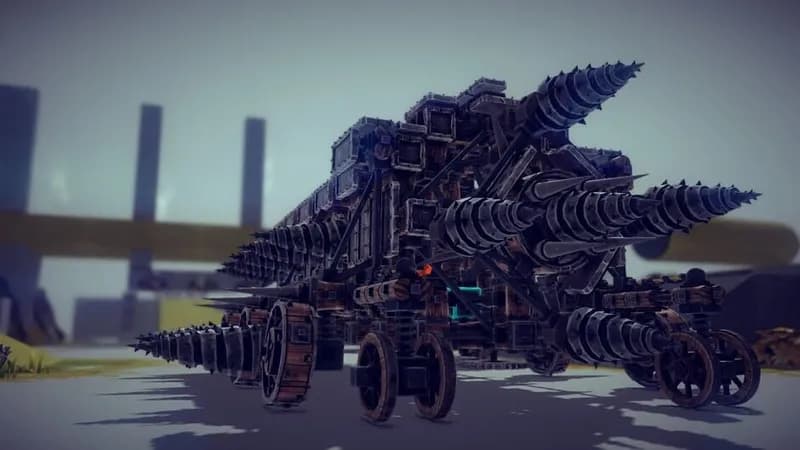
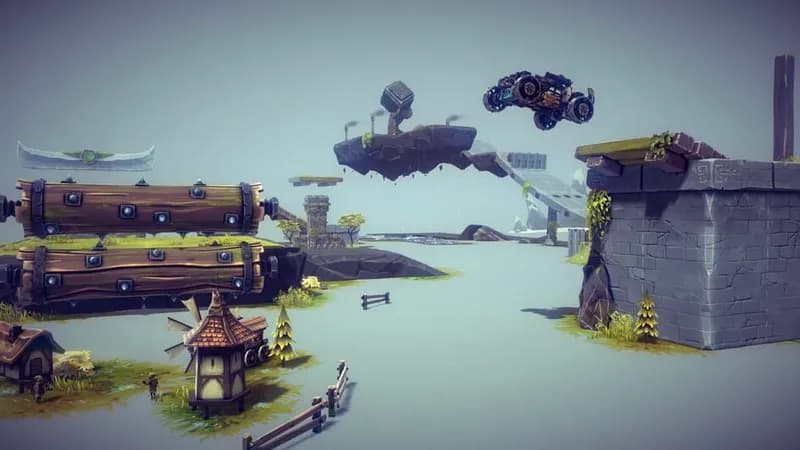
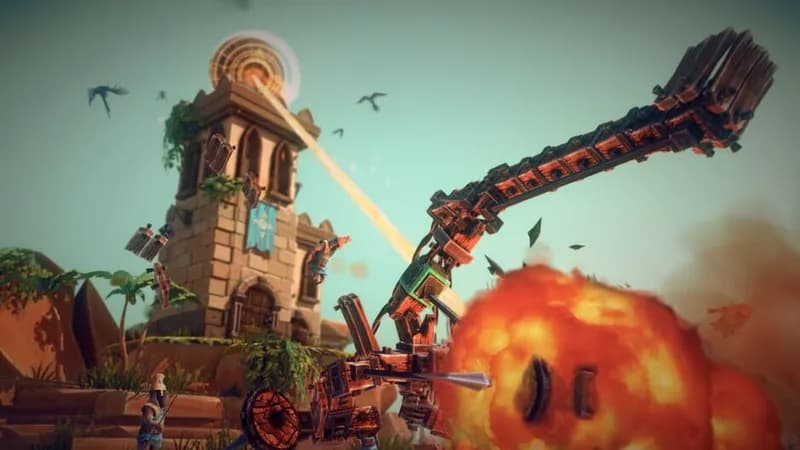
Engineer medieval mayhem in Besiege, a physics-based construction game. Design contraptions to demolish fortifications and conquer levels, then test your creations against others in multiplayer skirmishes.
Besiege Minimum & Recommended Specs
Minimum: 2.2Ghz Dual Core, 512MB Dedicated VRAM, 4 GB RAM. Recommended: 8 GB RAM RAM.
Minimum System Requirements
Recommended System Requirements
Upgrade Your Hardware
Trailer
Quick Performance Tips for Besiege
#1
Reduce the number of blocks in your machine.
#2
Disable unnecessary physics calculations.
#3
Lower the graphics settings for better FPS.
#4
Close other programs while playing Besiege.
Besiege System Requirements FAQ
Can I run Besiege on a low-end PC?
Besiege can run on low-end PCs that meet the minimum requirements (2.2Ghz Dual Core, 512MB Dedicated VRAM, 4 GB RAM). However, expect lower frame rates and potentially reduced graphical settings, especially with complex machines.
What GPU do I need for Besiege?
At a minimum, you need a GPU with 512MB of dedicated VRAM. For a smoother experience, especially with larger creations, a GPU with 2GB of dedicated VRAM is recommended.
How much RAM does Besiege need?
Besiege requires a minimum of 4 GB of RAM. However, 8 GB of RAM is recommended for handling more complex machines and larger levels without performance issues.
Will Besiege run on integrated graphics?
Besiege *may* run on integrated graphics if it meets the minimum 512MB VRAM requirement, but performance will likely be poor, especially with larger creations. Dedicated graphics are highly recommended.
What is the best graphics settings for Besiege?
Start with the 'Simple' or 'Fastest' preset and gradually increase settings like texture quality and shadow detail until you find a balance between visual quality and performance. Lowering physics detail can also help.
Besiege Game Info
Developer
Spiderling Games
Publisher
Spiderling Games
Release Date
February 18, 2020
Platforms
Xbox Series X|S, PlayStation 4, Linux, PC (Microsoft Windows), PlayStation 5
Genres
PuzzleSimulatorStrategyIndie
Game Modes
- Single player
- Multiplayer
- Co-operative
Besiege Screenshots
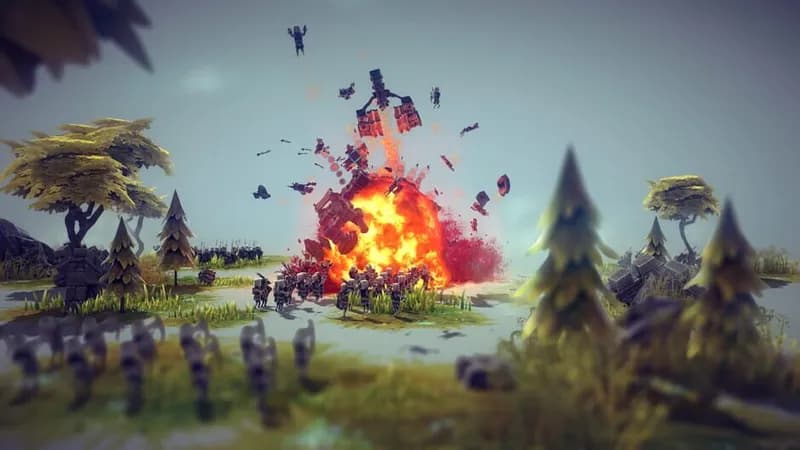
Optimize Your PC for Besiege
Use our free tools to analyze and improve your gaming performance