
All Games
Brick Rigs System Requirements
July 14, 2023Fluppisoft
Unleash your inner engineer in Brick Rigs, where virtual brick-based construction meets realistic physics. Design and pilot custom vehicles or explore a massive online library, then brace for spectacular crashes and structural damage.
Brick Rigs Minimum & Recommended Specs
Minimum: Intel Core i5-4460, GeForce GTX 750, 8 GB RAM. Recommended: 16 GB RAM RAM.
Minimum System Requirements
Recommended System Requirements
Upgrade Your Hardware
Trailer
Quick Performance Tips for Brick Rigs
#1
Reduce vehicle complexity to improve FPS.
#2
Lower shadow quality for a quick performance boost.
#3
Limit the number of active vehicles in your scene.
#4
Close unnecessary background programs to free up RAM.
Brick Rigs System Requirements FAQ
Can I run Brick Rigs on a low-end PC?
Brick Rigs can be demanding. If your PC is below the minimum requirements (Intel Core i5-4460, GeForce GTX 750 Ti, 8 GB RAM), you may experience significant performance issues, especially with complex builds. Lowering graphics settings and reducing vehicle complexity can help, but playability isn't guaranteed.
What GPU do I need for Brick Rigs?
At a minimum, you'll need a GeForce GTX 750 Ti or equivalent. For a smoother experience, especially with larger and more detailed creations, a GeForce GTX 1060 or better is recommended.
How much RAM does Brick Rigs need?
Brick Rigs requires at least 8 GB of RAM to run. However, 16 GB of RAM is highly recommended, especially when building large and complex vehicles or playing with many vehicles active at once. Insufficient RAM can lead to stuttering and crashes.
Will Brick Rigs run on integrated graphics?
While technically possible, running Brick Rigs on integrated graphics is not recommended. You will likely experience very low frame rates and significant performance issues, even with the lowest settings. A dedicated graphics card is highly advised.
What is the best graphics settings for Brick Rigs?
The best graphics settings depend on your hardware. Start with the 'Medium' preset and adjust from there. If you're experiencing lag, lower settings like 'Shadow Quality,' 'Reflection Quality,' and 'Anti-Aliasing.' 'Vehicle Detail' also significantly impacts performance.
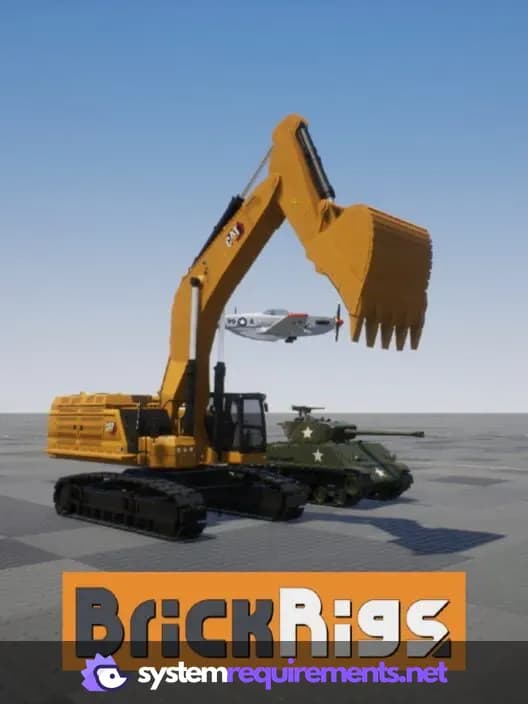
Brick Rigs Game Info
Developer
Fluppisoft
Publisher
Fluppisoft
Release Date
July 14, 2023
Platforms
PC (Microsoft Windows)
Genres
Simulator
Game Modes
- Single player
- Multiplayer
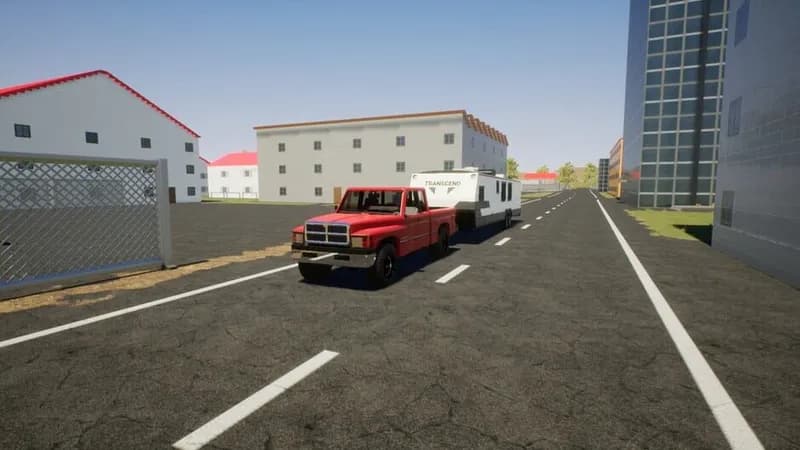
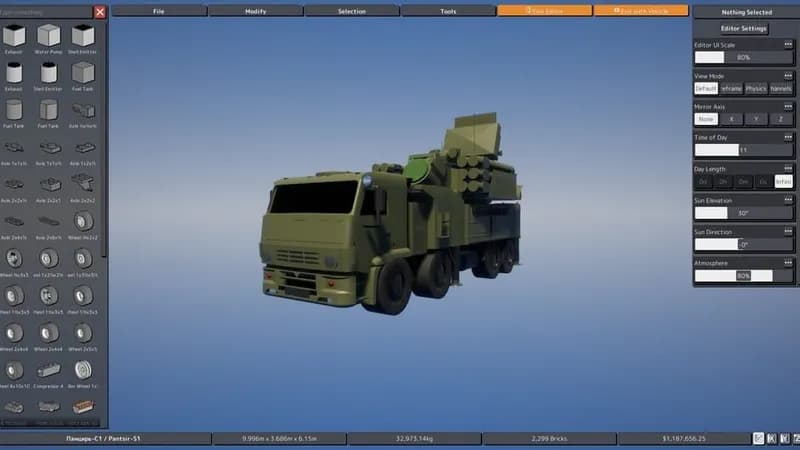
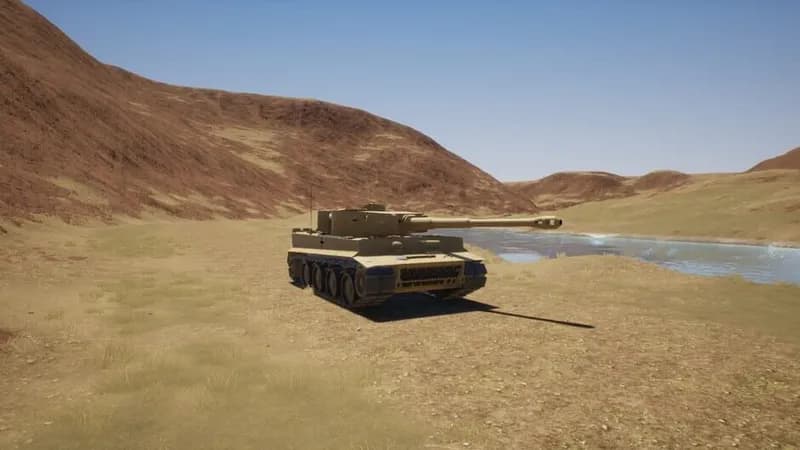
Brick Rigs Screenshots





Optimize Your PC for Brick Rigs
Use our free tools to analyze and improve your gaming performance