
All Games
Call of Duty: Ghosts System Requirements
November 5, 2013Treyarch74/100
In a shattered world, the United States has fallen from global dominance. A decade after a devastating event, a new threat rises, opposed only by the Ghosts: a coalition of elite special forces fighting to safeguard the remnants of their nation.
Call of Duty: Ghosts Minimum & Recommended Specs
Minimum: Intel Core 2, NVIDIA GeForce GTS, 6 GB RAM. Recommended: 8 GB RAM RAM.
Minimum System Requirements
Recommended System Requirements
Reveal Trailer
Quick Performance Tips for Call of Duty: Ghosts
#1
Lower shadow quality for a big FPS boost.
#2
Reduce texture resolution if experiencing lag.
#3
Disable anti-aliasing for better performance.
#4
Close unnecessary background applications.
Call of Duty: Ghosts System Requirements FAQ
Can I run Call of Duty: Ghosts on a low-end PC?
To run Call of Duty: Ghosts, your PC needs at least an Intel Core 2 Duo E8200 or AMD Phenom X3 8750, an NVIDIA GeForce GTS 450 or ATI Radeon HD 5870, and 6GB of RAM. If your PC meets these minimum specs, you should be able to play, but expect lower settings and frame rates. If you fall below, it's unlikely the game will run smoothly.
What GPU do I need for Call of Duty: Ghosts?
For minimum settings, you'll need at least an NVIDIA GeForce GTS 450 or an ATI Radeon HD 5870. For recommended settings and a smoother experience, an NVIDIA GeForce GTX 760 or AMD Radeon HD 7970 is recommended.
How much RAM does Call of Duty: Ghosts need?
Call of Duty: Ghosts requires a minimum of 6GB of RAM. However, 8GB of RAM is recommended for a better and more stable gameplay experience, especially at higher settings.
Will Call of Duty: Ghosts run on integrated graphics?
It's highly unlikely Call of Duty: Ghosts will run well, or at all, on integrated graphics. The minimum GPU requirements (GeForce GTS 450 or Radeon HD 5870) are significantly more powerful than most integrated graphics solutions.
What is the best graphics settings for Call of Duty: Ghosts?
The 'best' settings depend on your hardware. Start with medium settings and adjust from there. Prioritize maintaining a stable frame rate. Lowering shadow quality, texture resolution, and disabling anti-aliasing can significantly improve performance.
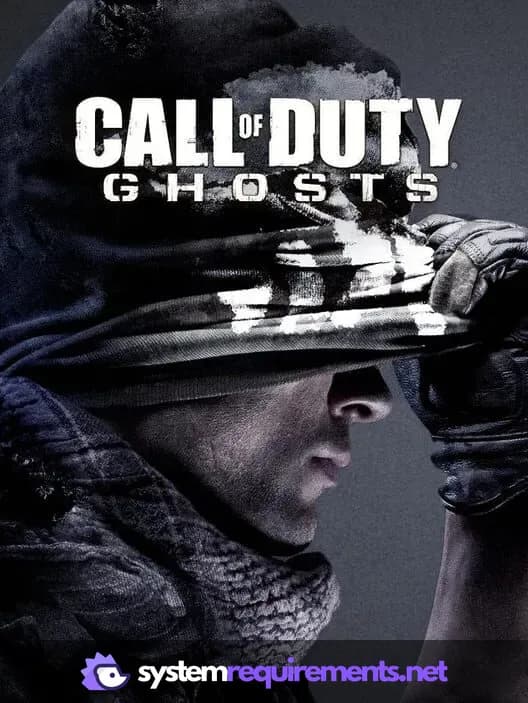
Call of Duty: Ghosts Game Info
Developer
Treyarch
Publisher
Activision
Release Date
November 5, 2013
Platforms
PlayStation 3, PlayStation 4, PC (Microsoft Windows), Wii U, Xbox 360
Genres
Shooter
Game Modes
- Single player
- Multiplayer
- Co-operative
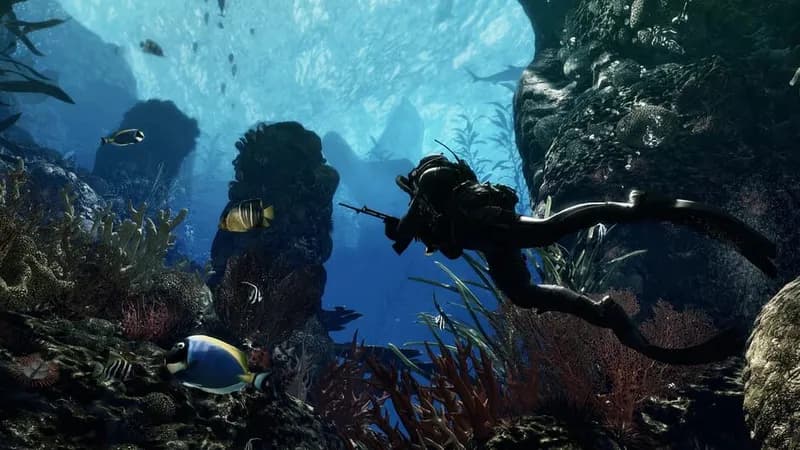
Call of Duty: Ghosts Screenshots
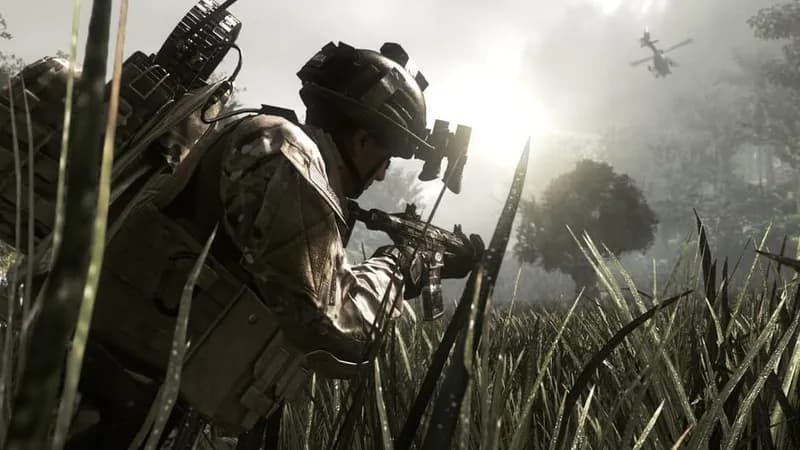
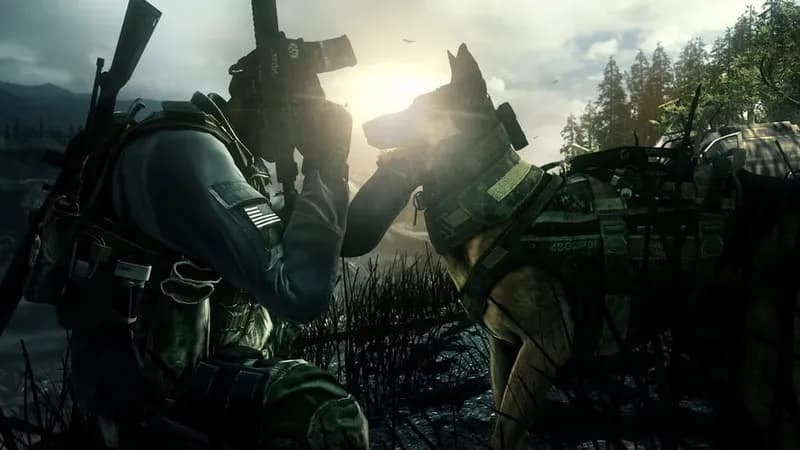
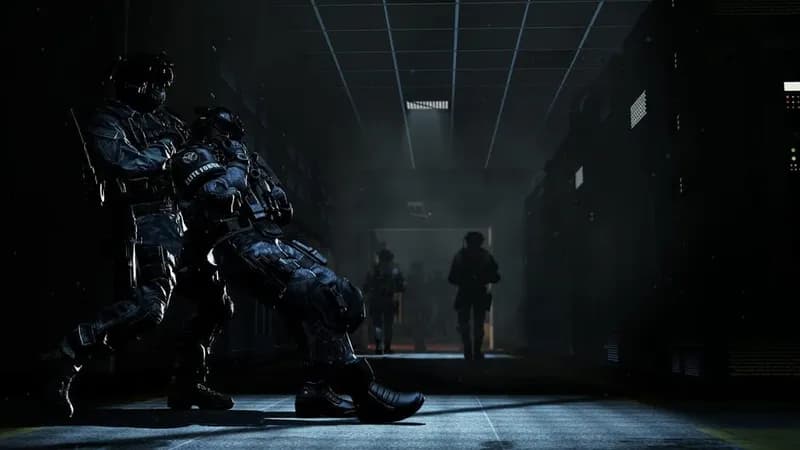
Games Similar to Call of Duty: Ghosts
Optimize Your PC for Call of Duty: Ghosts
Use our free tools to analyze and improve your gaming performance