
All Games
Call of Duty: World at War System Requirements
November 11, 2008Treyarch80/100
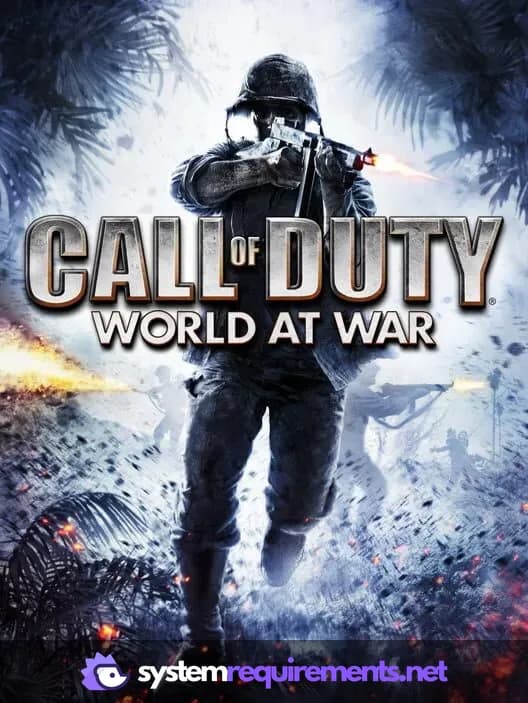
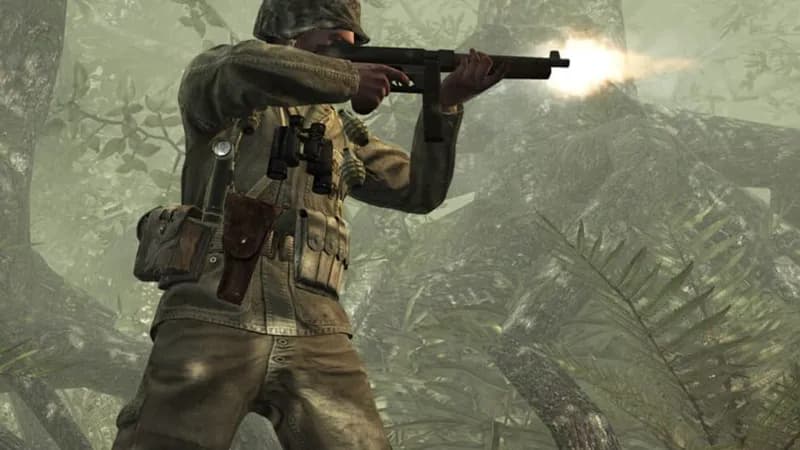
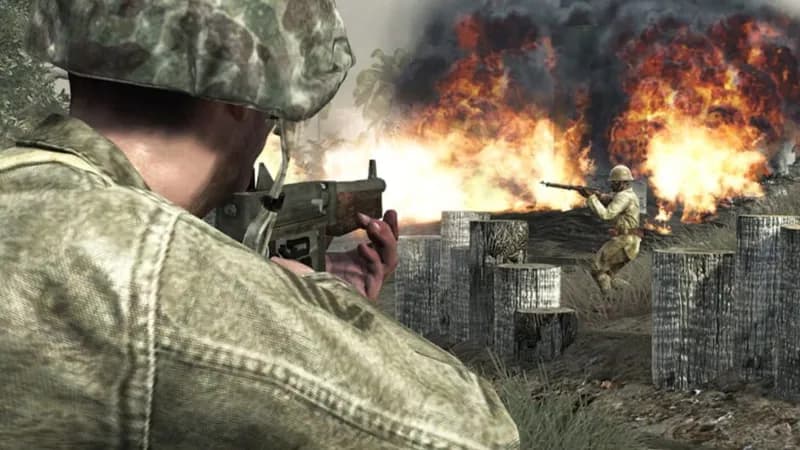
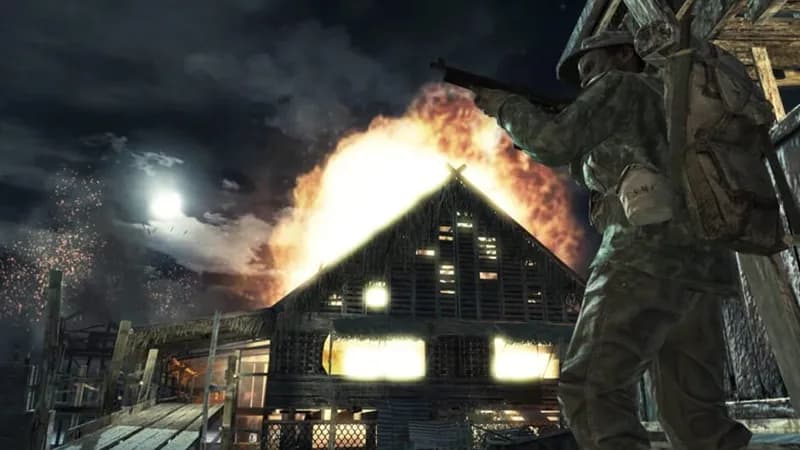
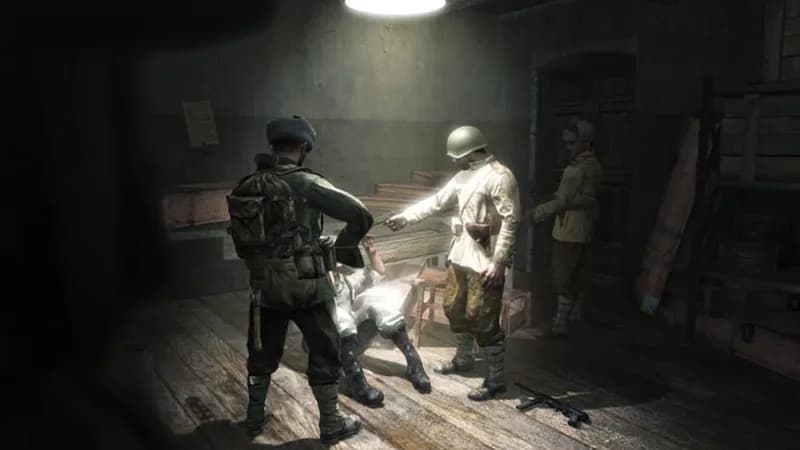
Experience brutal WWII battles across both European and Pacific theaters. Coordinate with allies to overcome harrowing campaigns and witness the Axis powers' final stand.
Call of Duty: World at War Minimum & Recommended Specs
Minimum: Intel Pentium 4, NVIDIA GeForce 6600/ATI, 512MB RAM (1GB for Vista). Recommended: 1GB RAM (2GB for Vista) RAM.
Minimum System Requirements
Recommended System Requirements
Launch Trailer
Quick Performance Tips for Call of Duty: World at War
#1
Lower texture quality for a quick FPS boost.
#2
Disable anti-aliasing for better performance.
#3
Reduce shadow quality for increased frame rates.
#4
Close background apps to free up RAM.
Call of Duty: World at War System Requirements FAQ
Can I run Call of Duty: World at War on a low-end PC?
If your PC meets the minimum requirements of a Intel Pentium 4 3 GHz/AMD Athlon 64 3200+, NVIDIA GeForce 6600/ATI Radeon X1600 or better with Shader Model 3.0 and 128 MB VRAM, and 512MB RAM (1GB for Vista), you should be able to run the game at lower settings. Performance may vary.
What GPU do I need for Call of Duty: World at War?
At a minimum, you'll need an NVIDIA GeForce 6600 or ATI Radeon X1600 or better with Shader Model 3.0 and 128 MB VRAM. For a better experience, an NVIDIA GeForce 8800 GT or ATI Radeon HD 3870 or better with 256 MB VRAM is recommended.
How much RAM does Call of Duty: World at War need?
The game requires at least 512MB of RAM, but 1GB is recommended, especially if you are running Windows Vista. 2GB is recommended for Vista if you want a smoother experience.
Will Call of Duty: World at War run on integrated graphics?
It's unlikely Call of Duty: World at War will run well on integrated graphics. The game requires a dedicated graphics card with Shader Model 3.0 support. Integrated graphics solutions generally don't meet these requirements.
What is the best graphics settings for Call of Duty: World at War?
The best settings depend on your hardware. Start with medium settings and adjust from there. If you experience lag, lower settings like texture quality, shadows, and anti-aliasing. If your PC exceeds recommended, try high settings.
Call of Duty: World at War Game Info
Developer
Treyarch
Publisher
Activision
Release Date
November 11, 2008
Platforms
PlayStation 3, PC (Microsoft Windows), Xbox 360
Genres
ShooterAdventure
Game Modes
- Single player
- Multiplayer
- Co-operative
- Split screen
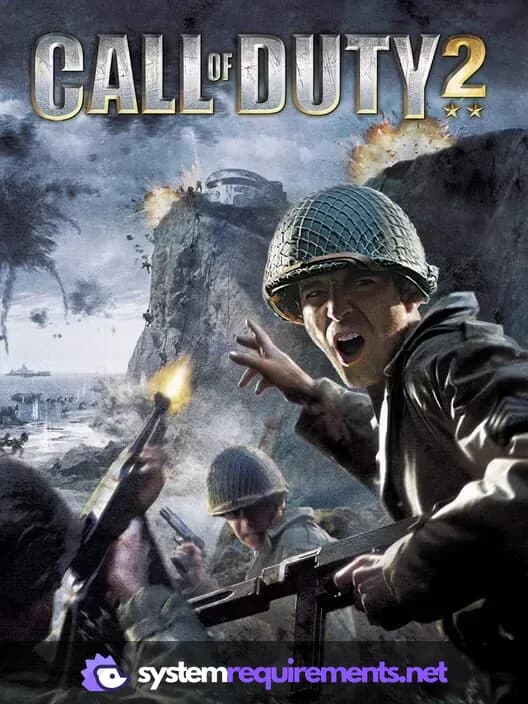
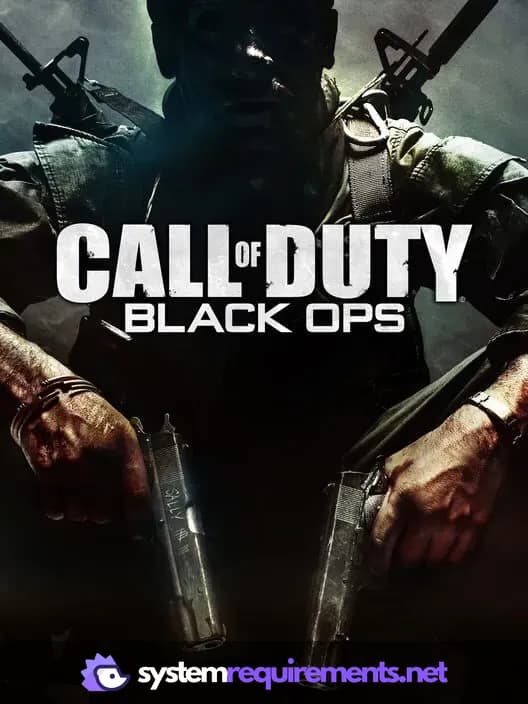
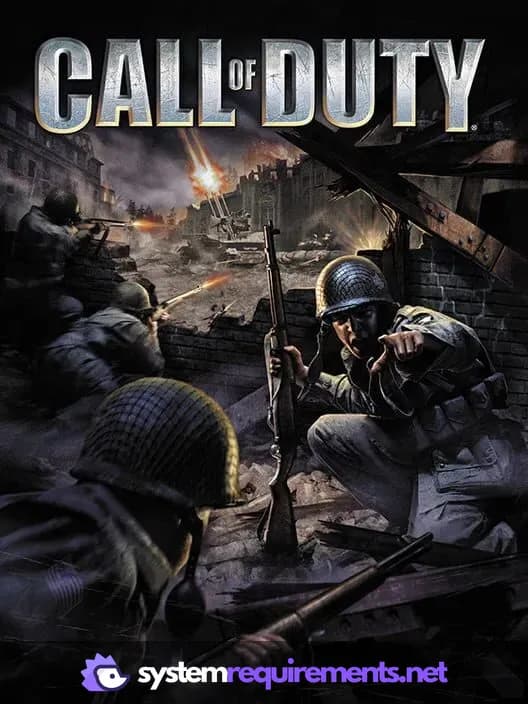
Call of Duty: World at War Screenshots



Optimize Your PC for Call of Duty: World at War
Use our free tools to analyze and improve your gaming performance