
All Games
Caribbean Legend - Ships Pack: Part 4 System Requirements
Caribbean Legend - Ships Pack: Part 4 Minimum & Recommended Specs
Minimum: Intel Core i5-4690K, Nvidia GeForce GTX, 8 GB RAM. Recommended: 16 GB RAM RAM.
Minimum System Requirements
Recommended System Requirements
Upgrade Your Hardware
Quick Performance Tips for Caribbean Legend - Ships Pack: Part 4
#1
Lower shadow quality for a quick FPS boost.
#2
Reduce water detail if you experience lag near the sea.
#3
Close background applications to free up RAM.
#4
Update your graphics drivers for optimal performance.
Caribbean Legend - Ships Pack: Part 4 System Requirements FAQ
Can I run Caribbean Legend - Ships Pack: Part 4 on a low-end PC?
While it might run, a PC below the minimum specs (Intel Core i5-4690K, Nvidia GeForce GTX 960, 8 GB RAM) will likely experience significant performance issues, even at the lowest settings. Upgrading is recommended for a better experience.
What GPU do I need for Caribbean Legend - Ships Pack: Part 4?
At a minimum, you'll need an Nvidia GeForce GTX 960. For a smoother experience at higher settings, an Nvidia GeForce GTX 1070 or better is recommended.
How much RAM does Caribbean Legend - Ships Pack: Part 4 need?
The game requires at least 8 GB of RAM to run. For optimal performance and to avoid stuttering, 16 GB of RAM is recommended.
Will Caribbean Legend - Ships Pack: Part 4 run on integrated graphics?
Integrated graphics cards are generally not powerful enough to run Caribbean Legend - Ships Pack: Part 4 smoothly. A dedicated graphics card is required for a playable experience.
What is the best graphics settings for Caribbean Legend - Ships Pack: Part 4?
The best settings depend on your hardware. If you meet the recommended specs, try 'High' settings. If you only meet the minimum, start with 'Low' and gradually increase settings until you find a balance between visual quality and performance.
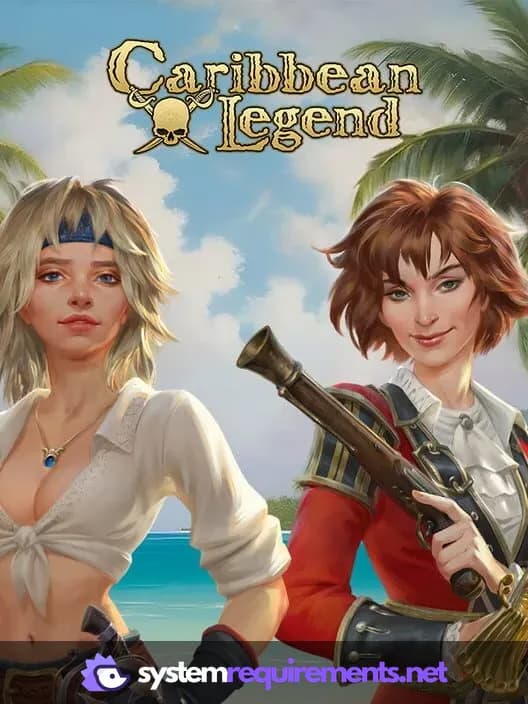
Caribbean Legend - Ships Pack: Part 4 Game Info
Caribbean Legend - Ships Pack: Part 4 Screenshots

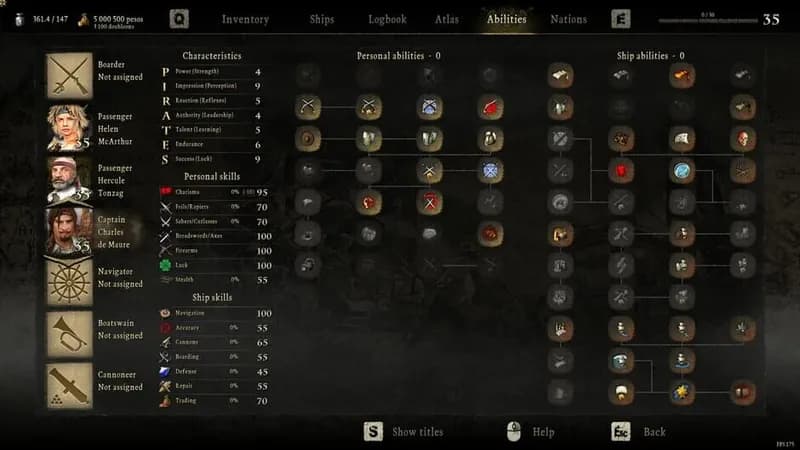

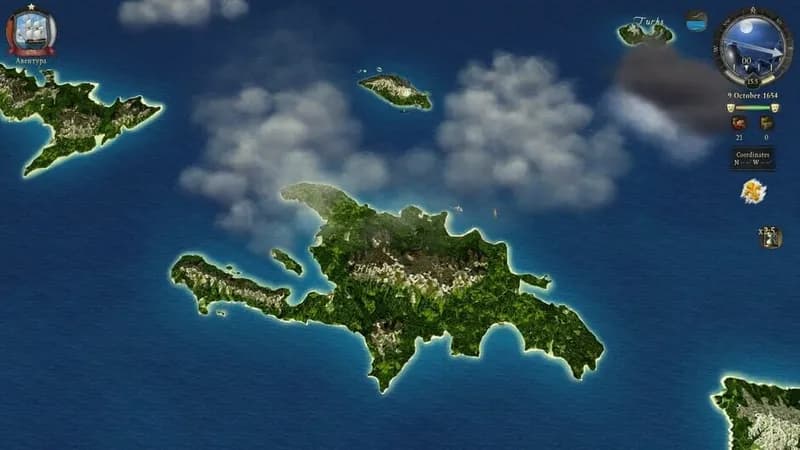
Games Similar to Caribbean Legend - Ships Pack: Part 4

Wandering Sword - Secrets of the Eastern Sea
View requirements →

Ultimate Theater Simulator
View requirements →

Call of the Wild: The Angler
View requirements →

The Chef's Shift
View requirements →
Sniper Elite 5: Conqueror Mission, Weapon and Skin Pack
View requirements →

Super Mega Baseball 4
View requirements →
Optimize Your PC for Caribbean Legend - Ships Pack: Part 4
Use our free tools to analyze and improve your gaming performance