
All Games
Cities: Skylines II - Bridges & Ports System Requirements
October 29, 2025
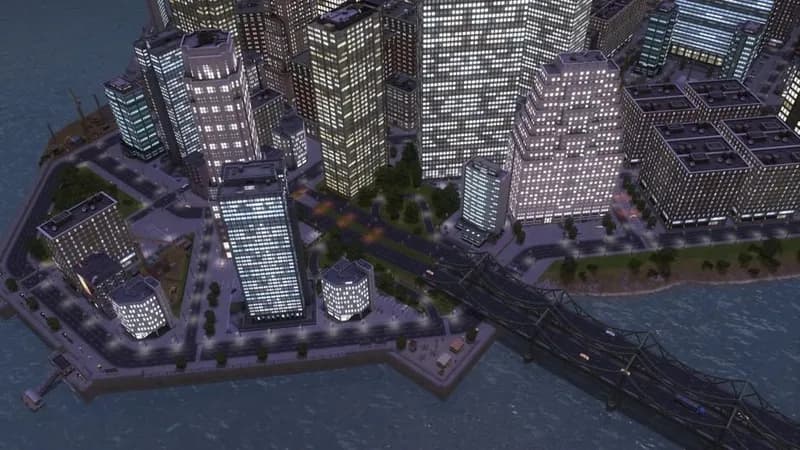
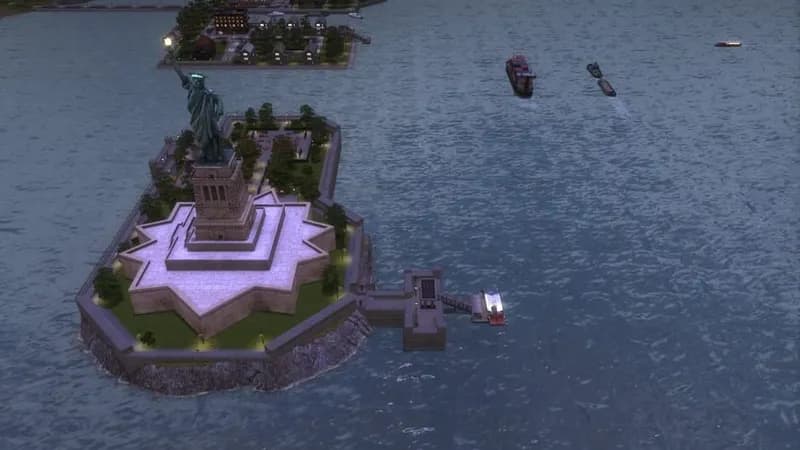
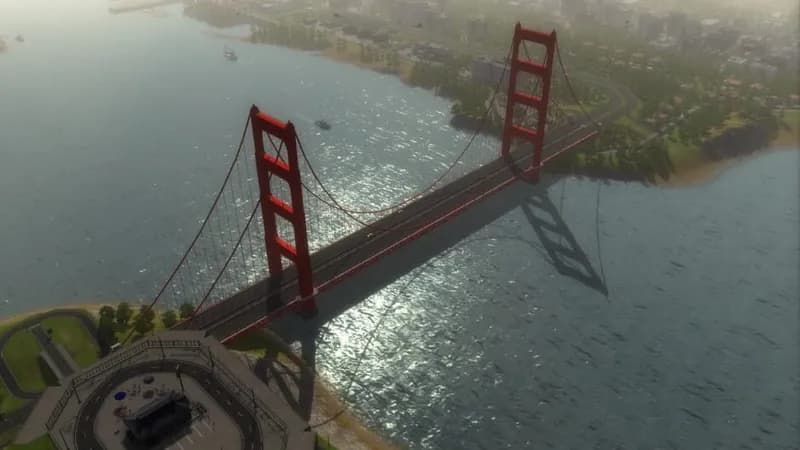
Expand your city's waterfront with Bridges & Ports, allowing for intricate harbor construction and coastal customization. New assets include drawbridges and lighthouses to enhance the visual appeal and functionality of your city's infrastructure.
Cities: Skylines II - Bridges & Ports Minimum & Recommended Specs
Minimum: Intel Core i5-4670K, Nvidia GeForce GTX, 8 GB RAM. Recommended: 16 GB RAM RAM.
Minimum System Requirements
Recommended System Requirements
Quick Performance Tips for Cities: Skylines II - Bridges & Ports
#1
Lower shadow quality for a quick FPS boost.
#2
Reduce the level of detail setting.
#3
Close unnecessary background applications.
#4
Upgrade your RAM if you're close to the minimum.
Cities: Skylines II - Bridges & Ports System Requirements FAQ
Can I run Cities: Skylines II - Bridges & Ports on a low-end PC?
If your PC meets the *minimum* requirements (Intel Core i5-4670K / AMD Ryzen 5 1600X, Nvidia GeForce GTX 780 (3GB) / AMD Radeon RX 470 (4GB), 8 GB RAM), you should be able to run the game, but expect lower graphics settings and potentially lower performance, especially in larger cities.
What GPU do I need for Cities: Skylines II - Bridges & Ports?
The *minimum* GPU is an Nvidia GeForce GTX 780 (3GB) or an AMD Radeon RX 470 (4GB). For a smoother experience with higher settings, an Nvidia GeForce RTX 2060 (6GB) or an AMD Radeon RX 5700 XT (8GB) is *recommended*.
How much RAM does Cities: Skylines II - Bridges & Ports need?
The game requires at least 8 GB of RAM to run. However, 16 GB of RAM is *recommended* for optimal performance, especially when building large and complex cities with the new Bridges & Ports content.
Will Cities: Skylines II - Bridges & Ports run on integrated graphics?
Running Cities: Skylines II - Bridges & Ports on integrated graphics is *not recommended*. The game is graphically demanding, and integrated graphics cards typically lack the processing power to provide a playable experience. You'll likely experience very low frame rates and visual issues.
What is the best graphics settings for Cities: Skylines II - Bridges & Ports?
The best graphics settings depend on your hardware. If you meet the *recommended* specs, you can likely run the game on medium to high settings. If you only meet the *minimum* specs, start with low settings and gradually increase them until you find a balance between visual quality and performance. Pay close attention to settings like shadow quality and level of detail, as they can significantly impact performance.
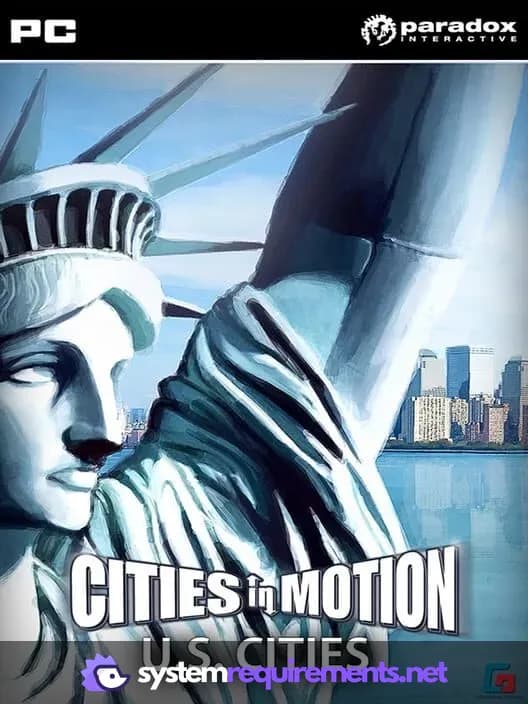
Cities: Skylines II - Bridges & Ports Game Info
Release Date
October 29, 2025
Platforms
PC (Microsoft Windows)
Genres
Simulator
Game Modes
- Single player
Cities: Skylines II - Bridges & Ports Screenshots
Games Similar to Cities: Skylines II - Bridges & Ports





Optimize Your PC for Cities: Skylines II - Bridges & Ports
Use our free tools to analyze and improve your gaming performance