All Games

Crusader Kings III System Requirements

September 1, 2020Paradox Development Studio91/100

Crusader Kings III tasks players with dynastic survival through medieval politics, intrigue, and warfare. Manage your realm, forge alliances, and navigate a vast, historically rich map to secure your legacy across generations.

Crusader Kings III Minimum & Recommended Specs

Minimum: Intel Core i5-750, Nvidia GeForce GTX, 4 GB RAM. Recommended: 8 GB RAM RAM.

Minimum System Requirements

OS
Windows 8.1 64 bit
Processor
Intel Core i5-750 or AMD Phenom II X4 955CPU Deals
RAM
4 GB RAMRAM Deals
Graphics Card
Nvidia GeForce GTX 460 (1GB) or AMD Radeon HD 6970 (1GB) or Intel Iris Xe G7GPU Deals
DirectX
DirectX 9
Storage
8 GB available spaceSSD Deals

Recommended System Requirements

OS
Windows 10 64 bit
Processor
Intel Core i5-4670K or AMD Ryzen 5 1600XCPU Deals
RAM
8 GB RAMRAM Deals
Graphics Card
Nvidia GeForce GTX 1650 (4GB) or AMD Radeon R7 370 (4GB)GPU Deals
DirectX
DirectX 11
Storage
8 GB available spaceSSD Deals

Announcement Trailer

Quick Performance Tips for Crusader Kings III

#1

Lower graphics settings for better performance.

#2

Disable unnecessary DLC to reduce load.

#3

Close background apps to free up RAM.

#4

Update your graphics drivers regularly.

Crusader Kings III System Requirements FAQ

Can I run Crusader Kings III on a low-end PC?
Potentially, but you'll need at least an Intel Core i5-750 or AMD Phenom II X4 955 CPU, a Nvidia GeForce GTX 460 (1GB) or AMD Radeon HD 6970 (1GB) or Intel Iris Xe G7 GPU, and 4GB of RAM to meet the *minimum* requirements. Expect low graphics settings and potentially lower performance, especially in later game stages with large empires.
What GPU do I need for Crusader Kings III?
For minimum settings, an Nvidia GeForce GTX 460 (1GB) or AMD Radeon HD 6970 (1GB) or Intel Iris Xe G7 is required. For recommended settings and a smoother experience, aim for an Nvidia GeForce GTX 1650 (4GB) or AMD Radeon R7 370 (4GB).
How much RAM does Crusader Kings III need?
The minimum RAM requirement is 4GB, but 8GB is recommended. More RAM will significantly improve performance, especially in the late game when the map is more populated with characters and empires.
Will Crusader Kings III run on integrated graphics?
The minimum requirements mention Intel Iris Xe G7 which is an integrated graphics solution. However, performance might be limited, particularly with larger empires and higher graphical settings. You may need to lower settings significantly for playable framerates.
What is the best graphics settings for Crusader Kings III?

The 'best' settings depend on your hardware. Start with the 'Medium' preset and adjust from there. Lowering settings like shadows, water detail, and texture quality can significantly improve performance without drastically impacting visual quality. Experiment to find the balance that works for you.
Crusader Kings III PC game cover art

Crusader Kings III Game Info

Developer

Paradox Development Studio

Publisher

Paradox Interactive

Release Date

September 1, 2020

Platforms

Xbox Series X|S, Linux, PC (Microsoft Windows), PlayStation 5, Mac

Genres

Role-playing (RPG)SimulatorStrategy

Game Modes

  • Single player
  • Multiplayer

Crusader Kings III Screenshots

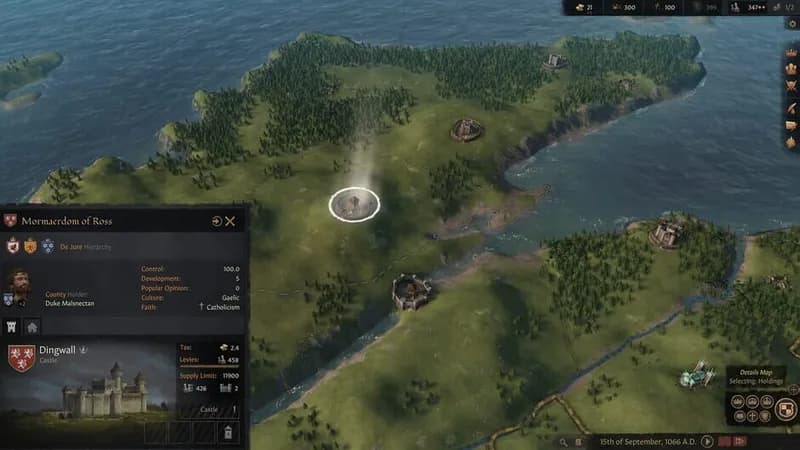
Crusader Kings III gameplay screenshot 1
Crusader Kings III gameplay screenshot 2
Crusader Kings III gameplay screenshot 3
Crusader Kings III gameplay screenshot 4
Crusader Kings III System Requirements - Can Your PC Run It?