
All Games
DAVIGO: VR vs. PC System Requirements
DAVIGO: VR vs. PC Minimum & Recommended Specs
Minimum: Intel i5-4590 /, Nvidia GTX 970, 8 GB RAM. Recommended: 16 GB RAM RAM.
Minimum System Requirements
Recommended System Requirements
Quick Performance Tips for DAVIGO: VR vs. PC
#1
Lower shadow quality for a quick performance boost.
#2
Reduce texture resolution if you're running low on VRAM.
#3
Close other applications to free up system resources.
#4
Ensure your graphics drivers are up to date.
DAVIGO: VR vs. PC System Requirements FAQ
Can I run DAVIGO: VR vs. PC on a low-end PC?
DAVIGO requires a dedicated graphics card. If your PC only meets the minimum specs (Intel i5-4590 / AMD Ryzen 5 1500X, Nvidia GTX 970 / AMD Radeon RX 480, 8 GB RAM), you may experience lower frame rates or need to reduce graphics settings. If your PC is below the minimum, the game may be unplayable.
What GPU do I need for DAVIGO: VR vs. PC?
The minimum GPU required is an Nvidia GTX 970 or AMD Radeon RX 480. For the best experience, we recommend an Nvidia RTX 2060 or AMD Radeon RX 5700.
How much RAM does DAVIGO: VR vs. PC need?
DAVIGO requires at least 8 GB of RAM. We recommend 16 GB of RAM for smoother gameplay, especially at higher resolutions or with more complex scenes.
Will DAVIGO: VR vs. PC run on integrated graphics?
DAVIGO is unlikely to run well, or at all, on integrated graphics. A dedicated graphics card meeting the minimum specifications is required for acceptable performance.
What is the best graphics settings for DAVIGO: VR vs. PC?
The best graphics settings depend on your hardware. If you meet the recommended specs, you should be able to run the game on high settings. If you are closer to the minimum specs, try lowering settings like shadow quality, texture resolution, and anti-aliasing.
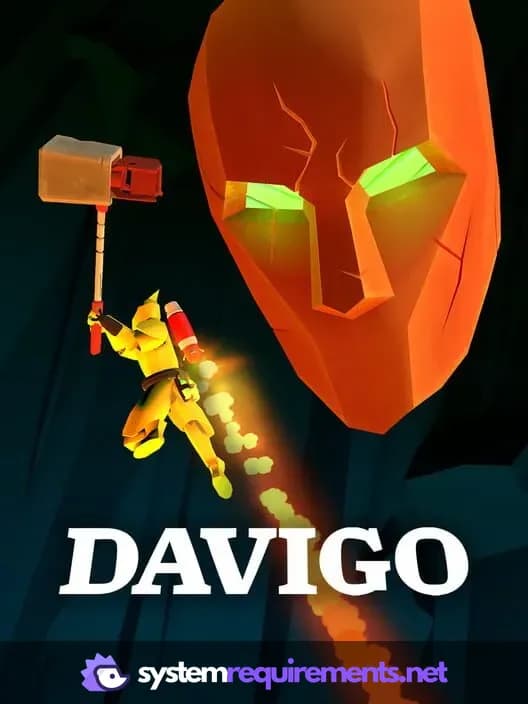
DAVIGO: VR vs. PC Game Info
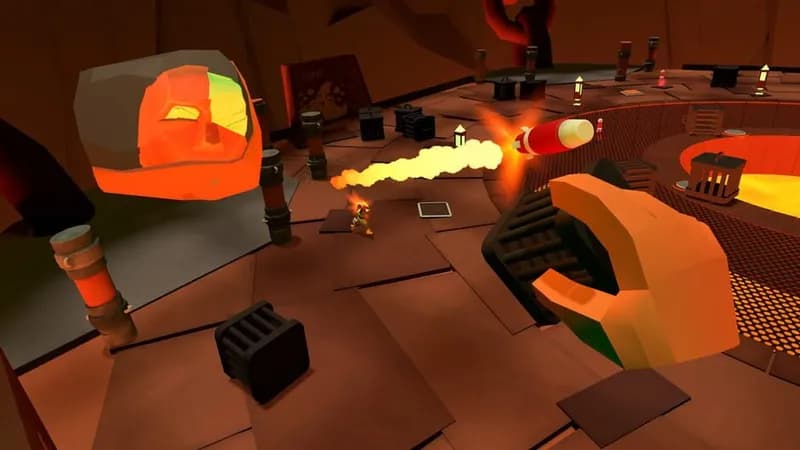
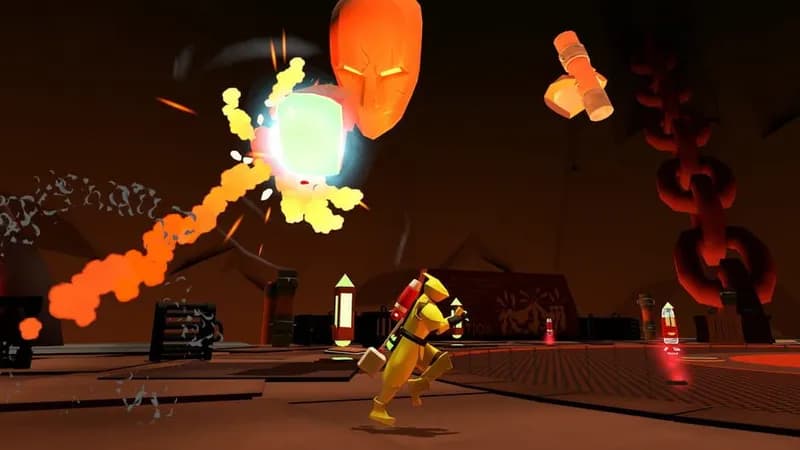
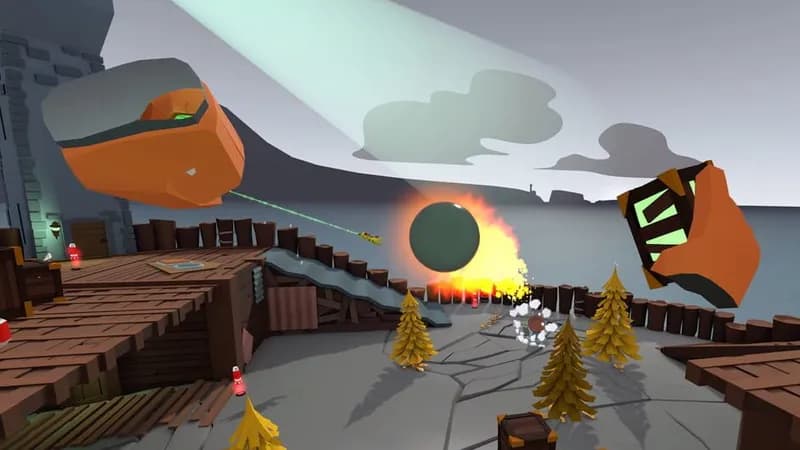
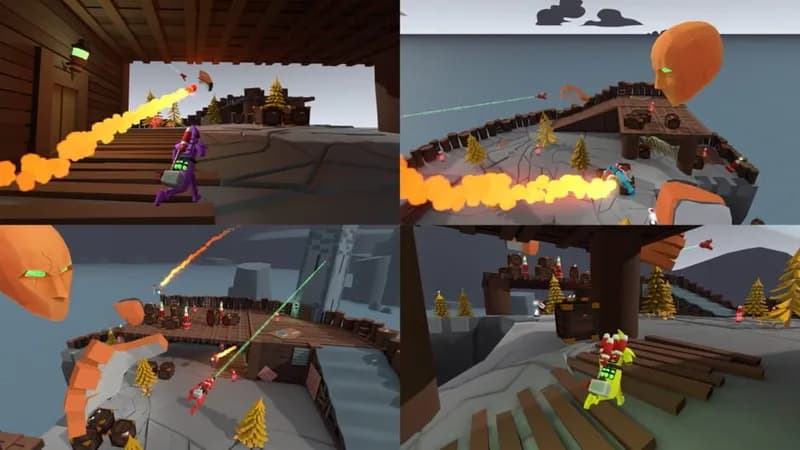
DAVIGO: VR vs. PC Screenshots
Games Similar to DAVIGO: VR vs. PC




Optimize Your PC for DAVIGO: VR vs. PC
Use our free tools to analyze and improve your gaming performance