
Dead by Daylight: Five Nights at Freddy’s System Requirements
Dead by Daylight: Five Nights at Freddy's introduces Springtrap as a playable Killer. Owning this DLC grants access to the Stack of Pizzas icon and Vent Crawl background.
Dead by Daylight: Five Nights at Freddy’s Minimum & Recommended Specs
Minimum: Intel Core i5-4690K, GeForce GTX 460, 8 GB RAM. Recommended: 8 GB RAM RAM.
Minimum System Requirements
Recommended System Requirements
Trailer
Quick Performance Tips for Dead by Daylight: Five Nights at Freddy’s
Lower shadow quality for a quick FPS boost.
Disable or reduce post-processing effects.
Reduce resolution for better performance.
Close background apps while playing.
Dead by Daylight: Five Nights at Freddy’s System Requirements FAQ
Can I run Dead by Daylight: Five Nights at Freddy’s on a low-end PC?
What GPU do I need for Dead by Daylight: Five Nights at Freddy’s?
How much RAM does Dead by Daylight: Five Nights at Freddy’s need?
Will Dead by Daylight: Five Nights at Freddy’s run on integrated graphics?
What is the best graphics settings for Dead by Daylight: Five Nights at Freddy’s?
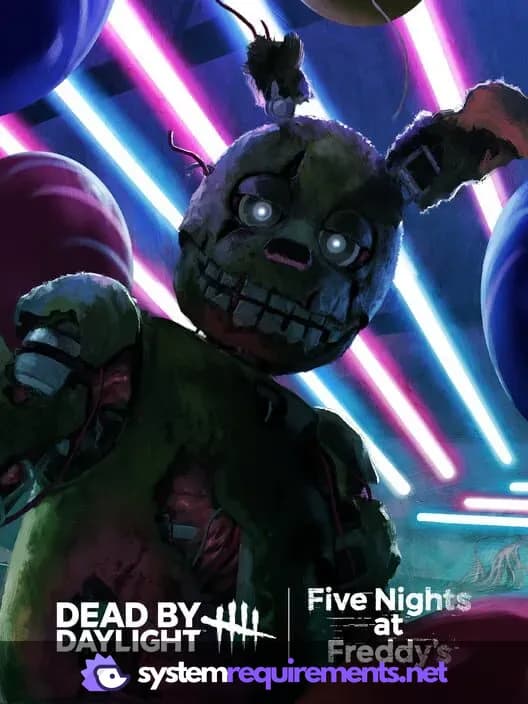
Dead by Daylight: Five Nights at Freddy’s Game Info
Developer
Behaviour Interactive
Publisher
Behaviour Interactive
Release Date
June 17, 2025
Platforms
Xbox Series X|S, PlayStation 4, PC (Microsoft Windows), PlayStation 5, Xbox One
Genres
Game Modes
- Multiplayer
- Co-operative
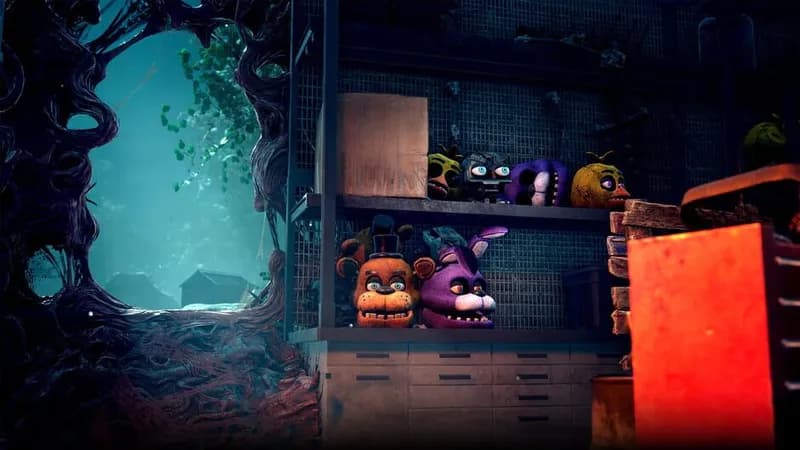
Dead by Daylight: Five Nights at Freddy’s Screenshots
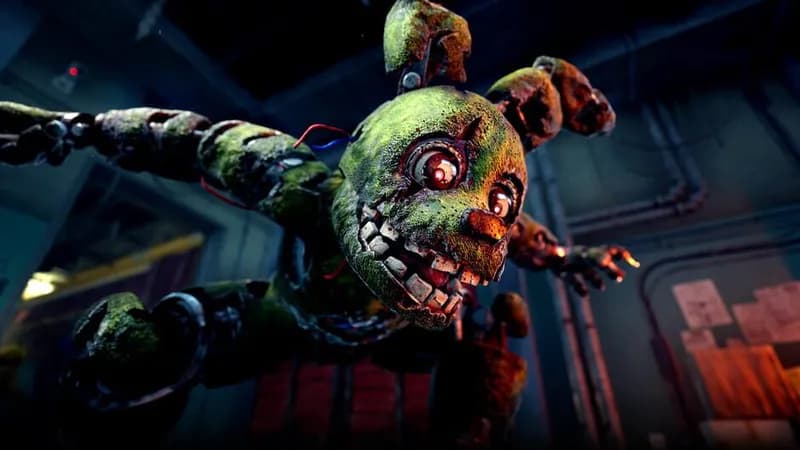
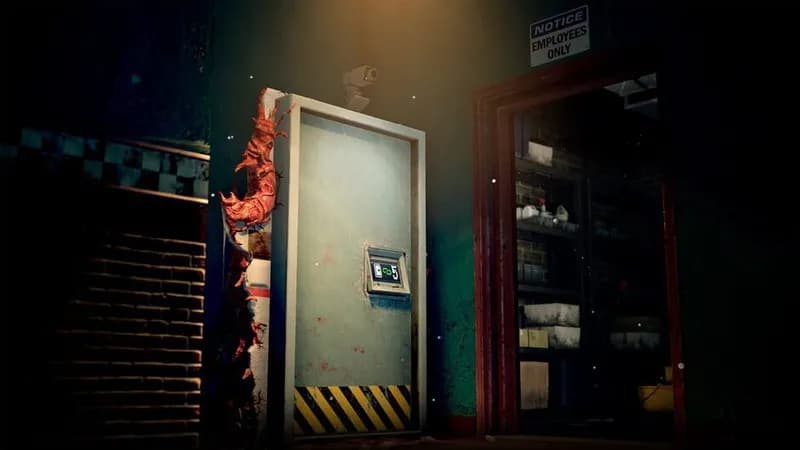
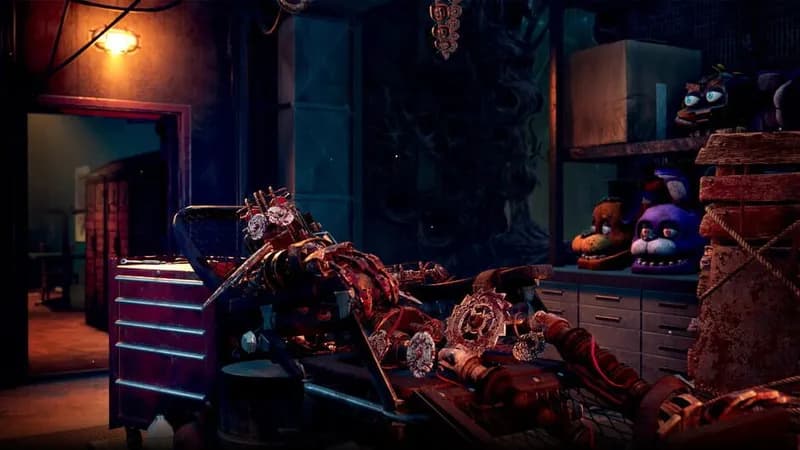
Games Similar to Dead by Daylight: Five Nights at Freddy’s
Dead by Daylight - Castlevania Chapter
View requirements →
Dead by Daylight - Dungeons & Dragons
View requirements →

Dead by Daylight - Old Wounds Pack
View requirements →
Dead by Daylight - Maddening Darkness Pack
View requirements →
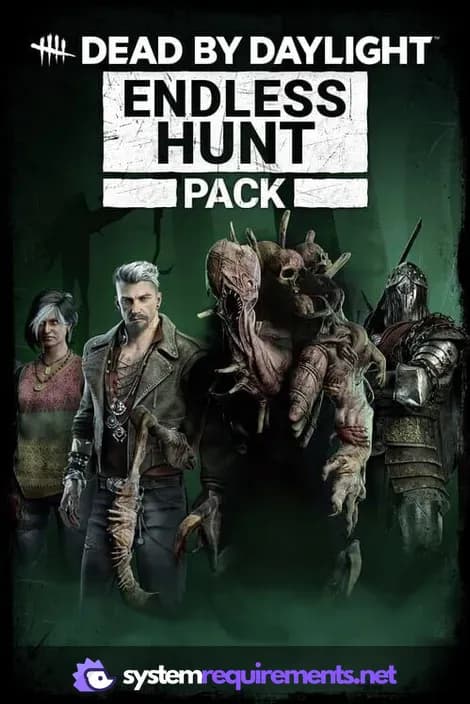
Dead by Daylight - Endless Hunt Pack
View requirements →
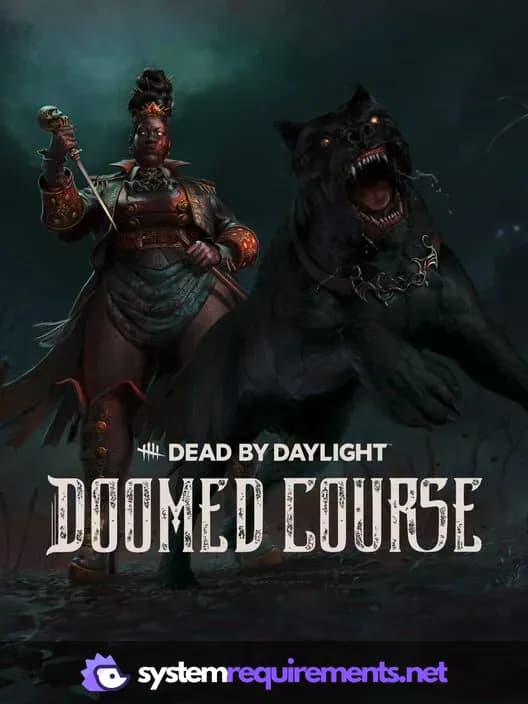
Dead by Daylight - Doomed Course
View requirements →
Optimize Your PC for Dead by Daylight: Five Nights at Freddy’s
Use our free tools to analyze and improve your gaming performance
Estimate FPS for Dead by Daylight: Five Nights at Freddy’s
Calculate expected frame rates with your hardware
Check for Bottlenecks
Find if your CPU or GPU is holding you back
Calculate PSU Wattage
Make sure your power supply can handle your build
Compare Graphics Cards
Find the best GPU upgrade for your needs