
All Games
Disney G-Force System Requirements
Disney G-Force Minimum & Recommended Specs
Minimum: Intel Pentium 4, 128MB NVIDIA GeForce, 512MB RAM. Recommended: 1GB RAM RAM.
Minimum System Requirements
Recommended System Requirements
Quick Performance Tips for Disney G-Force
#1
Lower the resolution for a significant performance boost.
#2
Disable anti-aliasing if you're experiencing slowdowns.
#3
Close unnecessary background programs to free up RAM.
#4
Update your graphics drivers for potential performance improvements.
Disney G-Force System Requirements FAQ
Can I run Disney G-Force on a low-end PC?
Disney G-Force is designed to run on older hardware. If your PC meets the minimum requirements (Intel Pentium 4 2.0GHz / AMD Athlon XP 2200+, 128MB NVIDIA GeForce 6600 / ATI Radeon X1300, 512MB RAM), you should be able to play, though you may need to lower the graphics settings for optimal performance.
What GPU do I need for Disney G-Force?
At a minimum, you'll need a 128MB NVIDIA GeForce 6600 or an ATI Radeon X1300. For a smoother experience, a 256MB NVIDIA GeForce 8600 or ATI Radeon HD 2600 is recommended.
How much RAM does Disney G-Force need?
The game requires a minimum of 512MB of RAM. However, 1GB of RAM is recommended for better performance, especially at higher resolutions or graphics settings.
Will Disney G-Force run on integrated graphics?
It's unlikely Disney G-Force will run well on most integrated graphics solutions from that era. Integrated graphics generally don't meet the minimum GPU requirements (NVIDIA GeForce 6600 / ATI Radeon X1300). You may experience very low framerates or graphical glitches.
What is the best graphics settings for Disney G-Force?
If you meet the recommended specs, you should be able to run the game at higher settings. If you're closer to the minimum, try lowering the resolution, disabling anti-aliasing, and reducing texture quality for smoother gameplay.

Disney G-Force Game Info
Disney G-Force Screenshots
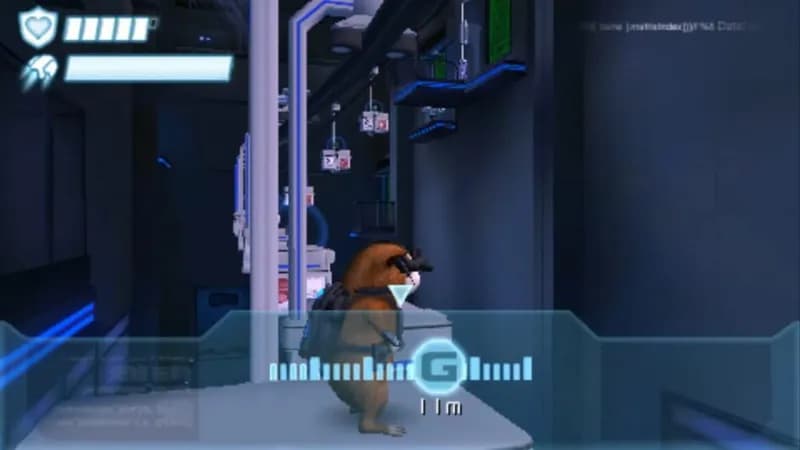
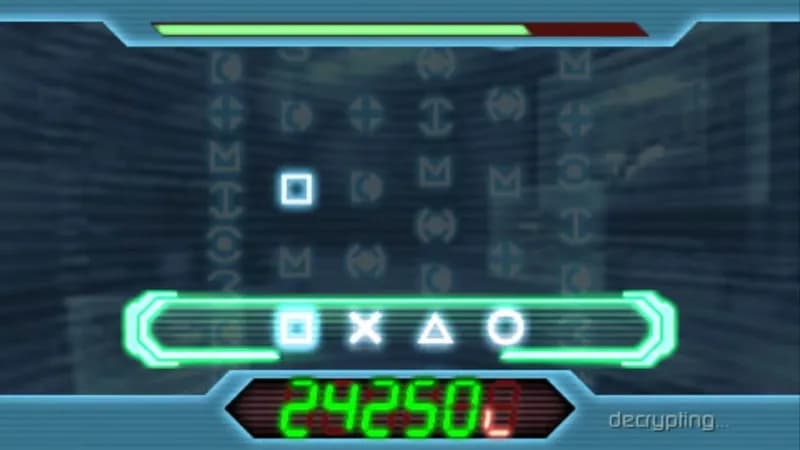
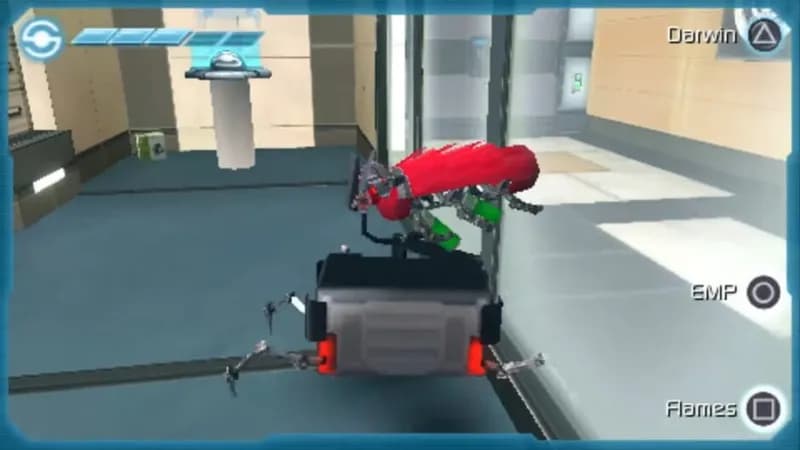



Optimize Your PC for Disney G-Force
Use our free tools to analyze and improve your gaming performance