
Divinity: Original Sin 2 - Definitive Edition System Requirements
In Divinity: Original Sin 2 - Definitive Edition, compete with up to three other players to ascend to godhood after the death of the Divine. Navigate a world on the brink of collapse, master turn-based combat, and be wary of hidden agendas as you vie for ultimate power.
Divinity: Original Sin 2 - Definitive Edition Minimum & Recommended Specs
Minimum: Intel Core i5, NVIDIA GeForce GTX, 4 GB RAM. Recommended: 8 GB RAM RAM.
Minimum System Requirements
Recommended System Requirements
Trailer
Quick Performance Tips for Divinity: Original Sin 2 - Definitive Edition
Lower shadow quality for a significant performance boost.
Reduce texture quality if you have limited VRAM.
Disable or reduce anti-aliasing for better FPS.
Close unnecessary background applications.
Try playing in a lower resolution.
Update your graphics drivers.
Restart the game after changing settings.
Divinity: Original Sin 2 - Definitive Edition System Requirements FAQ
Can I run Divinity: Original Sin 2 - Definitive Edition on a low-end PC?
What GPU do I need for Divinity: Original Sin 2 - Definitive Edition?
How much RAM does Divinity: Original Sin 2 - Definitive Edition need?
Will Divinity: Original Sin 2 - Definitive Edition run on integrated graphics?
What is the best graphics settings for Divinity: Original Sin 2 - Definitive Edition?
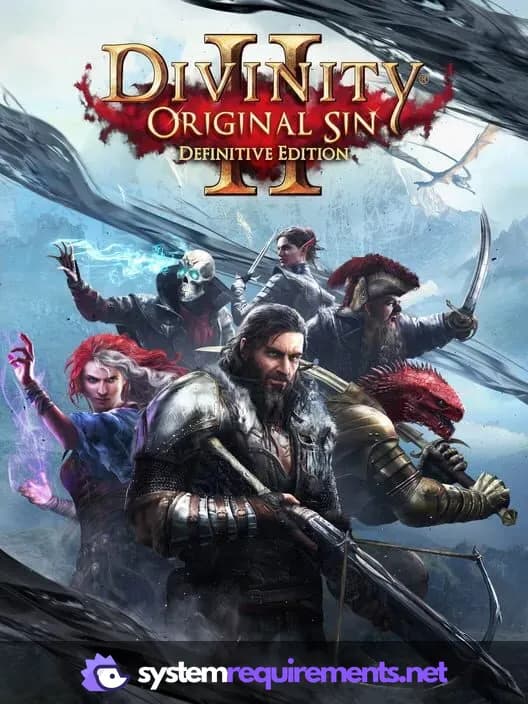
Divinity: Original Sin 2 - Definitive Edition Game Info
Developer
Larian Studios
Publisher
Larian Studios
Release Date
August 31, 2018
Platforms
Xbox Series X|S, PlayStation 4, Nintendo Switch 2, PC (Microsoft Windows), iOS
Genres
Game Modes
- Single player
- Multiplayer
- Co-operative
- Split screen
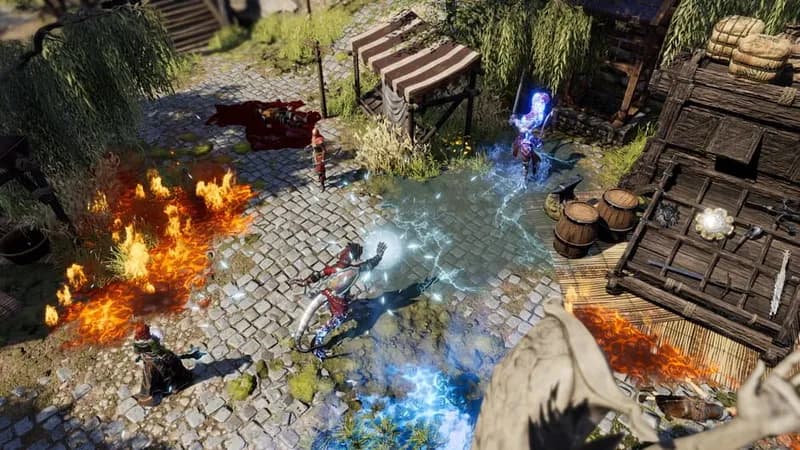
Divinity: Original Sin 2 - Definitive Edition Screenshots
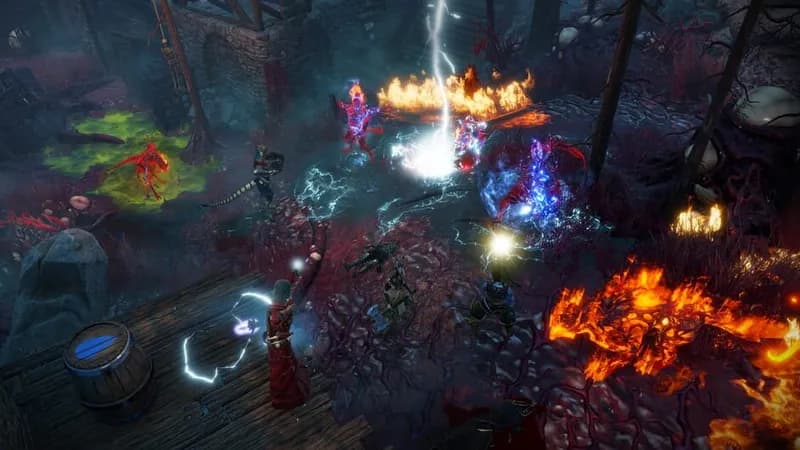
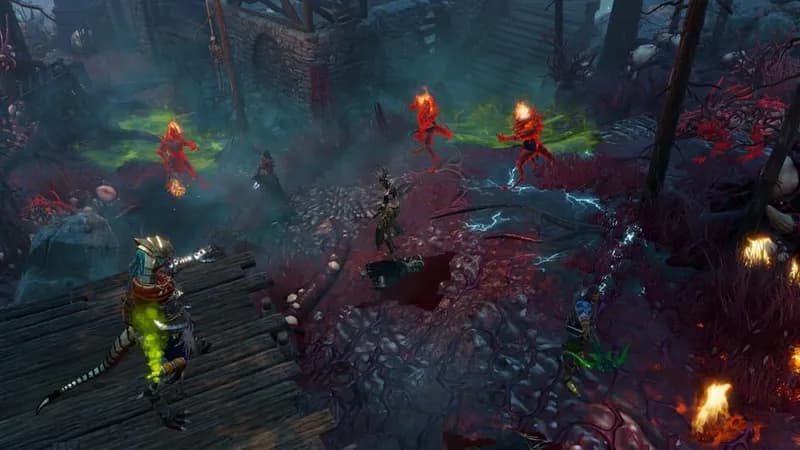
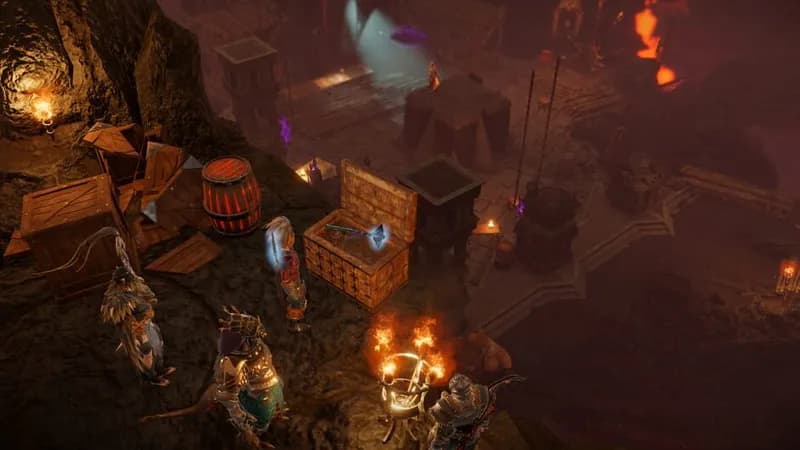
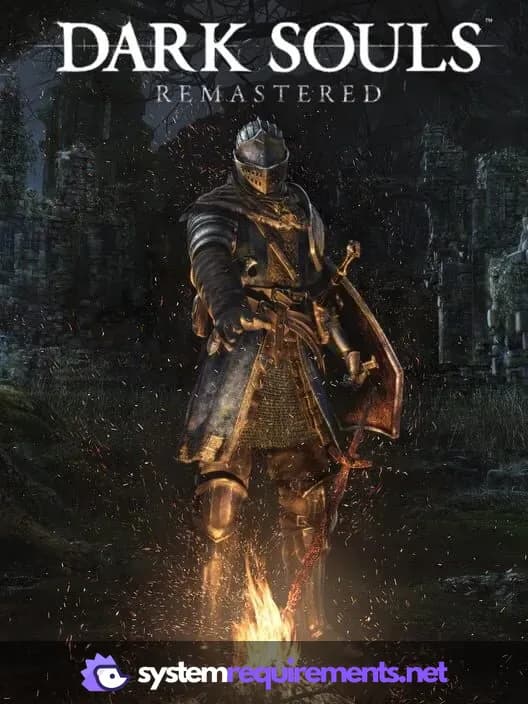
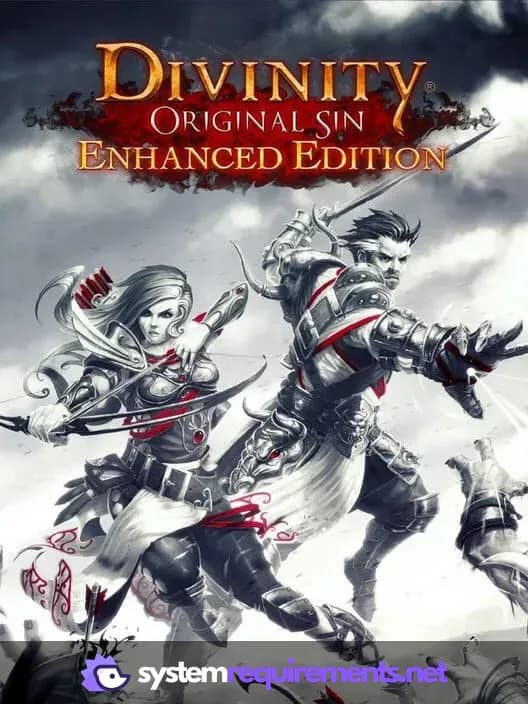
Games Similar to Divinity: Original Sin 2 - Definitive Edition




Optimize Your PC for Divinity: Original Sin 2 - Definitive Edition
Use our free tools to analyze and improve your gaming performance
Estimate FPS for Divinity: Original Sin 2 - Definitive Edition
Calculate expected frame rates with your hardware
Check for Bottlenecks
Find if your CPU or GPU is holding you back
Calculate PSU Wattage
Make sure your power supply can handle your build
Compare Graphics Cards
Find the best GPU upgrade for your needs