
All Games
DRAGON BALL Z: KAKAROT System Requirements
January 17, 2020CyberConnect278/100
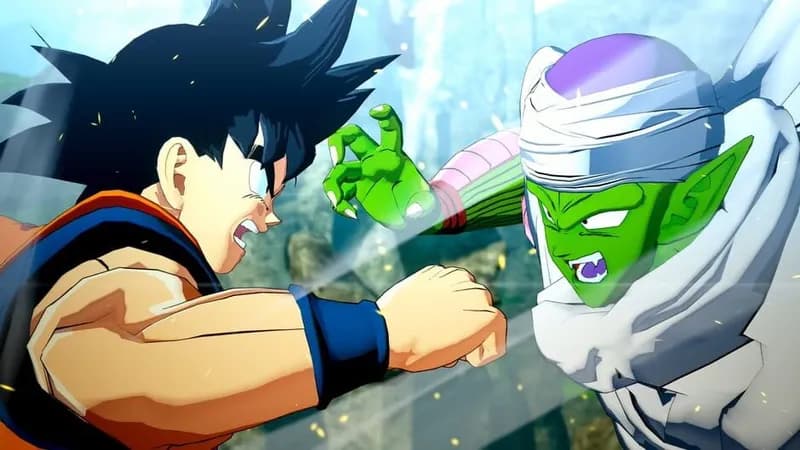
Experience Goku's journey through the Dragon Ball Z saga in DRAGON BALL Z: KAKAROT. Engage in iconic battles and explore the DBZ universe through combat, fishing, training, and relationship building with familiar characters.
DRAGON BALL Z: KAKAROT Minimum & Recommended Specs
Minimum: Intel Core i5-2400, GeForce GTX 750, 4 GB RAM. Recommended: 8 GB RAM RAM.
Minimum System Requirements
Recommended System Requirements
Trailer
Quick Performance Tips for DRAGON BALL Z: KAKAROT
#1
Lower shadow quality for a performance boost.
#2
Reduce or disable anti-aliasing (AA).
#3
Set texture quality to medium or low.
#4
Close unnecessary background apps.
DRAGON BALL Z: KAKAROT System Requirements FAQ
Can I run DRAGON BALL Z: KAKAROT on a low-end PC?
You'll need at least an Intel Core i5-2400 or AMD Phenom II X6 1100T CPU, a GeForce GTX 750 Ti or Radeon HD 7950 GPU, and 4GB of RAM to meet the minimum requirements. If your PC is below these specs, you may experience performance issues or be unable to run the game.
What GPU do I need for DRAGON BALL Z: KAKAROT?
For minimum settings, a GeForce GTX 750 Ti or Radeon HD 7950 is required. For recommended settings, aim for a GeForce GTX 960 or Radeon R9 280X. Higher-end cards will allow you to play at higher resolutions and settings.
How much RAM does DRAGON BALL Z: KAKAROT need?
The game requires a minimum of 4GB of RAM to run. However, 8GB of RAM is recommended for a smoother experience, especially at higher settings.
Will DRAGON BALL Z: KAKAROT run on integrated graphics?
While it's *possible* the game might launch on some higher-end integrated graphics solutions, it's highly unlikely you'll get a playable experience. The game is graphically demanding and requires a dedicated graphics card to run well.
What is the best graphics settings for DRAGON BALL Z: KAKAROT?
This depends on your hardware. If you meet the minimum requirements, try starting with the lowest settings and gradually increase them until you find a balance between visual quality and performance. If you meet the recommended specs, you can likely run the game on medium or high settings.
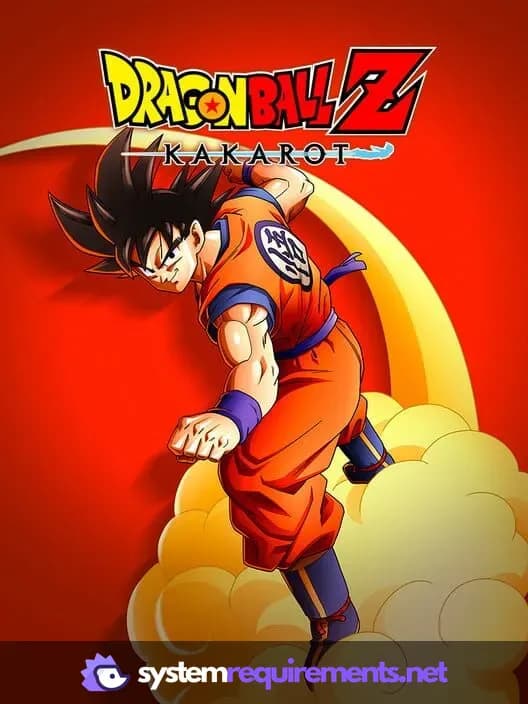
DRAGON BALL Z: KAKAROT Game Info
Developer
CyberConnect2
Publisher
Bandai Namco Entertainment Europe
Release Date
January 17, 2020
Platforms
Google Stadia, Xbox Series X|S, PlayStation 4, PC (Microsoft Windows), PlayStation 5
Genres
Role-playing (RPG)Hack and slash/Beat 'em upAdventure
Game Modes
- Single player
- Multiplayer
DRAGON BALL Z: KAKAROT Screenshots






Optimize Your PC for DRAGON BALL Z: KAKAROT
Use our free tools to analyze and improve your gaming performance