
All Games
Draw & Guess System Requirements
March 12, 2021
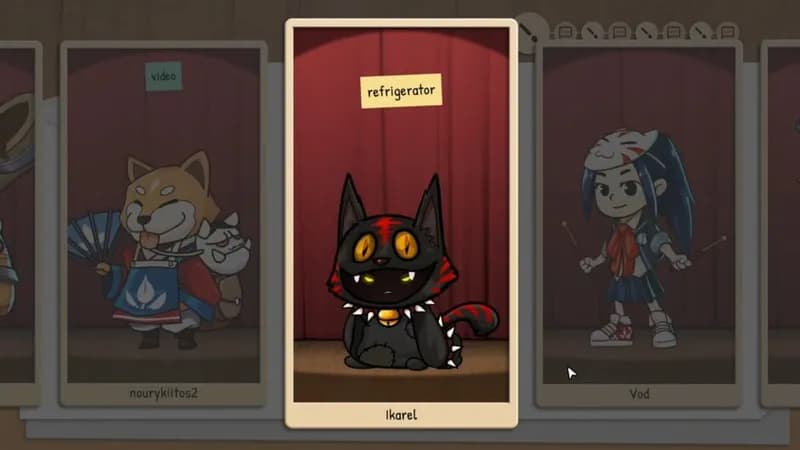
Experience a digital reimagining of telephone, but with art. Players take turns drawing and deciphering each other's visual interpretations of assigned words, aiming for the final guess to match the original prompt.
Draw & Guess Minimum & Recommended Specs
Minimum: 2 GHz Dual, Intel HD Graphics, 2 GB RAM. Recommended: 4 GB RAM RAM.
Minimum System Requirements
Recommended System Requirements
Upgrade Your Hardware
Trailer
Quick Performance Tips for Draw & Guess
#1
Close unnecessary background apps to free up RAM.
#2
Lower the game's resolution for a performance boost.
#3
Disable shadows in the graphics settings.
#4
Update your graphics drivers for optimal performance.
Draw & Guess System Requirements FAQ
Can I run Draw & Guess on a low-end PC?
If your PC meets the minimum requirements (2 GHz Dual Core, Intel HD Graphics 4000, 2 GB RAM), you should be able to play Draw & Guess, but potentially with lower graphics settings. For the best experience, aim for the recommended specs.
What GPU do I need for Draw & Guess?
At a minimum, you'll need an Intel HD Graphics 4000. For smoother gameplay and higher settings, an NVIDIA GeForce GTX 960 or equivalent is recommended.
How much RAM does Draw & Guess need?
Draw & Guess requires a minimum of 2 GB of RAM. We recommend 4 GB of RAM for optimal performance, especially if you have other applications running in the background.
Will Draw & Guess run on integrated graphics?
Yes, Draw & Guess is designed to run on integrated graphics like Intel HD Graphics 4000, but you may need to lower the graphics settings for smoother performance.
What is the best graphics settings for Draw & Guess?
If you meet the recommended specs, you can likely run the game on high settings. If you're experiencing performance issues, try lowering the resolution, disabling shadows, and reducing the texture quality.
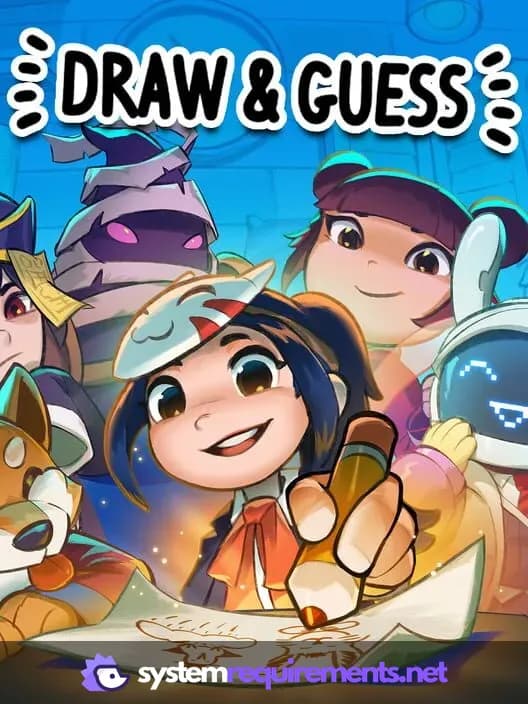
Draw & Guess Game Info
Release Date
March 12, 2021
Platforms
Linux, PC (Microsoft Windows), Mac
Genres
Indie
Game Modes
- Single player
- Multiplayer
- Co-operative
Draw & Guess Screenshots
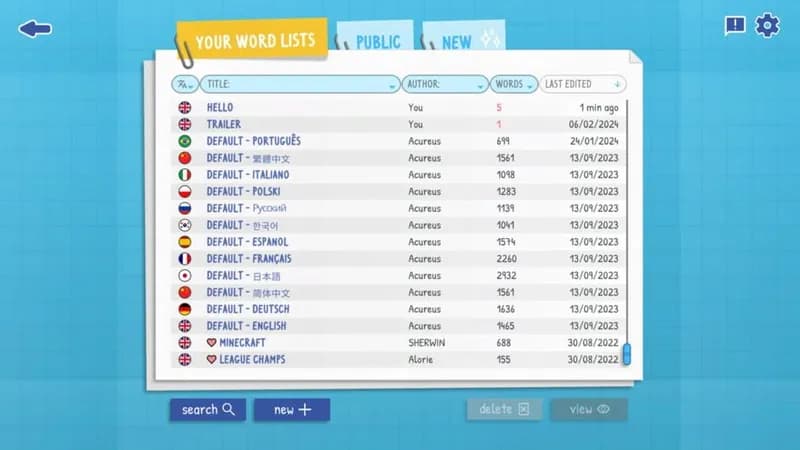
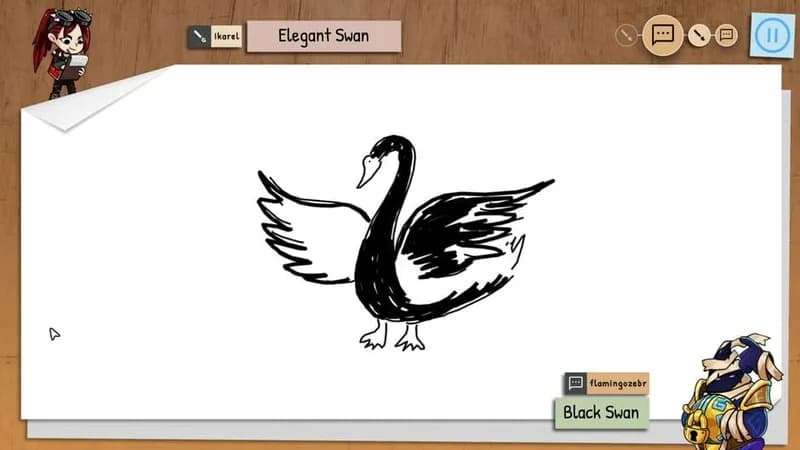
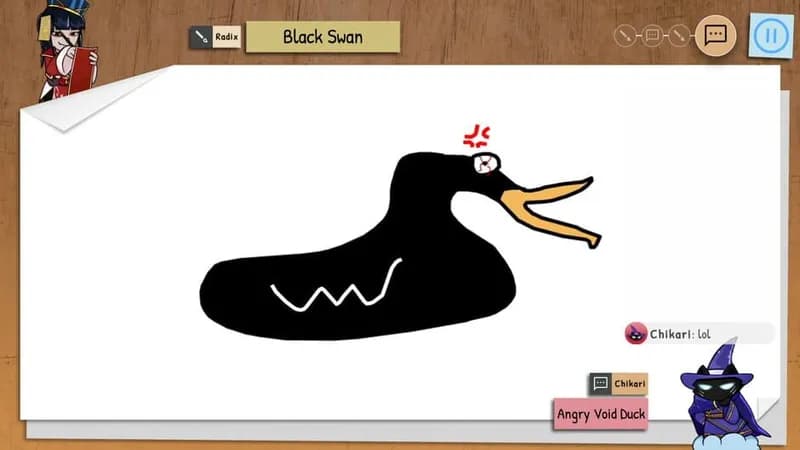


Optimize Your PC for Draw & Guess
Use our free tools to analyze and improve your gaming performance