
All Games
Dungeons & Dragons Online System Requirements
February 28, 2006Standing Stone Games83/100
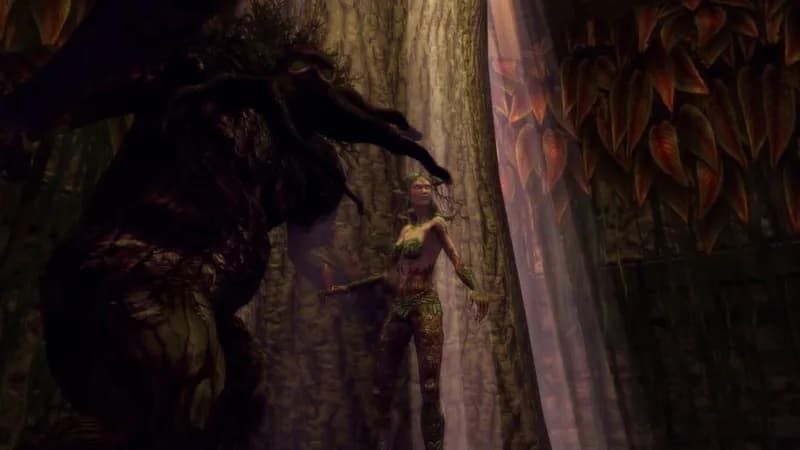
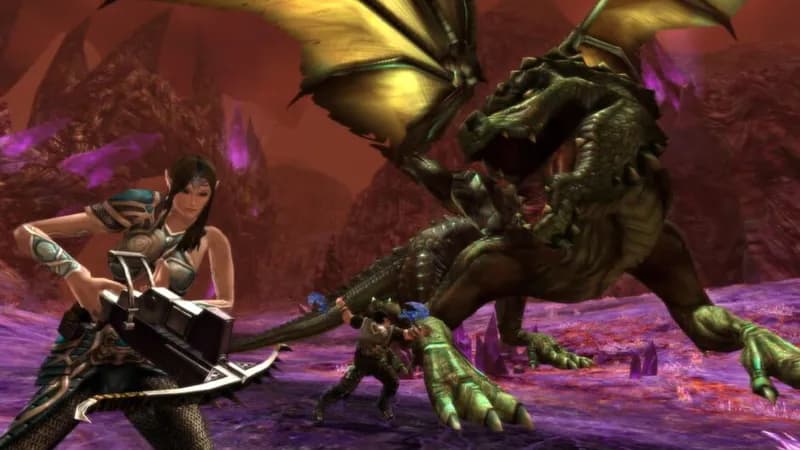
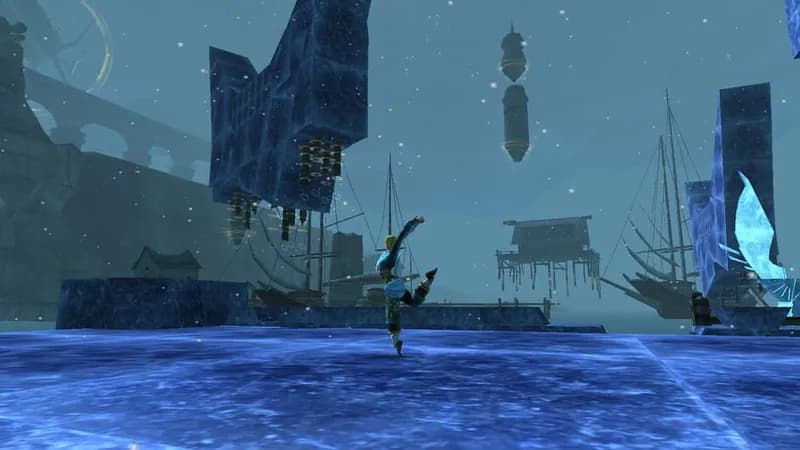
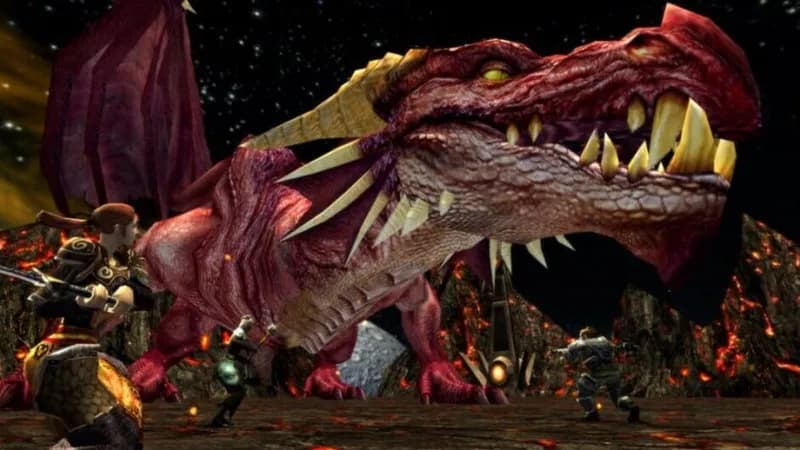
Explore the untamed continent of Xen'drik in Eberron, a D&D campaign setting scarred by a fallen giant civilization. Dungeons & Dragons Online lets players create characters based on the D&D 3.5 ruleset and brave perilous dungeons and wilderness areas.
Dungeons & Dragons Online Minimum & Recommended Specs
Minimum: Intel Pentium 4, Nvidia GeForce 6800, 2 GB RAM. Recommended: 4 GB RAM RAM.
Minimum System Requirements
Recommended System Requirements
Upgrade Your Hardware
Trailer
Quick Performance Tips for Dungeons & Dragons Online
#1
Lower shadow quality for a significant FPS boost.
#2
Reduce draw distance if you experience lag in cities.
#3
Close unnecessary background applications to free up RAM.
#4
Update your graphics drivers for optimal performance.
Dungeons & Dragons Online System Requirements FAQ
Can I run Dungeons & Dragons Online on a low-end PC?
While DDO can run on older hardware, a PC meeting the *minimum* requirements (Intel Pentium 4 3.60GHz, Nvidia GeForce 6800, 2GB RAM) will likely result in low framerates and graphical settings. For a smoother experience, aim for the *recommended* specs (Intel Core i5-4690, Nvidia GeForce GTX 950, 4GB RAM).
What GPU do I need for Dungeons & Dragons Online?
At a minimum, you'll need an Nvidia GeForce 6800 or equivalent. For a better experience, the recommended GPU is an Nvidia GeForce GTX 950. AMD equivalents of these cards will also work.
How much RAM does Dungeons & Dragons Online need?
The minimum RAM requirement is 2GB, but 4GB is recommended. More RAM can significantly improve performance, especially in crowded areas or during raids.
Will Dungeons & Dragons Online run on integrated graphics?
While *some* integrated graphics solutions *might* technically launch the game, performance will likely be very poor and unplayable. A dedicated graphics card is highly recommended for a decent experience.
What is the best graphics settings for Dungeons & Dragons Online?
This depends on your hardware. Start with the 'Medium' preset and adjust upwards or downwards from there. Pay close attention to shadow quality and draw distance, as these have the biggest impact on performance. Experiment to find the best balance between visuals and framerate.
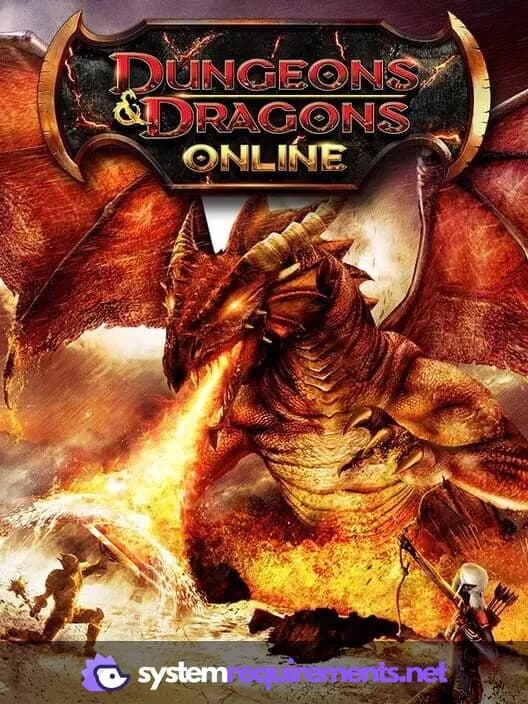
Dungeons & Dragons Online Game Info
Developer
Standing Stone Games
Publisher
WB Games
Release Date
February 28, 2006
Platforms
PC (Microsoft Windows), Mac
Genres
Role-playing (RPG)Adventure
Game Modes
- Multiplayer
- Co-operative
- Massively Multiplayer Online (MMO)
Dungeons & Dragons Online Screenshots


Optimize Your PC for Dungeons & Dragons Online
Use our free tools to analyze and improve your gaming performance