
All Games
Escape Simulator: Spy DLC System Requirements
Escape Simulator: Spy DLC Minimum & Recommended Specs
Minimum: Intel Core i3-560, GeForce GTX 550, 4 GB RAM. Recommended: 8 GB RAM RAM.
Minimum System Requirements
Recommended System Requirements
Quick Performance Tips for Escape Simulator: Spy DLC
#1
Lower shadow quality for a big FPS boost.
#2
Reduce texture detail if you have limited VRAM.
#3
Disable anti-aliasing for better performance.
#4
Close background apps to free up RAM.
Escape Simulator: Spy DLC System Requirements FAQ
Can I run Escape Simulator: Spy DLC on a low-end PC?
If your PC meets the minimum requirements (Intel Core i3-560 or AMD Phenom II X4 945, GeForce GTX 550 Ti or Radeon HD 5770, 4GB RAM), you should be able to play, but expect lower graphics settings and potentially lower frame rates. For a smoother experience, aim for the recommended specs.
What GPU do I need for Escape Simulator: Spy DLC?
At a minimum, you'll need a GeForce GTX 550 Ti or Radeon HD 5770. For a better experience at higher settings, a GeForce GTX 970 or Radeon RX 580 is recommended.
How much RAM does Escape Simulator: Spy DLC need?
The game requires a minimum of 4 GB of RAM. However, 8 GB of RAM is recommended for smoother gameplay, especially at higher settings and resolutions.
Will Escape Simulator: Spy DLC run on integrated graphics?
It's unlikely that Escape Simulator: Spy DLC will run well on integrated graphics. The minimum GPU requirements (GeForce GTX 550 Ti or Radeon HD 5770) are significantly more powerful than most integrated graphics solutions. You may experience very low frame rates or be unable to play.
What is the best graphics settings for Escape Simulator: Spy DLC?
If you meet the recommended specs, you should be able to play on high settings. If you're closer to the minimum specs, try lowering the shadow quality, texture detail, and anti-aliasing settings for better performance. Experiment to find the best balance between visual quality and frame rate.
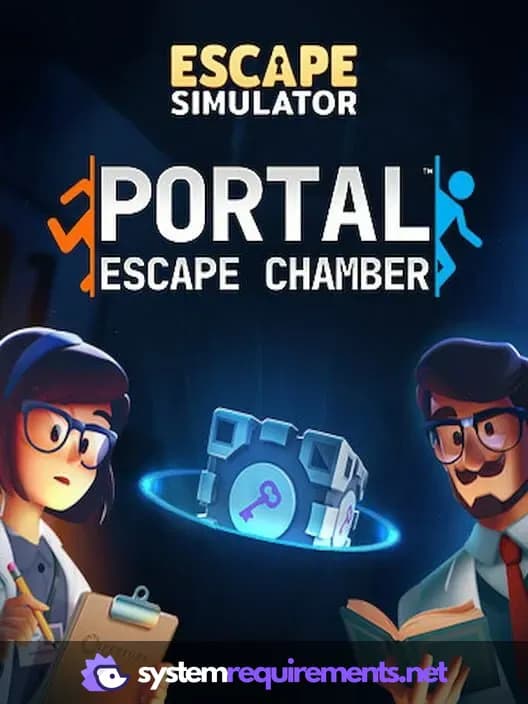
Escape Simulator: Spy DLC Game Info
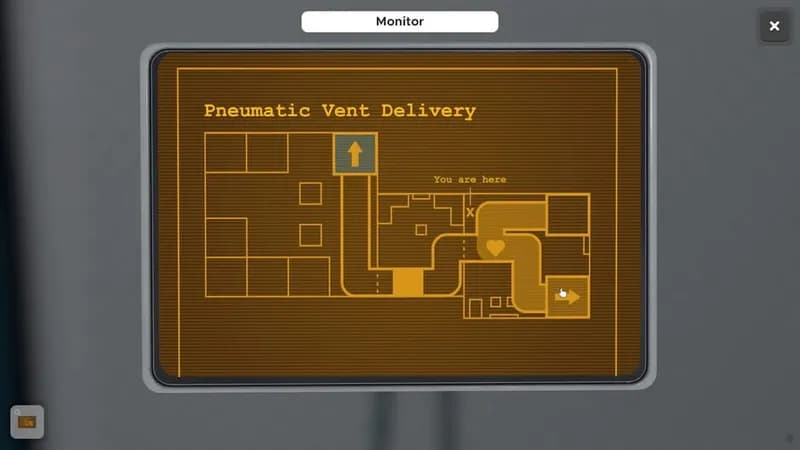
Escape Simulator: Spy DLC Screenshots
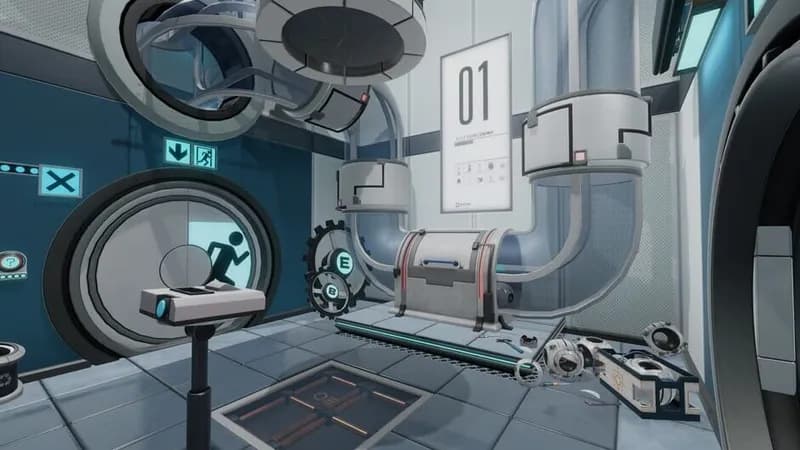
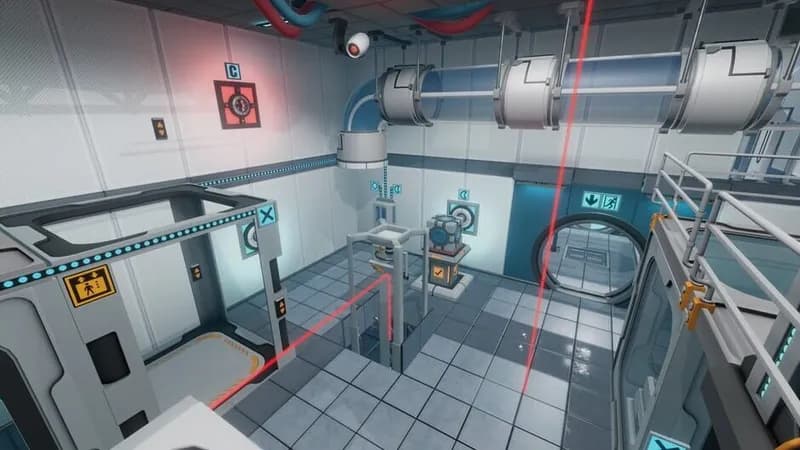
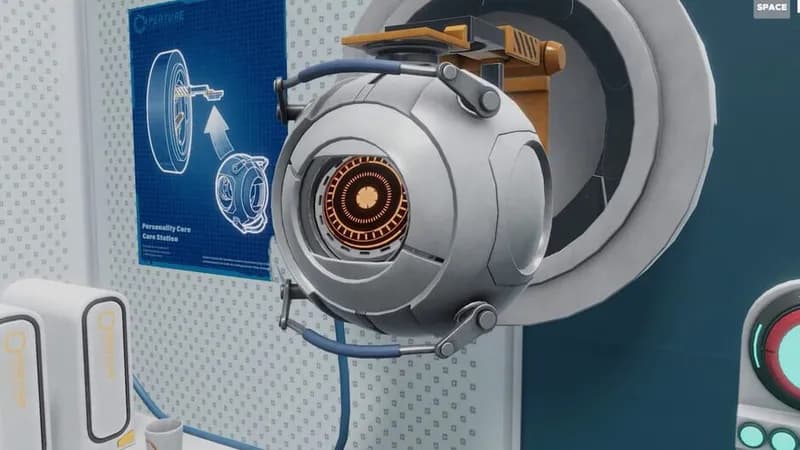
Games Similar to Escape Simulator: Spy DLC




Optimize Your PC for Escape Simulator: Spy DLC
Use our free tools to analyze and improve your gaming performance