
Euro Truck Simulator 2 - Road to the Black Sea System Requirements
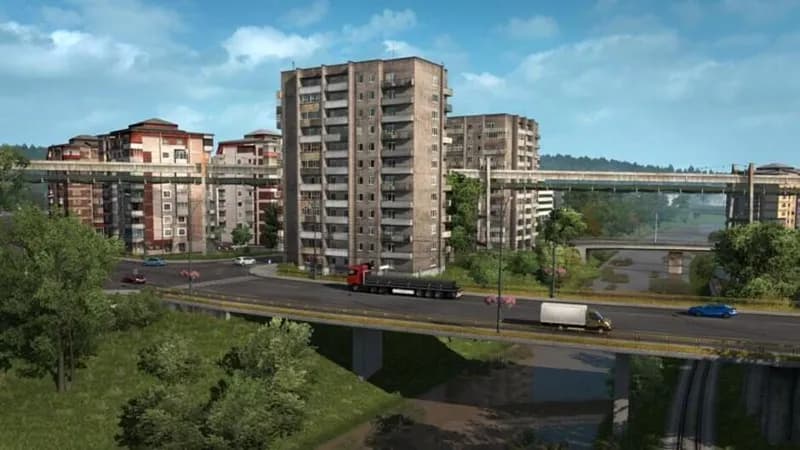
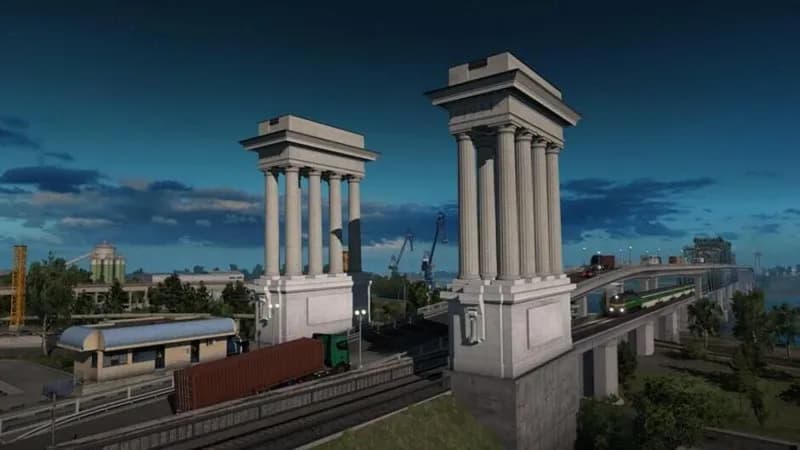
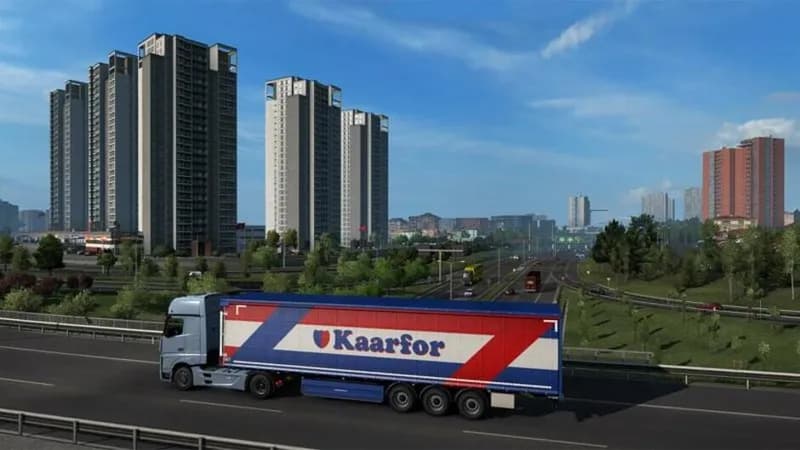
Euro Truck Simulator 2's Road to the Black Sea DLC adds Romania, Bulgaria, and the Turkish Trakya region to the map, offering routes through diverse landscapes from forests and mountains to coastal roads. Haul cargo to and from new industries like farms, logging operations, and mines across these territories.
Euro Truck Simulator 2 - Road to the Black Sea Minimum & Recommended Specs
Minimum: Dual core CPU, GeForce GTS 450-class, 4 GB RAM. Recommended: 8 GB RAM RAM.
Minimum System Requirements
Recommended System Requirements
Upgrade Your Hardware
Trailer
Quick Performance Tips for Euro Truck Simulator 2 - Road to the Black Sea
Lower the mirror quality setting to improve FPS.
Reduce the draw distance for less strain on your CPU.
Disable or reduce anti-aliasing for a performance boost.
Close other applications while playing to free up RAM.
Euro Truck Simulator 2 - Road to the Black Sea System Requirements FAQ
Can I run Euro Truck Simulator 2 - Road to the Black Sea on a low-end PC?
What GPU do I need for Euro Truck Simulator 2 - Road to the Black Sea?
How much RAM does Euro Truck Simulator 2 - Road to the Black Sea need?
Will Euro Truck Simulator 2 - Road to the Black Sea run on integrated graphics?
What is the best graphics settings for Euro Truck Simulator 2 - Road to the Black Sea?
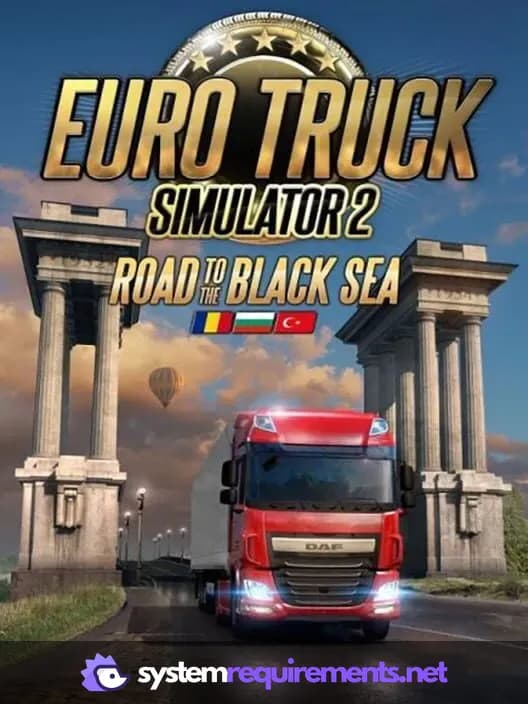
Euro Truck Simulator 2 - Road to the Black Sea Game Info
Developer
SCS Software
Publisher
SCS Software
Release Date
May 10, 2019
Platforms
Linux, PC (Microsoft Windows), Mac
Genres
Game Modes
- Single player
Euro Truck Simulator 2 - Road to the Black Sea Screenshots
Games Similar to Euro Truck Simulator 2 - Road to the Black Sea
American Truck Simulator - Washington
View requirements →
American Truck Simulator - Utah
View requirements →
Euro Truck Simulator 2 - Italia
View requirements →
Euro Truck Simulator 2 - Beyond the Baltic Sea
View requirements →
American Truck Simulator - Oregon
View requirements →
American Truck Simulator - New Mexico
View requirements →
Optimize Your PC for Euro Truck Simulator 2 - Road to the Black Sea
Use our free tools to analyze and improve your gaming performance
Estimate FPS for Euro Truck Simulator 2 - Road to the Black Sea
Calculate expected frame rates with your hardware
Check for Bottlenecks
Find if your CPU or GPU is holding you back
Calculate PSU Wattage
Make sure your power supply can handle your build
Compare Graphics Cards
Find the best GPU upgrade for your needs