
All Games
Expansion - Hearts of Iron IV: No Compromise, No Surrender System Requirements
Expansion - Hearts of Iron IV: No Compromise, No Surrender Minimum & Recommended Specs
Minimum: Intel Core i5-750, Nvidia GeForce GTX, 4 GB RAM. Recommended: 6 GB RAM RAM.
Minimum System Requirements
Recommended System Requirements
Quick Performance Tips for Expansion - Hearts of Iron IV: No Compromise, No Surrender
#1
Disable unnecessary DLCs to reduce game load and processing.
#2
Close background applications to free up RAM and CPU resources.
#3
Lower the game resolution for a significant performance boost.
#4
Reduce the number of states in your game to improve performance.
Expansion - Hearts of Iron IV: No Compromise, No Surrender System Requirements FAQ
Can I run Expansion - Hearts of Iron IV: No Compromise, No Surrender on a low-end PC?
To play with minimal settings, you'll need at least an Intel Core i5-750 or AMD Phenom II X4 955 processor, an Nvidia GeForce GTX 470 (1.28 GB) or AMD HD 5850 (1 GB) or Intel Iris Xe G7 graphics card, and 4 GB of RAM. Lower settings and resolution may be necessary for acceptable performance.
What GPU do I need for Expansion - Hearts of Iron IV: No Compromise, No Surrender?
At a minimum, you'll need an Nvidia GeForce GTX 470 (1.28 GB) or AMD HD 5850 (1 GB) or Intel Iris Xe G7. For better performance, an Nvidia GeForce GTX 570 (1.28 GB) or AMD Radeon HD 7970 (3 GB) or Intel Iris Xe G7 is recommended.
How much RAM does Expansion - Hearts of Iron IV: No Compromise, No Surrender need?
The minimum RAM requirement is 4 GB, but 6 GB of RAM is recommended for smoother gameplay and to avoid performance issues, especially during late-game scenarios.
Will Expansion - Hearts of Iron IV: No Compromise, No Surrender run on integrated graphics?
The minimum GPU is Intel Iris Xe G7. Performance may vary, and you'll likely need to play on the lowest settings with a lower resolution to achieve playable framerates.
What is the best graphics settings for Expansion - Hearts of Iron IV: No Compromise, No Surrender?
For optimal performance, start with medium settings and adjust from there. Lowering shadow quality, water detail, and tree detail can significantly improve framerates. Experiment to find a balance between visual quality and performance.
Expansion - Hearts of Iron IV: No Compromise, No Surrender Game Info
Expansion - Hearts of Iron IV: No Compromise, No Surrender Screenshots
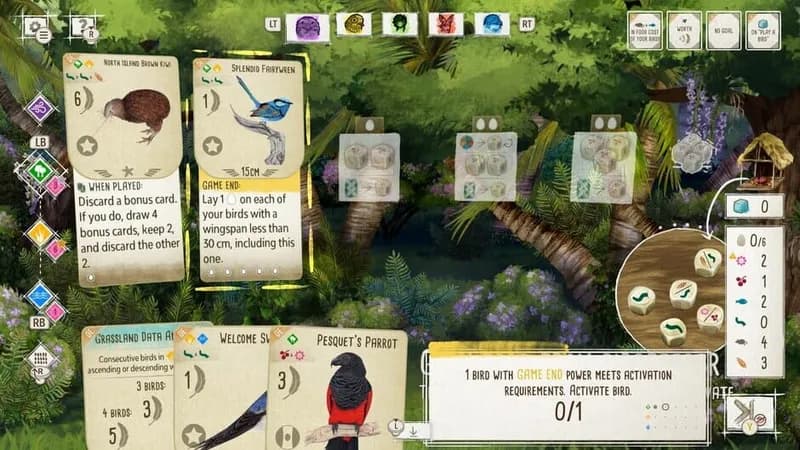
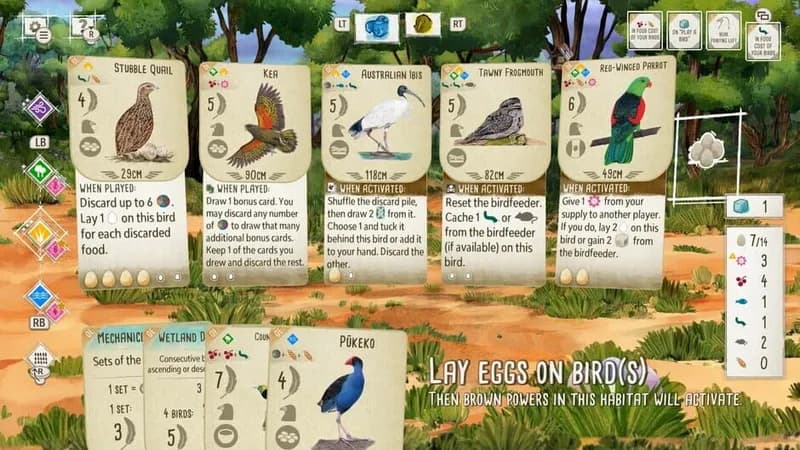
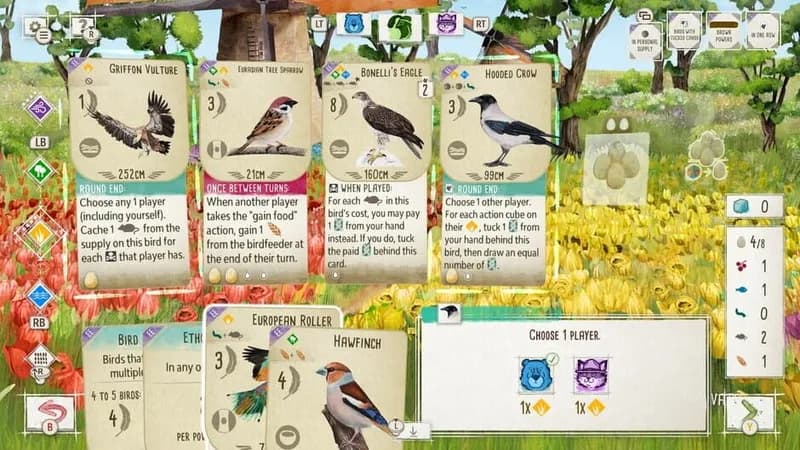
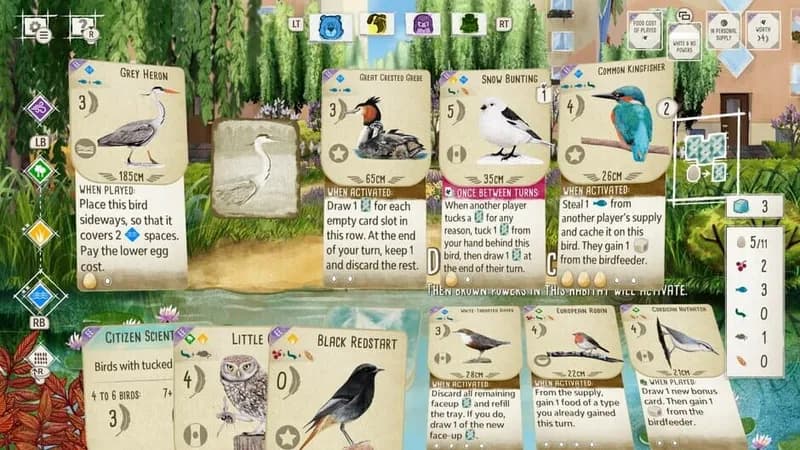
Games Similar to Expansion - Hearts of Iron IV: No Compromise, No Surrender

Optimize Your PC for Expansion - Hearts of Iron IV: No Compromise, No Surrender
Use our free tools to analyze and improve your gaming performance
Estimate FPS for Expansion - Hearts of Iron IV: No Compromise, No Surrender
Calculate expected frame rates with your hardware
Check for Bottlenecks
Find if your CPU or GPU is holding you back
Calculate PSU Wattage
Make sure your power supply can handle your build
Compare Graphics Cards
Find the best GPU upgrade for your needs