System Requirements
GamesGuidesCPU Stress TestGPU Stress Test
All Games

Fallout: New Vegas System Requirements

October 19, 2010Obsidian Entertainment82/100

As a courier left for dead in post-apocalyptic Nevada, navigate a treacherous landscape to reclaim what was stolen. Your quest for vengeance will embroil you in the power struggles of warring factions vying for control of the Mojave Wasteland.

Fallout: New Vegas Minimum & Recommended Specs

Minimum: Dual Core 2.0GHz, NVIDIA GeForce 6800, 2 GB. Recommended: 4 GB RAM.

Minimum System Requirements

OS
Windows XP
Processor
Dual Core 2.0GHzCPU Deals
RAM
2 GBRAM Deals
Graphics Card
NVIDIA GeForce 6800 / ATI Radeon X850GPU Deals
DirectX
9.0c
Storage
10 GBSSD Deals

Recommended System Requirements

OS
Windows Vista/7
Processor
Intel Core 2 Duo or AMD Athlon 64 X2 4400+CPU Deals
RAM
4 GBRAM Deals
Graphics Card
NVIDIA GeForce 9800GTX / ATI Radeon HD4850GPU Deals
DirectX
9.0c
Storage
10 GBSSD Deals

Upgrade Your Hardware

Check CPU Prices

Intel Core 2 Duo or AMD Athlon 64 X2 4400+

Check GPU Prices

NVIDIA GeForce 9800GTX / ATI Radeon HD4850

Trailer

Quick Performance Tips for Fallout: New Vegas

#1

Lower shadow quality for a significant FPS boost.

#2

Reduce draw distance to improve performance in open areas.

#3

Disable anti-aliasing on low-end systems.

#4

Close unnecessary background programs while playing.

Fallout: New Vegas System Requirements FAQ

Can I run Fallout: New Vegas on a low-end PC?
Fallout: New Vegas can run on older hardware. If you meet the minimum requirements (Dual Core 2.0GHz, GeForce 6800/Radeon X850, 2GB RAM), you should be able to play at lower settings. For a smoother experience at higher settings, aim for the recommended specs.
What GPU do I need for Fallout: New Vegas?
The minimum GPU is an NVIDIA GeForce 6800 or ATI Radeon X850. For better performance, an NVIDIA GeForce 9800GTX or ATI Radeon HD4850 is recommended.
How much RAM does Fallout: New Vegas need?
You need at least 2GB of RAM to play Fallout: New Vegas. 4GB of RAM is recommended for a smoother experience, especially with higher settings and mods.
Will Fallout: New Vegas run on integrated graphics?
It's unlikely Fallout: New Vegas will run well on most integrated graphics solutions, especially older ones. You might get it to launch on very low settings, but expect significant performance issues. A dedicated GPU is highly recommended.
What is the best graphics settings for Fallout: New Vegas?
The 'best' settings depend on your hardware. Start with medium settings and then adjust individual options. Lowering shadow quality and draw distance can significantly improve performance. Experiment to find a balance between visual quality and frame rate.
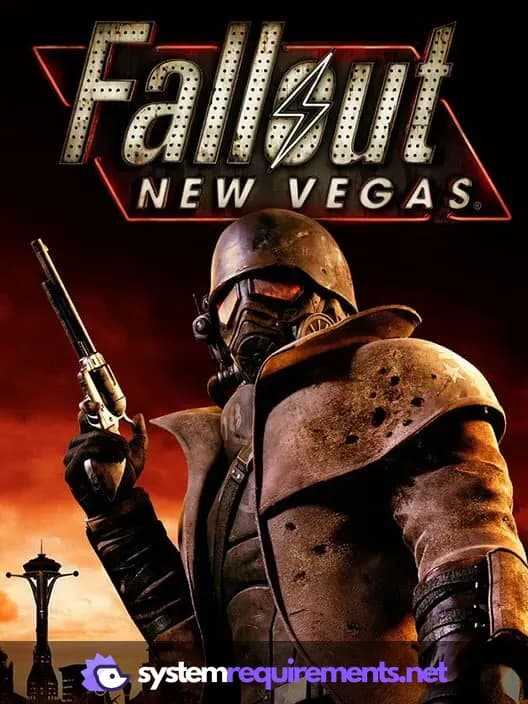
Fallout: New Vegas PC game cover art

Fallout: New Vegas Game Info

Developer

Obsidian Entertainment

Publisher

Bethesda Softworks

Release Date

October 19, 2010

Platforms

PlayStation 3, PC (Microsoft Windows), Xbox 360

Genres

ShooterRole-playing (RPG)

Game Modes

  • Single player
Check Price on Amazon

Fallout: New Vegas Screenshots
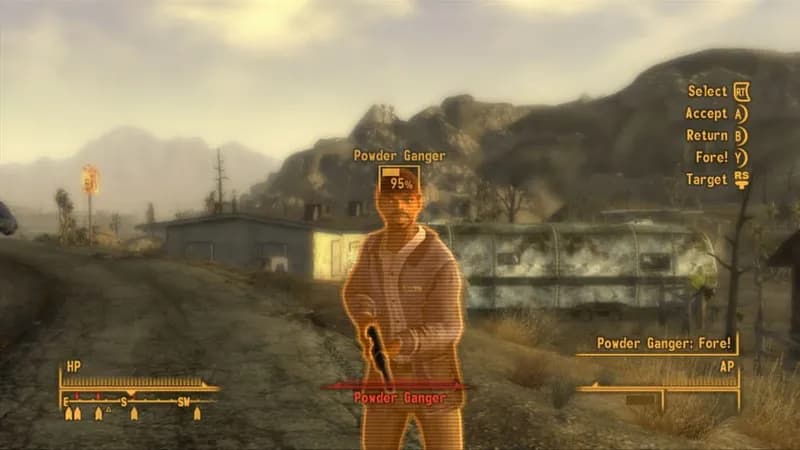
Fallout: New Vegas gameplay screenshot 1
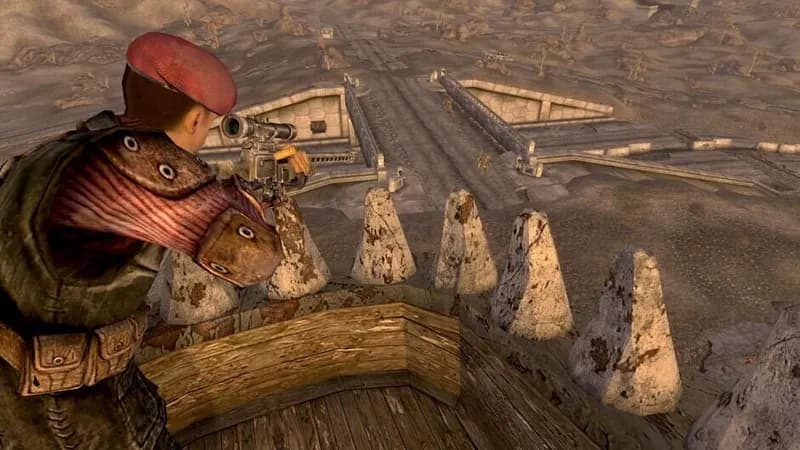
Fallout: New Vegas gameplay screenshot 2
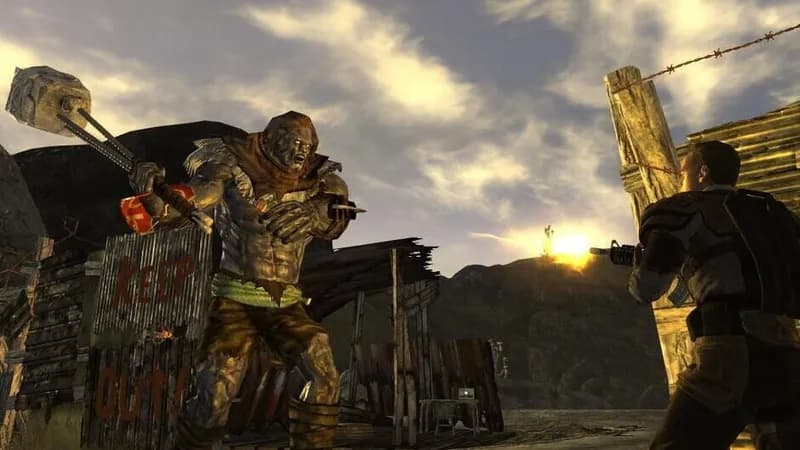
Fallout: New Vegas gameplay screenshot 3
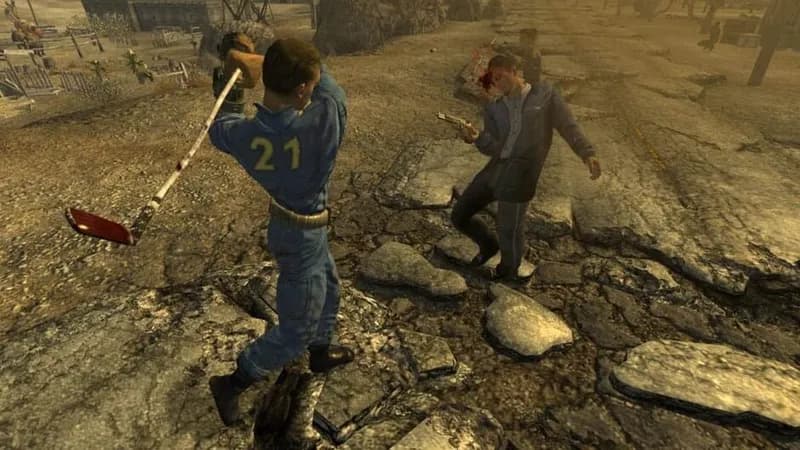
Fallout: New Vegas gameplay screenshot 4

Games Similar to Fallout: New Vegas

Fallout 3 cover art - view system requirements

Fallout 3

View requirements →

Fallout 4 cover art - view system requirements

Fallout 4

View requirements →

Dishonored cover art - view system requirements

Dishonored

View requirements →

Fallout 3: Game of the Year Edition cover art - view system requirements

Fallout 3: Game of the Year Edition

View requirements →

Fallout 76 cover art - view system requirements

Fallout 76

View requirements →

Fallout 4 Far Harbor cover art - view system requirements

Fallout 4 Far Harbor

View requirements →

Optimize Your PC for Fallout: New Vegas

Use our free tools to analyze and improve your gaming performance

Estimate FPS for Fallout: New Vegas

Calculate expected frame rates with your hardware

Check for Bottlenecks

Find if your CPU or GPU is holding you back

Calculate PSU Wattage

Make sure your power supply can handle your build

Compare Graphics Cards

Find the best GPU upgrade for your needs

SystemRequirements

Instant requirements & performance analysis for 2,600+ games. Find your game's requirements instantly.

Quick Links

  • Home
  • PC Game Specs
  • All Tools
  • Guides
  • About Us

Resources

  • GPU Stress Test
  • CPU Stress Test
  • Bottleneck Calculator
  • FPS Calculator
  • PSU Calculator
  • GPU Comparison
  • CPU Comparison
  • RAM Speed Checker

Legal

  • Privacy Policy
  • Terms & Conditions
  • Disclaimer
  • Contact

SystemRequirements.net is not affiliated with, endorsed by, or associated with any game developers, publishers, or hardware manufacturers. All game names, trademarks, logos, and brand names are the property of their respective owners and are used here for identification purposes only. This site may contain affiliate links (including Amazon Associates) and may display advertisements. We may earn a commission at no extra cost to you when you purchase through our links. Our tools are optimized to provide results as close to real-world performance as possible, though actual results may vary based on your specific hardware and software configuration.

© 2026 SystemRequirements.net. All rights reserved.

·

Made with by someone who could play video games all day