
All Games
Feed the Cups System Requirements
February 21, 2024Vambear Games
Simulate the hectic life of a beverage shop employee in Feed the Cups. Juggle tasks like ingredient prep, fulfilling customer orders, and crafting drinks, alone or with a friend in local co-op.
Feed the Cups Minimum & Recommended Specs
Minimum: Intel Core i3-2100, Nvidia GeForce GTX, 4 GB RAM. Recommended: 8 GB RAM RAM.
Minimum System Requirements
Recommended System Requirements
Quick Performance Tips for Feed the Cups
#1
Lower the resolution for a significant FPS boost.
#2
Disable or reduce shadow quality for better performance.
#3
Close unnecessary background applications.
#4
Update your graphics drivers for optimal performance.
Feed the Cups System Requirements FAQ
Can I run Feed the Cups on a low-end PC?
Possibly, but performance may be limited. The minimum requirements are an Intel Core i3-2100 or AMD Phenom II X4 965 CPU, Nvidia GeForce GTX 650 or AMD Radeon HD 7770 GPU, and 4 GB of RAM. If your PC is below these specs, you may experience low frame rates or graphical issues.
What GPU do I need for Feed the Cups?
At a minimum, you'll need an Nvidia GeForce GTX 650 or AMD Radeon HD 7770. For a smoother experience at higher settings, we recommend an Nvidia GeForce GTX 970 or AMD Radeon RX 570.
How much RAM does Feed the Cups need?
Feed the Cups requires at least 4 GB of RAM to run. For optimal performance, especially with higher settings, we recommend 8 GB of RAM.
Will Feed the Cups run on integrated graphics?
It's unlikely Feed the Cups will run well on integrated graphics. The game requires a dedicated graphics card to function properly. You may experience very low frame rates or be unable to run the game at all.
What is the best graphics settings for Feed the Cups?
If you meet the recommended specs, you should be able to run the game on high settings. If you're closer to the minimum specs, try lowering the resolution, shadow quality, and texture detail for better performance.
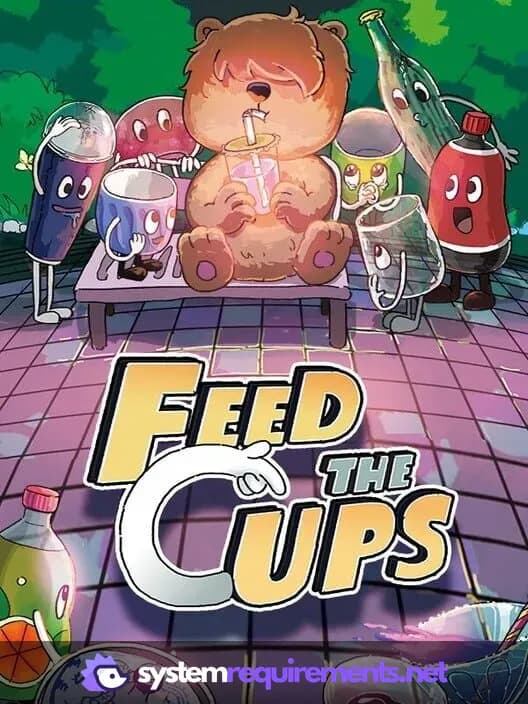
Feed the Cups Game Info
Developer
Vambear Games
Publisher
IndieArk
Release Date
February 21, 2024
Platforms
PC (Microsoft Windows)
Genres
SimulatorIndie
Game Modes
- Single player
- Multiplayer
- Co-operative
- Split screen
Feed the Cups Screenshots
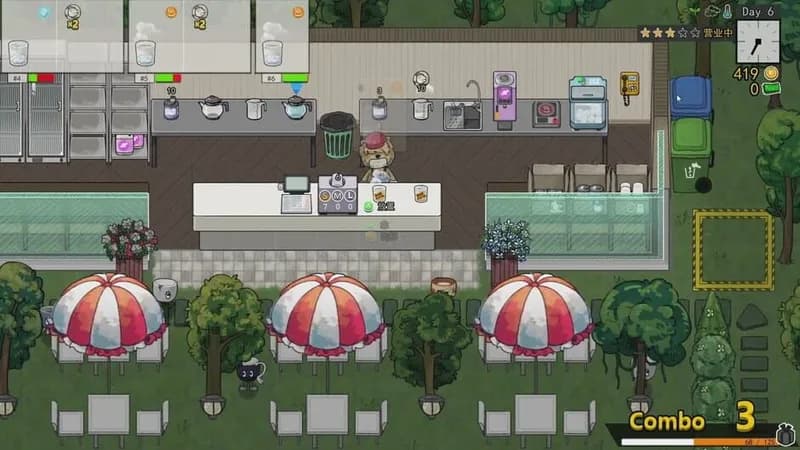
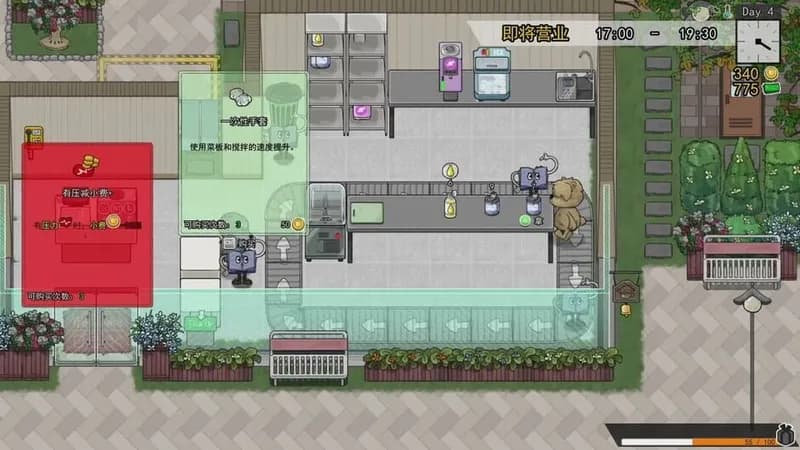
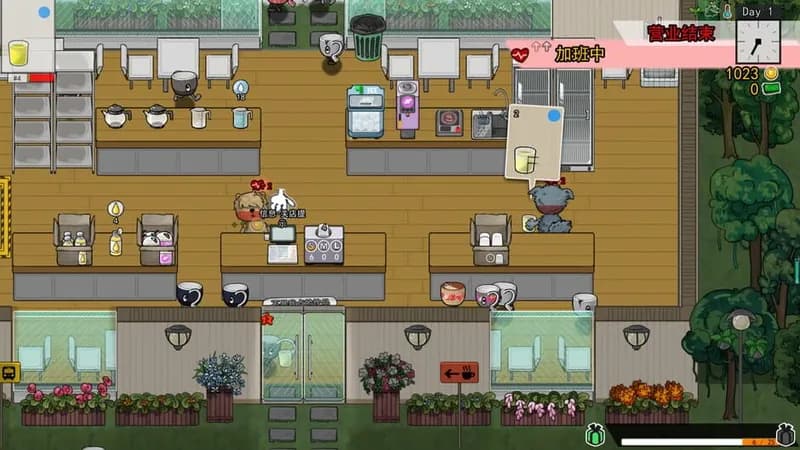
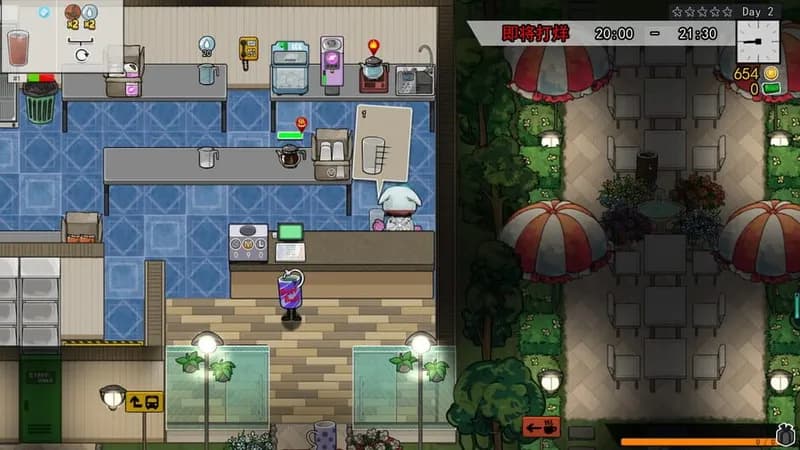




Optimize Your PC for Feed the Cups
Use our free tools to analyze and improve your gaming performance