
All Games
Goose Goose Duck System Requirements
July 23, 2025
Navigate bizarre locales in a tense hunt where the prey becomes the predator. Locate a noisy duck at intervals, but beware – other players have their own agendas, and you may become the hunted.
Goose Goose Duck Minimum & Recommended Specs
Minimum: Intel Core i3-2100, Intel HD Graphics, 4 GB RAM. Recommended: 8 GB RAM RAM.
Minimum System Requirements
Recommended System Requirements
Quick Performance Tips for Goose Goose Duck
#1
Close background apps to free up RAM.
#2
Lower shadow quality for a FPS boost.
#3
Disable anti-aliasing on low-end PCs.
#4
Update your graphics drivers for optimal performance.
Goose Goose Duck System Requirements FAQ
Can I run Goose Goose Duck on a low-end PC?
Goose Goose Duck has relatively low system requirements. If your PC meets the minimum specs (Intel Core i3-2100, Intel HD Graphics 3000, 4 GB RAM), you should be able to run the game, but you may need to lower the graphics settings for optimal performance.
What GPU do I need for Goose Goose Duck?
At a minimum, you'll need a GPU equivalent to Intel HD Graphics 3000. For a smoother experience with higher settings, an NVIDIA GeForce GTX 960 or AMD equivalent is recommended.
How much RAM does Goose Goose Duck need?
Goose Goose Duck requires a minimum of 4 GB of RAM. However, 8 GB of RAM is recommended for a smoother experience, especially if you have other applications running in the background.
Will Goose Goose Duck run on integrated graphics?
Yes, Goose Goose Duck can run on integrated graphics like Intel HD Graphics 3000, but you'll likely need to lower the graphics settings to achieve playable frame rates. Performance may vary depending on the specific integrated graphics card and other system specs.
What is the best graphics settings for Goose Goose Duck?
The best graphics settings depend on your hardware. Start with the 'Medium' preset and adjust from there. If you're experiencing lag, lower the shadow quality, texture quality, and disable anti-aliasing. If you have a powerful PC, you can try increasing these settings for better visuals.
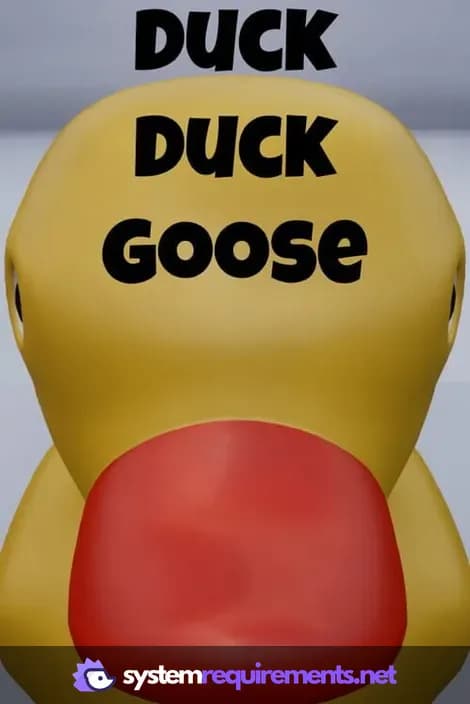
Goose Goose Duck Game Info
Release Date
July 23, 2025
Platforms
PC (Microsoft Windows)
Genres
Role-playing (RPG)SimulatorStrategyAdventureIndie
Game Modes
- Single player
Goose Goose Duck Screenshots
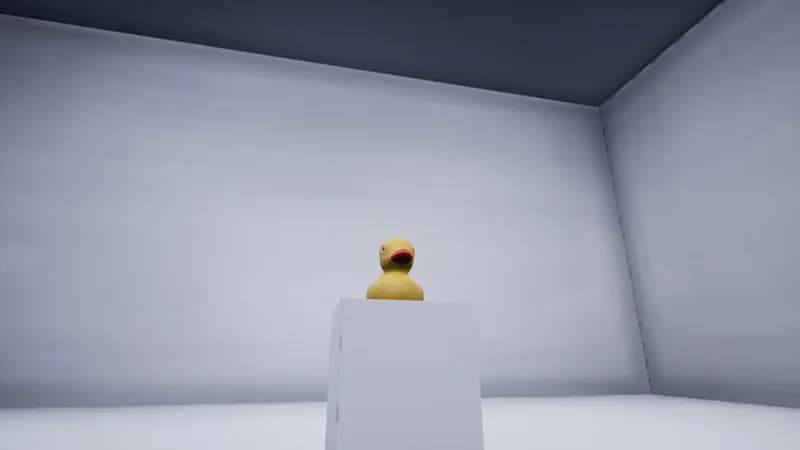
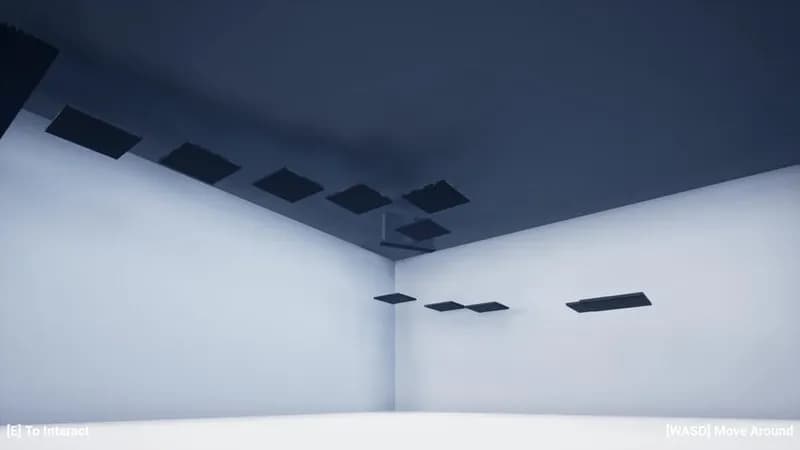

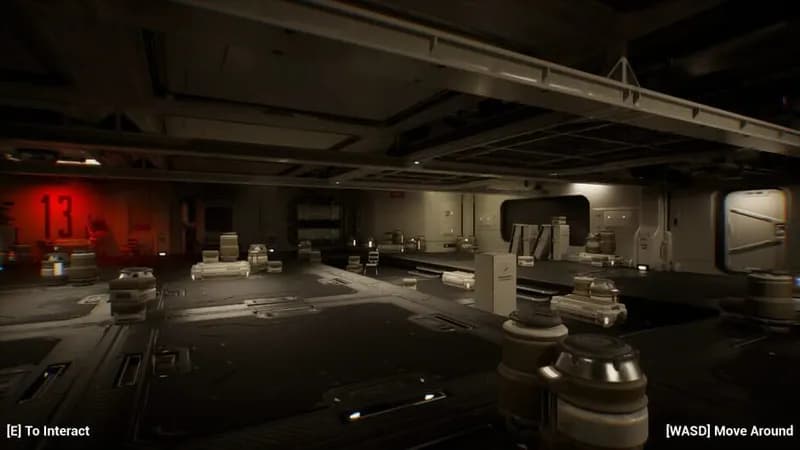

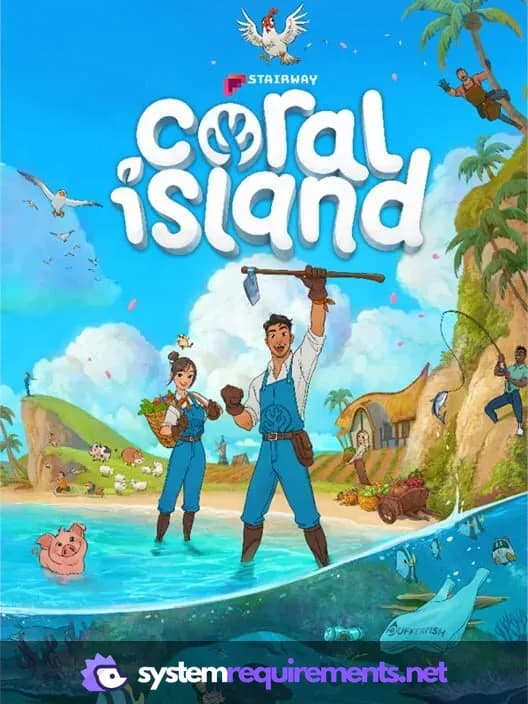
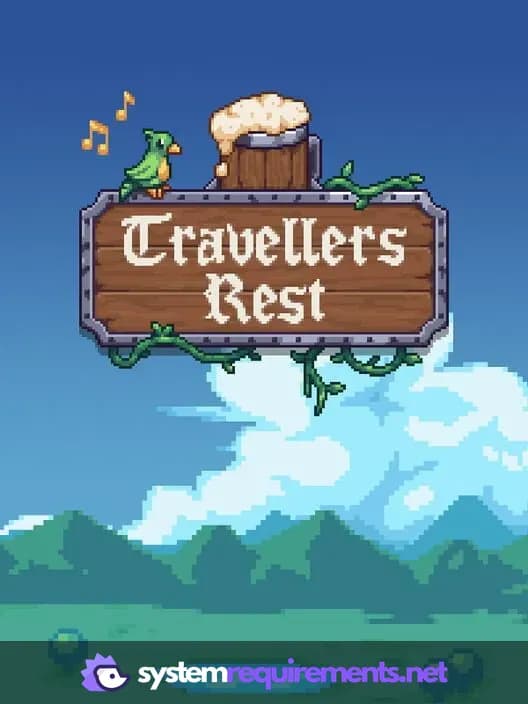
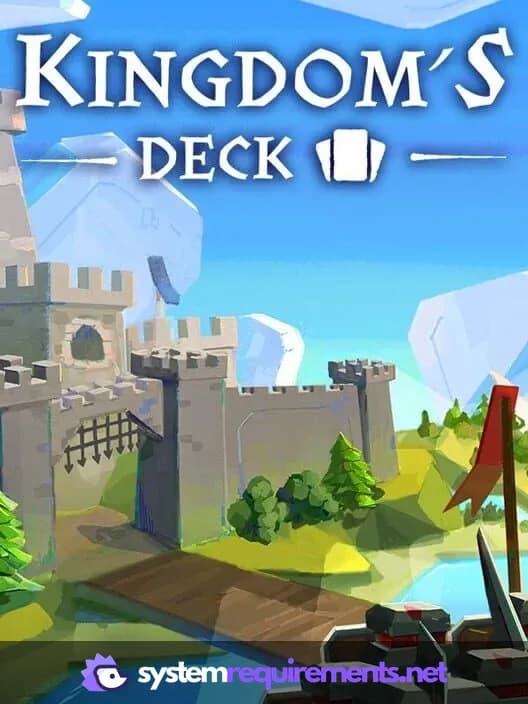


Optimize Your PC for Goose Goose Duck
Use our free tools to analyze and improve your gaming performance