
All Games
Guild Wars Eye of the North System Requirements
August 31, 2007ArenaNet80/100
Eye of the North expands Guild Wars with endgame content for level 20 characters. Journey back to Tyria to confront a cataclysmic threat emerging from the depths, and shape the world's future, paving the way for Guild Wars 2.
Guild Wars Eye of the North Minimum & Recommended Specs
Minimum: Intel Pentium III, NVIDIA GeForce 2, 512MB RAM. Recommended: 1GB RAM RAM.
Minimum System Requirements
Recommended System Requirements
Upgrade Your Hardware
Trailer
Quick Performance Tips for Guild Wars Eye of the North
#1
Lower texture quality for a quick FPS boost.
#2
Disable shadows for significant performance gains.
#3
Reduce character model detail in crowded areas.
#4
Close unnecessary background applications.
Guild Wars Eye of the North System Requirements FAQ
Can I run Guild Wars Eye of the North on a low-end PC?
Yes, Guild Wars Eye of the North is designed to run on older hardware. As long as you meet the minimum requirements (Intel Pentium III 800MHz, NVIDIA GeForce 2 MX, 512MB RAM), you should be able to play, though you may need to lower the graphics settings.
What GPU do I need for Guild Wars Eye of the North?
At a minimum, you'll need an NVIDIA GeForce 2 MX or equivalent. For a smoother experience, an NVIDIA GeForce FX 5700 or better is recommended.
How much RAM does Guild Wars Eye of the North need?
You need at least 512MB of RAM to run Guild Wars Eye of the North. However, 1GB of RAM is recommended for better performance, especially in crowded areas.
Will Guild Wars Eye of the North run on integrated graphics?
It might, but performance may be poor. Integrated graphics cards were generally weaker than dedicated cards at the time of release. Try it, but be prepared to lower settings or upgrade if needed.
What is the best graphics settings for Guild Wars Eye of the North?
If you meet the recommended specs, you should be able to run the game on medium to high settings. If you're struggling with performance, try lowering the texture quality, environment detail, and character model detail. Disabling shadows can also significantly improve performance.

Guild Wars Eye of the North Game Info
Developer
ArenaNet
Publisher
NCSOFT
Release Date
August 31, 2007
Platforms
PC (Microsoft Windows)
Genres
Role-playing (RPG)StrategyAdventure
Game Modes
- Single player
- Multiplayer
- Co-operative
- Massively Multiplayer Online (MMO)
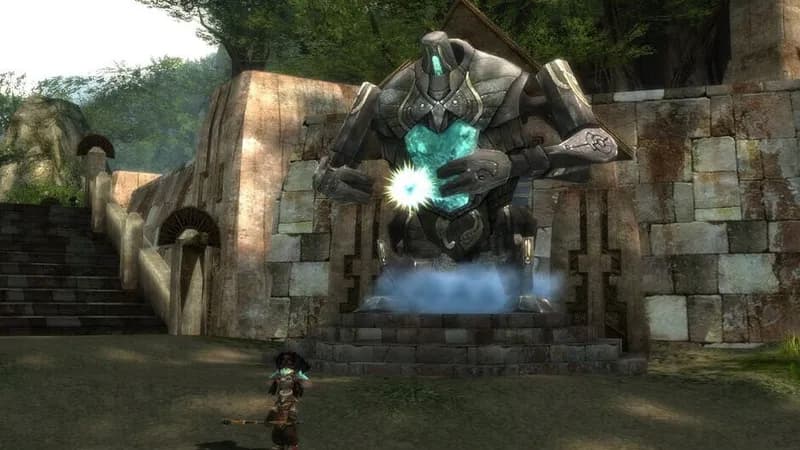
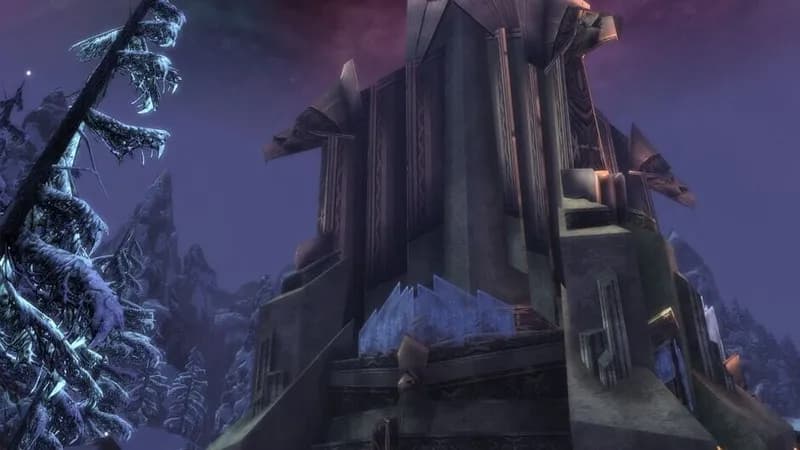
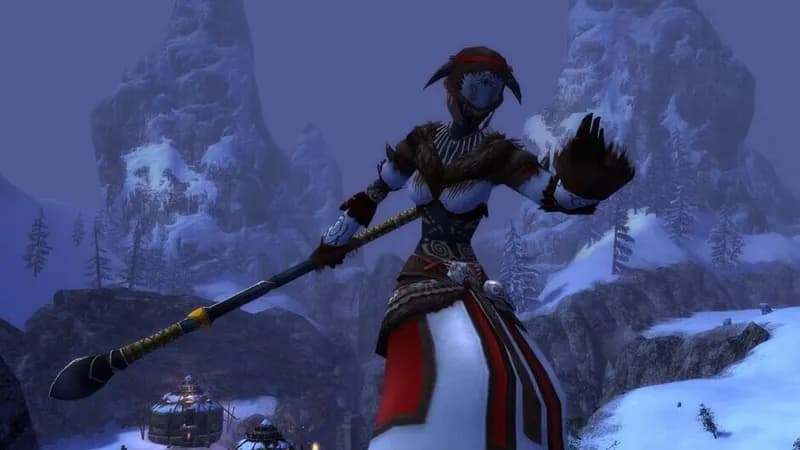
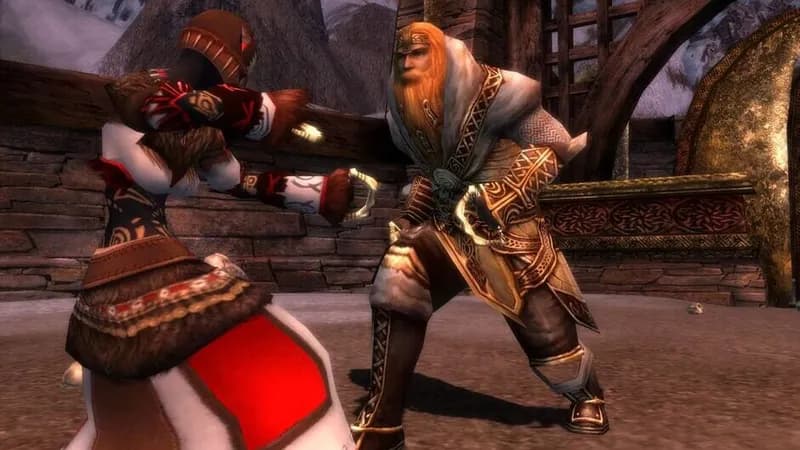
Guild Wars Eye of the North Screenshots
Games Similar to Guild Wars Eye of the North


Optimize Your PC for Guild Wars Eye of the North
Use our free tools to analyze and improve your gaming performance