
All Games
Guilty as Sock! System Requirements
May 29, 2025Demon Max
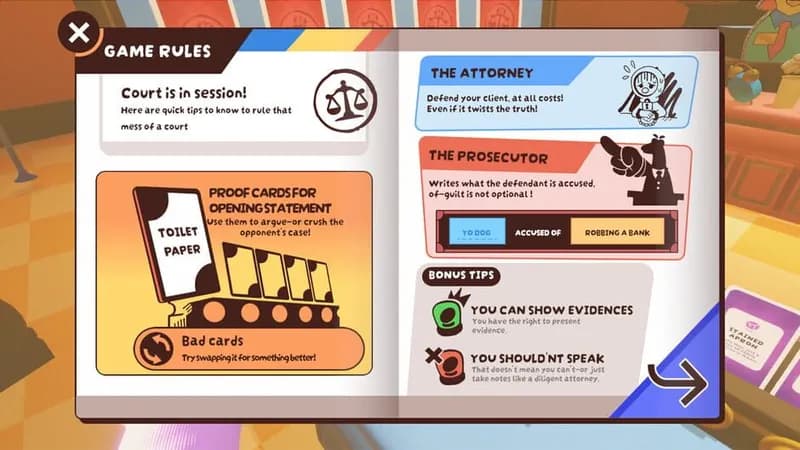
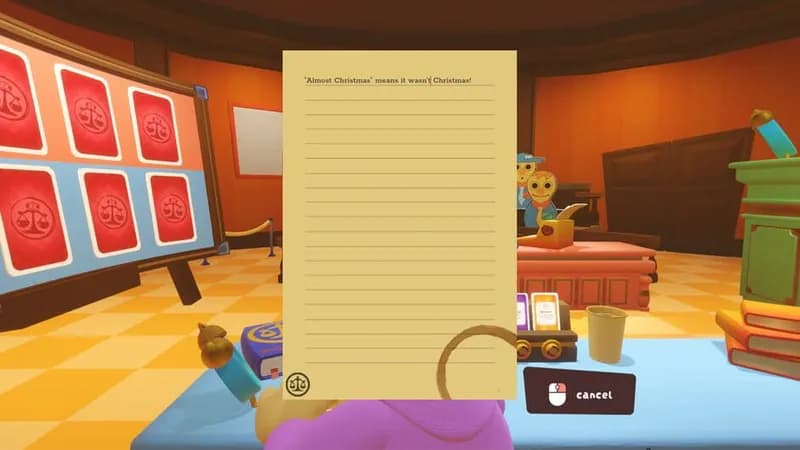
Socks argue cases in a ludicrous legal setting. Players present ridiculous evidence and improvise courtroom antics to sway sock-puppet judges in this multiplayer PC title.
Guilty as Sock! Minimum & Recommended Specs
Minimum: Intel Core i3-2100, Nvidia GeForce GTX, 4 GB RAM. Recommended: 8 GB RAM RAM.
Minimum System Requirements
Recommended System Requirements
Trailer
Quick Performance Tips for Guilty as Sock!
#1
Lower the resolution for a significant performance boost.
#2
Disable or reduce shadow quality for increased FPS.
#3
Close unnecessary background applications.
#4
Update your graphics drivers for optimal performance.
Guilty as Sock! System Requirements FAQ
Can I run Guilty as Sock! on a low-end PC?
If your PC meets the *minimum* requirements (Intel Core i3-2100 / AMD Phenom II X4 965, Nvidia GeForce GTX 650 / AMD Radeon HD 7770, 4 GB RAM), you should be able to play Guilty as Sock! at lower settings and resolutions. Performance may vary.
What GPU do I need for Guilty as Sock!?
At a minimum, you'll need an Nvidia GeForce GTX 650 or an AMD Radeon HD 7770. For the best experience, we recommend an Nvidia GeForce GTX 970 or an AMD Radeon RX 570.
How much RAM does Guilty as Sock! need?
Guilty as Sock! requires a minimum of 4 GB of RAM. We recommend 8 GB of RAM for smoother gameplay and better performance.
Will Guilty as Sock! run on integrated graphics?
While it's *possible* Guilty as Sock! *might* run on some integrated graphics solutions, it's unlikely to provide a playable experience. A dedicated graphics card is highly recommended.
What is the best graphics settings for Guilty as Sock!?
The best settings depend on your hardware. Start with the 'Medium' preset and adjust from there. If you're experiencing lag, try lowering the resolution and shadow quality.

Guilty as Sock! Game Info
Developer
Demon Max
Publisher
Demon Max
Release Date
May 29, 2025
Platforms
PC (Microsoft Windows), Mac
Genres
SimulatorIndieCard & Board Game
Game Modes
- Multiplayer
Guilty as Sock! Screenshots







Optimize Your PC for Guilty as Sock!
Use our free tools to analyze and improve your gaming performance