
All Games
Halo Wars: Definitive Edition System Requirements
December 20, 2016Ensemble Studios78/100
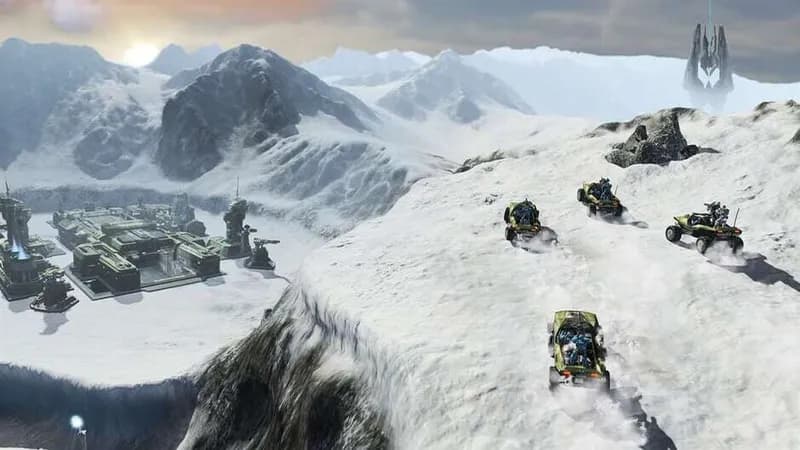
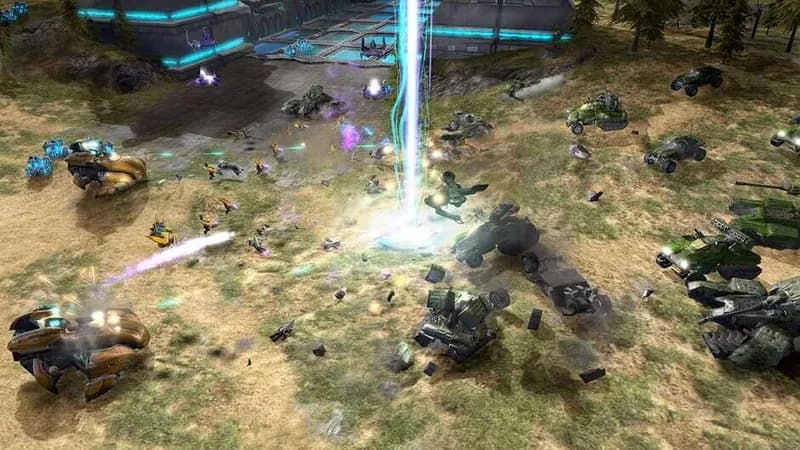
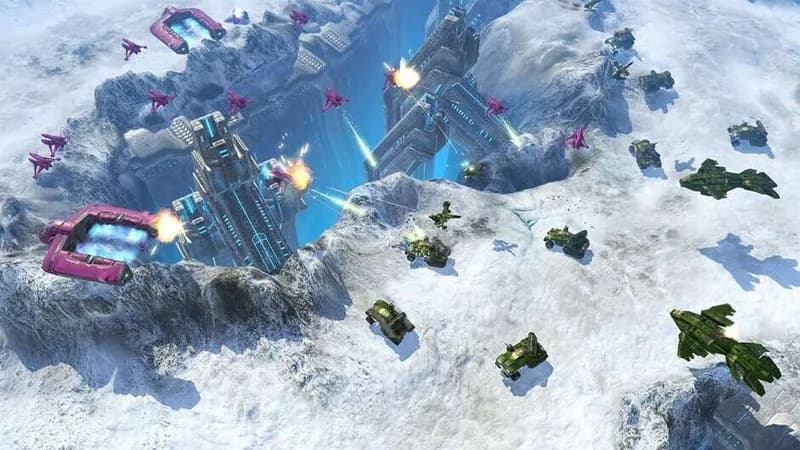
Experience the Halo universe from a strategic command perspective in this enhanced version of the RTS classic. Direct massive UNSC or Covenant armies in a prequel to the main Halo saga, featuring updated visuals, achievements, and all original DLC.
Halo Wars: Definitive Edition Minimum & Recommended Specs
Minimum: Intel Core i3, NVIDIA GeForce GTS, 4 GB RAM. Recommended: 8 GB RAM RAM.
Minimum System Requirements
Recommended System Requirements
Trailer
Quick Performance Tips for Halo Wars: Definitive Edition
#1
Lower the resolution for a significant performance boost.
#2
Disable anti-aliasing to improve frame rates.
#3
Close unnecessary background applications.
#4
Update your graphics drivers for optimal performance.
Halo Wars: Definitive Edition System Requirements FAQ
Can I run Halo Wars: Definitive Edition on a low-end PC?
If your PC meets the minimum requirements (Intel Core i3 or AMD equivalent, NVIDIA GeForce GTS 450 or AMD Radeon HD 5770 or Intel HD 4000 with 1 GB VRAM, 4 GB RAM), you can run the game, but you may need to lower the graphics settings for optimal performance.
What GPU do I need for Halo Wars: Definitive Edition?
For minimum settings, you'll need at least an NVIDIA GeForce GTS 450, AMD Radeon HD 5770, or Intel HD 4000 with 1 GB VRAM. For recommended settings, an NVIDIA GeForce GTX 560 or AMD Radeon HD 6870 with 1 GB VRAM is recommended.
How much RAM does Halo Wars: Definitive Edition need?
The game requires a minimum of 4 GB of RAM. For a smoother experience, especially at higher settings, 8 GB of RAM is recommended.
Will Halo Wars: Definitive Edition run on integrated graphics?
The game *may* run on Intel HD 4000 integrated graphics, but performance will likely be very low, even on the lowest settings. A dedicated graphics card is highly recommended for a playable experience.
What is the best graphics settings for Halo Wars: Definitive Edition?
If you meet the recommended specs, you can likely run the game on medium to high settings. If you're below the minimum, try setting everything to low, reducing the resolution, and disabling anti-aliasing for better performance.
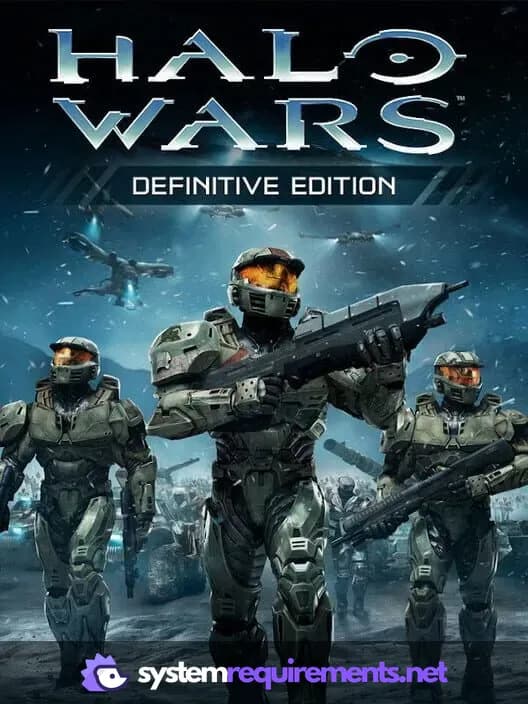
Halo Wars: Definitive Edition Game Info
Developer
Ensemble Studios
Publisher
Microsoft Studios
Release Date
December 20, 2016
Platforms
PC (Microsoft Windows), Xbox One
Genres
Real Time Strategy (RTS)Role-playing (RPG)SimulatorStrategy
Game Modes
- Single player
- Multiplayer
- Co-operative
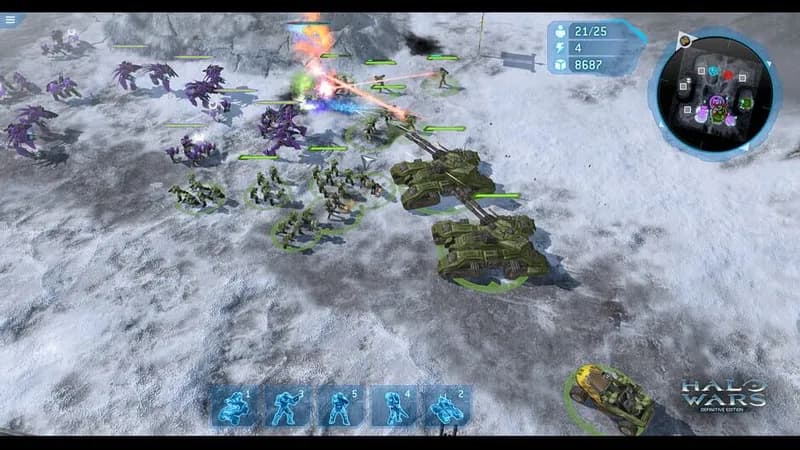
Halo Wars: Definitive Edition Screenshots



Optimize Your PC for Halo Wars: Definitive Edition
Use our free tools to analyze and improve your gaming performance