
Indiana Jones and the Infernal Machine System Requirements
In 1947, as the Cold War ignites, the Soviets seek a powerful artifact near the Tower of Babel. As Indiana Jones, you're tasked by the CIA to thwart their plans and uncover the secrets of the "Infernal Machine" across the globe. Whip and fedora required.
Indiana Jones and the Infernal Machine Minimum & Recommended Specs
Minimum: Pentium II 266, 8 MB Direct3D, 64 MB RAM. Recommended: 128 MB RAM RAM.
Minimum System Requirements
Recommended System Requirements
Upgrade Your Hardware
Fanmade Trailer
Quick Performance Tips for Indiana Jones and the Infernal Machine
Lower the resolution for a significant performance boost.
Disable advanced graphics options if the game is running slowly.
Close unnecessary background applications to free up RAM.
Update your graphics card drivers for potential improvements.
Indiana Jones and the Infernal Machine System Requirements FAQ
Can I run Indiana Jones and the Infernal Machine on a low-end PC?
What GPU do I need for Indiana Jones and the Infernal Machine?
How much RAM does Indiana Jones and the Infernal Machine need?
Will Indiana Jones and the Infernal Machine run on integrated graphics?
What is the best graphics settings for Indiana Jones and the Infernal Machine?

Indiana Jones and the Infernal Machine Game Info
Developer
LucasArts
Publisher
Gradiente
Release Date
November 23, 1999
Platforms
Nintendo 64, PC (Microsoft Windows), PlayStation
Genres
Game Modes
- Single player
Indiana Jones and the Infernal Machine Screenshots
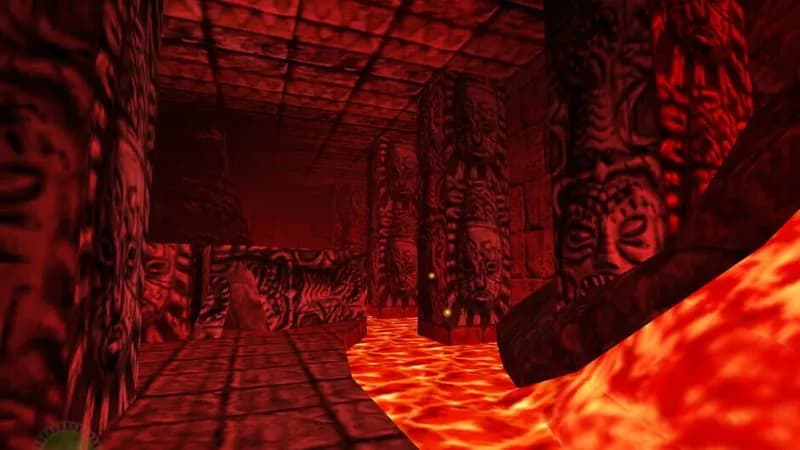
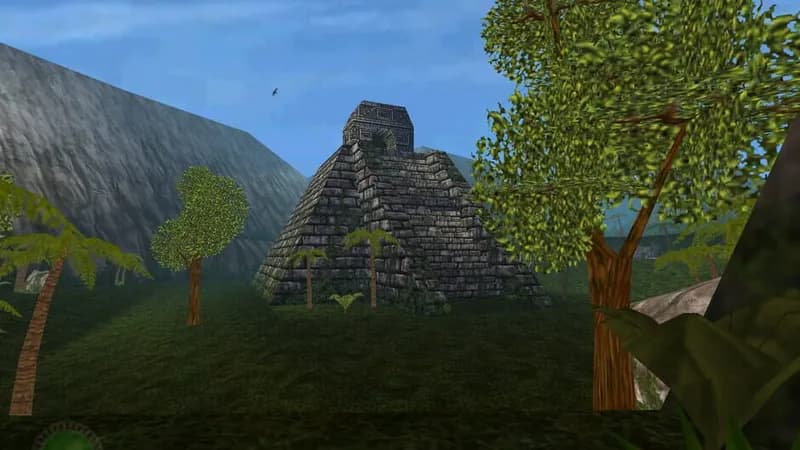
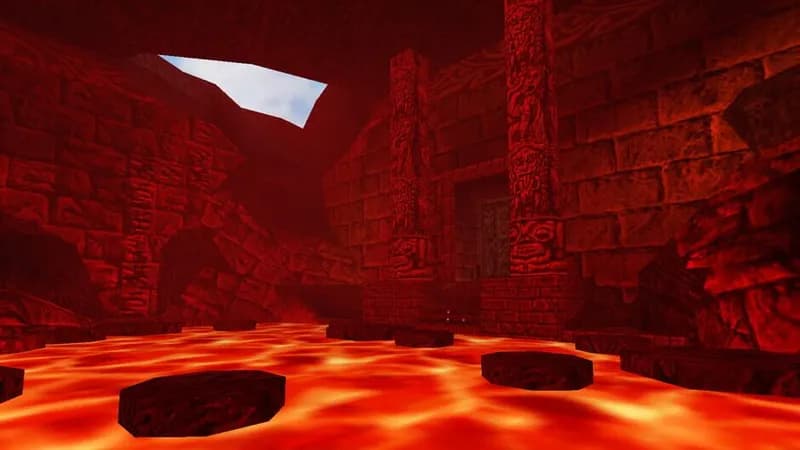
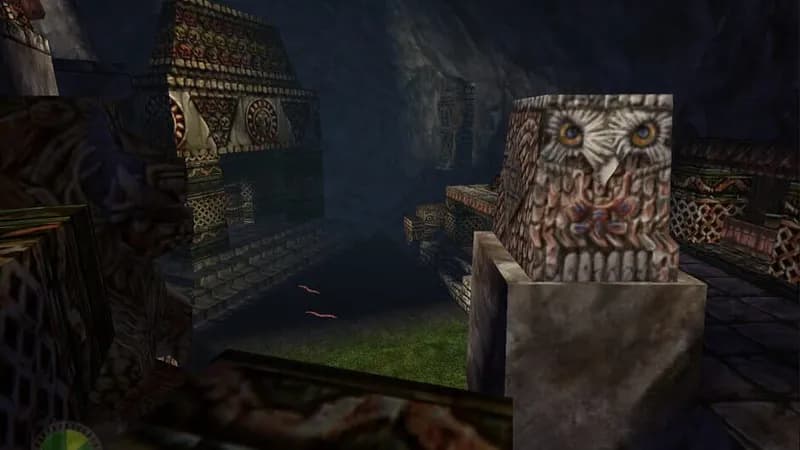
Games Similar to Indiana Jones and the Infernal Machine




Optimize Your PC for Indiana Jones and the Infernal Machine
Use our free tools to analyze and improve your gaming performance
Estimate FPS for Indiana Jones and the Infernal Machine
Calculate expected frame rates with your hardware
Check for Bottlenecks
Find if your CPU or GPU is holding you back
Calculate PSU Wattage
Make sure your power supply can handle your build
Compare Graphics Cards
Find the best GPU upgrade for your needs