
All Games
Jalopy System Requirements
March 28, 2018Minskworks45/100
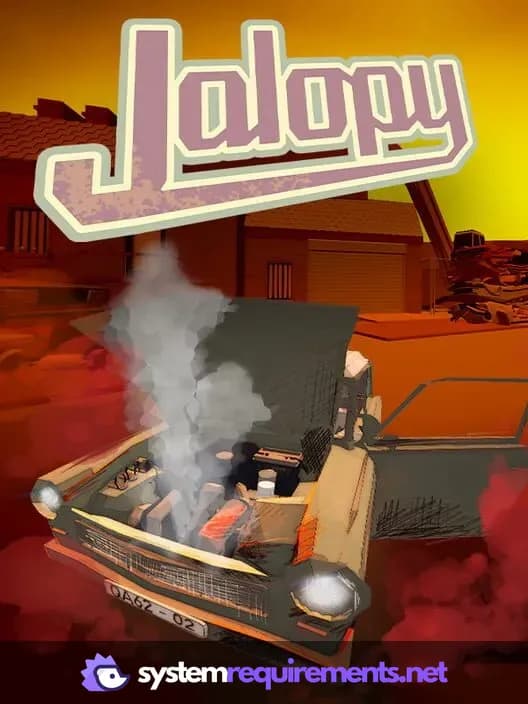
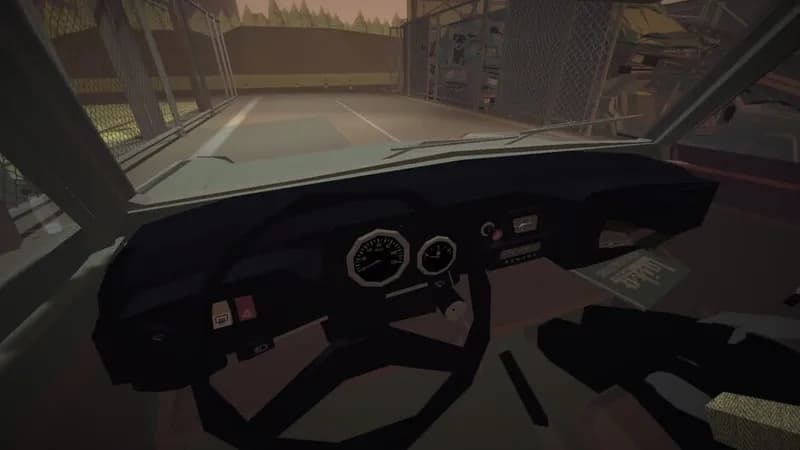
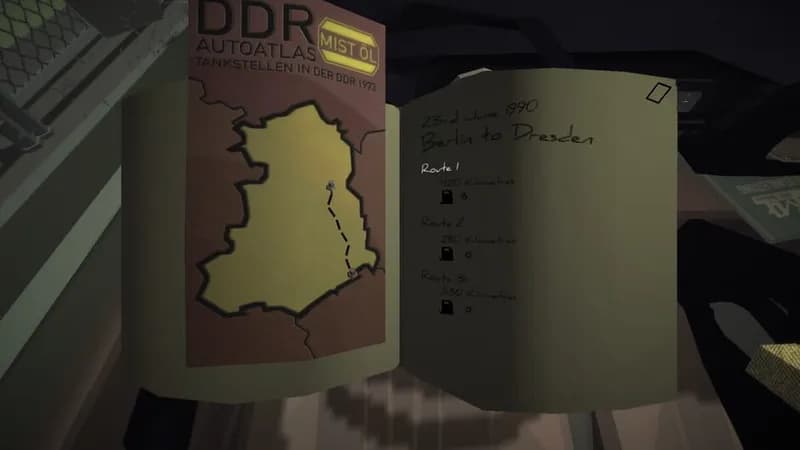
Venture into the dissolving Eastern Bloc in a temperamental, Trabant-inspired vehicle. Navigate the shifting political landscape and manage your car's failing components on a journey echoing classic road trip narratives.
Jalopy Minimum & Recommended Specs
Minimum: Intel Core2Duo E4600, GeForce GT 630, 2 GB RAM. Recommended: 4 GB RAM RAM.
Minimum System Requirements
Recommended System Requirements
Upgrade Your Hardware
Trailer
Quick Performance Tips for Jalopy
#1
Lower the resolution for a significant FPS boost.
#2
Turn off or reduce shadow quality.
#3
Reduce the draw distance to improve performance.
#4
Close unnecessary background applications.
Jalopy System Requirements FAQ
Can I run Jalopy on a low-end PC?
Jalopy can run on lower-end PCs, but you'll need at least an Intel Core2Duo E4600 or AMD Athlon X2 64 5000+, a GeForce GT 630 or Radeon HD 5670, and 2 GB of RAM. Expect lower frame rates and graphical settings.
What GPU do I need for Jalopy?
At a minimum, you'll need a GeForce GT 630 or Radeon HD 5670. For a smoother experience with higher settings, a GeForce GTX 660 or Radeon HD 6950 is recommended.
How much RAM does Jalopy need?
Jalopy requires a minimum of 2 GB of RAM. However, 4 GB of RAM is recommended for better performance and stability, especially at higher graphical settings.
Will Jalopy run on integrated graphics?
Running Jalopy on integrated graphics is not officially supported. While it *might* run, performance will likely be very poor, even at the lowest settings. A dedicated graphics card is highly recommended.
What is the best graphics settings for Jalopy?
The best graphics settings depend on your hardware. If you meet the minimum requirements, start with the lowest settings and gradually increase them until you find a balance between visual quality and performance. If you meet the recommended specs, you should be able to run at medium or high settings.
Jalopy Game Info
Developer
Minskworks
Publisher
Excalibur Games
Release Date
March 28, 2018
Platforms
PC (Microsoft Windows), Xbox One
Genres
RacingSimulatorAdventureIndie
Game Modes
- Single player
Jalopy Screenshots
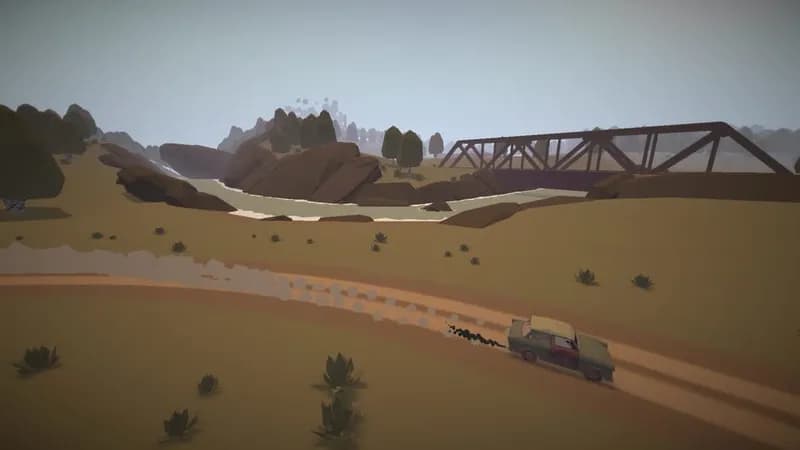
Games Similar to Jalopy


Optimize Your PC for Jalopy
Use our free tools to analyze and improve your gaming performance