
All Games
Library Of Ruina System Requirements
August 10, 2021Project Moon
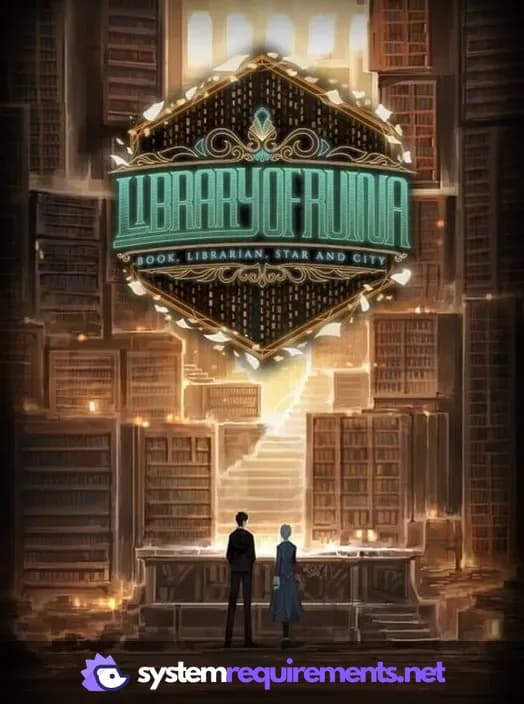
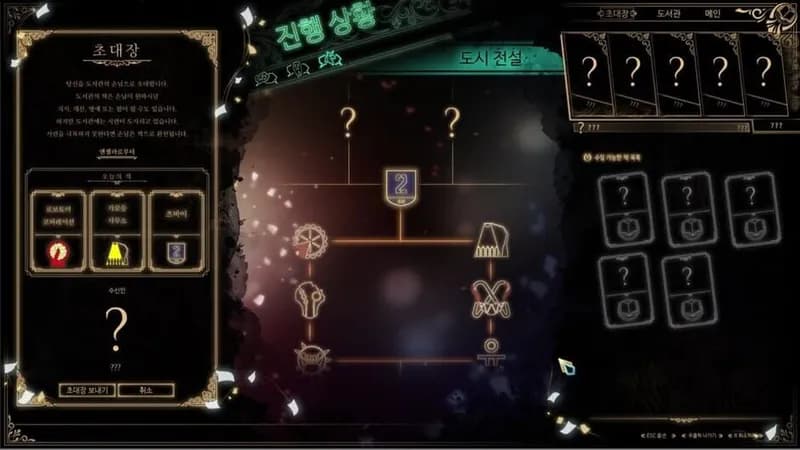
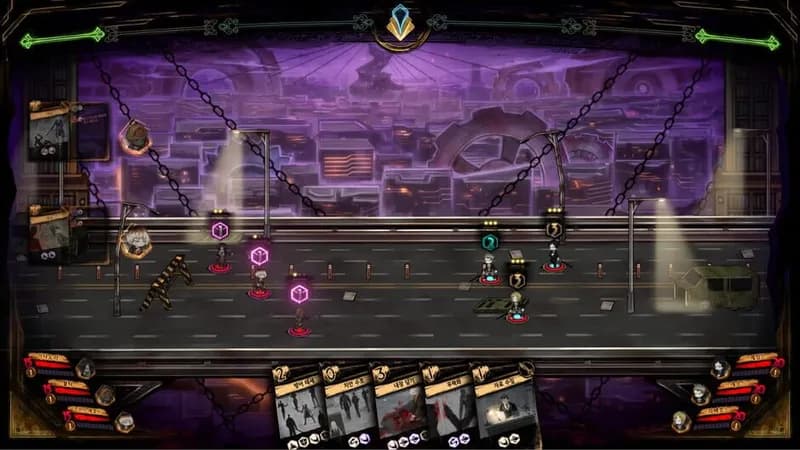
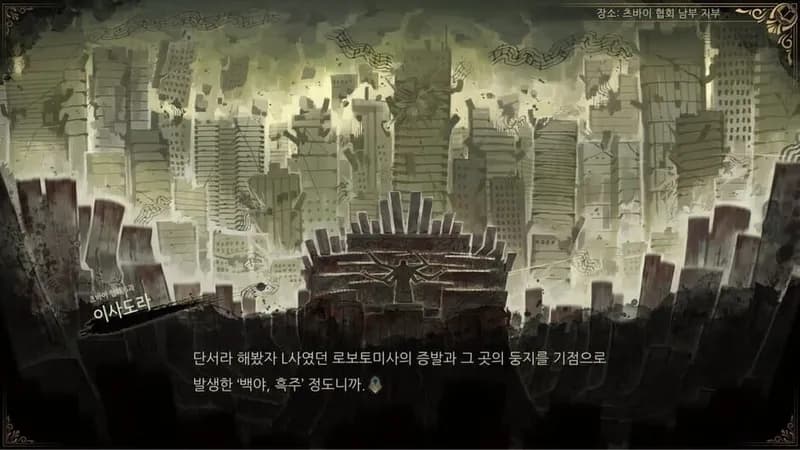
Librarians clash with visitors in theatrical combat, turning the defeated into books to expand the Library. Your goal: obtain the ultimate, singular book hidden within.
Library Of Ruina Minimum & Recommended Specs
Minimum: Intel Core i3-2340UE, Nvidia GeForce 520, 4 GB RAM. Recommended: 8 GB RAM RAM.
Minimum System Requirements
Recommended System Requirements
Trailer
Quick Performance Tips for Library Of Ruina
#1
Lower the 'Visual Quality' setting for better performance.
#2
Disable 'Bloom' and 'Shadows' to increase FPS.
#3
Close unnecessary background applications.
#4
Ensure your graphics drivers are up to date.
Library Of Ruina System Requirements FAQ
Can I run Library Of Ruina on a low-end PC?
Library Of Ruina can run on low-end PCs, but you may need to lower the graphics settings. The minimum requirements are an Intel Core i3-2340UE or equivalent, Nvidia GeForce 520 or equivalent, and 4 GB of RAM.
What GPU do I need for Library Of Ruina?
The minimum GPU required is an Nvidia GeForce 520 or equivalent. For a smoother experience, an Nvidia GeForce 750 Ti or equivalent is recommended.
How much RAM does Library Of Ruina need?
Library Of Ruina requires at least 4 GB of RAM to run. 8 GB of RAM is recommended for optimal performance, especially during later receptions with more complex effects.
Will Library Of Ruina run on integrated graphics?
While it *might* run on integrated graphics, performance will likely be poor and unstable. We highly recommend using a dedicated graphics card that meets the minimum requirements for a playable experience.
What is the best graphics settings for Library Of Ruina?
The best graphics settings depend on your hardware. Start with the 'Medium' preset and adjust from there. If you're experiencing lag, lower the 'Visual Quality' setting first. Disable 'Bloom' and 'Shadows' for extra performance.
Library Of Ruina Game Info
Developer
Project Moon
Publisher
Arc System Works
Release Date
August 10, 2021
Platforms
PlayStation 4, PC (Microsoft Windows), Xbox One, Nintendo Switch
Genres
Role-playing (RPG)SimulatorStrategyTurn-based strategy (TBS)AdventureIndie
Game Modes
- Single player
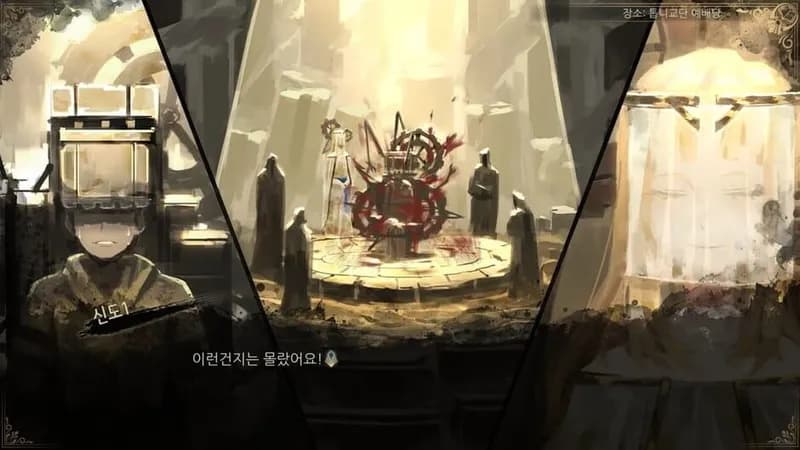
Library Of Ruina Screenshots


Optimize Your PC for Library Of Ruina
Use our free tools to analyze and improve your gaming performance