All Games

Little Nightmares II System Requirements

February 10, 2021Tarsier Studios82/100

Step into a disturbing world as Mono, guided by Six, and confront nightmarish residents while unraveling the secrets of the Signal Tower. This suspenseful adventure demands stealth and puzzle-solving to rescue Six from a grim destiny within a distorted reality.

Little Nightmares II Minimum & Recommended Specs

Minimum: Intel Core i5-4460, Nvidia GeForce GTX, 4 GB RAM. Recommended: 8 GB RAM RAM.

Minimum System Requirements

OS
Windows 10
Processor
Intel Core i5-4460 or AMD FX-6300CPU Deals
RAM
4 GB RAMRAM Deals
Graphics Card
Nvidia GeForce GTX 750 Ti or AMD Radeon HD 7970GPU Deals
DirectX
Version 11
Storage
20 GB available spaceSSD Deals

Recommended System Requirements

OS
Windows 10
Processor
Intel Core i7-4790 or AMD Ryzen 3 3200GCPU Deals
RAM
8 GB RAMRAM Deals
Graphics Card
Nvidia GeForce GTX 1060 or AMD Radeon RX 590GPU Deals
DirectX
Version 11
Storage
20 GB available spaceSSD Deals

Launch Trailer

Quick Performance Tips for Little Nightmares II

#1

Lower shadow quality for a significant performance boost.

#2

Reduce the resolution for improved frame rates.

#3

Close background applications to free up RAM.

#4

Update your graphics drivers for optimal performance.

Little Nightmares II System Requirements FAQ

Can I run Little Nightmares II on a low-end PC?
If your PC meets the minimum requirements (Intel Core i5-4460 or AMD FX-6300, Nvidia GeForce GTX 750 Ti or AMD Radeon HD 7970, and 4 GB of RAM), you should be able to play Little Nightmares II, but likely at lower settings and potentially with lower frame rates.
What GPU do I need for Little Nightmares II?
At a minimum, you'll need an Nvidia GeForce GTX 750 Ti or an AMD Radeon HD 7970. For a smoother experience at higher settings, an Nvidia GeForce GTX 1060 or an AMD Radeon RX 590 is recommended.
How much RAM does Little Nightmares II need?
The game requires a minimum of 4 GB of RAM. However, 8 GB of RAM is recommended for a more stable and enjoyable experience, especially at higher graphical settings.
Will Little Nightmares II run on integrated graphics?
While it's *possible* the game might launch on some high-end integrated graphics solutions, it's unlikely to provide a playable experience. Dedicated graphics cards like the GTX 750 Ti or Radeon HD 7970 are highly recommended.
What is the best graphics settings for Little Nightmares II?
This depends on your hardware. If you meet the recommended specs, try 'High' settings. If you meet only the minimum, start with 'Low' and gradually increase settings until you find a balance between visual quality and performance.
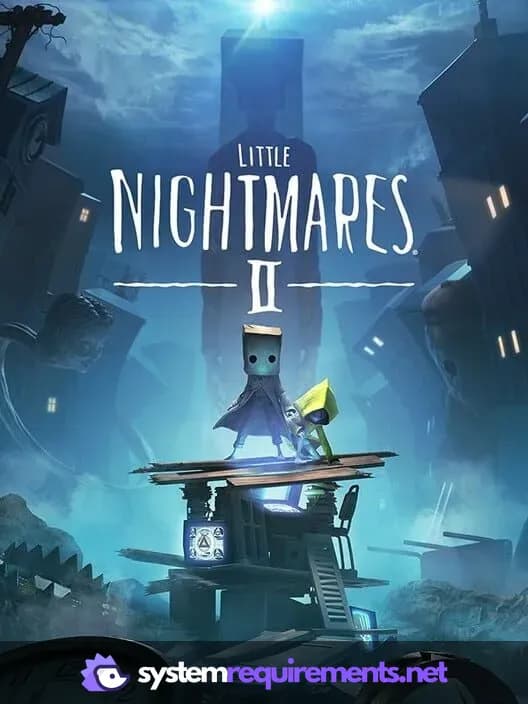
Little Nightmares II PC game cover art

Little Nightmares II Game Info

Developer

Tarsier Studios

Publisher

Bandai Namco Entertainment

Release Date

February 10, 2021

Platforms

Google Stadia, Xbox Series X|S, PlayStation 4, PC (Microsoft Windows), PlayStation 5

Genres

PlatformPuzzleAdventure

Game Modes

  • Single player

Little Nightmares II Screenshots

Little Nightmares II gameplay screenshot 1
Little Nightmares II gameplay screenshot 2
Little Nightmares II gameplay screenshot 3
Little Nightmares II System Requirements - Can Your PC Run It?