
All Games
March of Empires System Requirements
December 1, 2017Gameloft
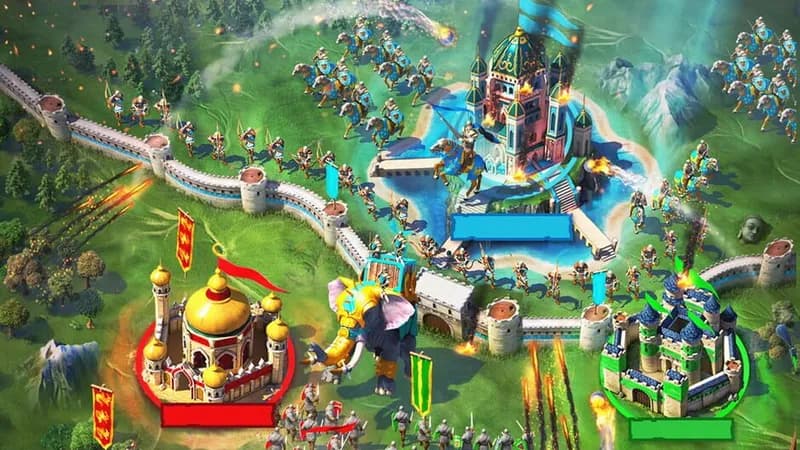
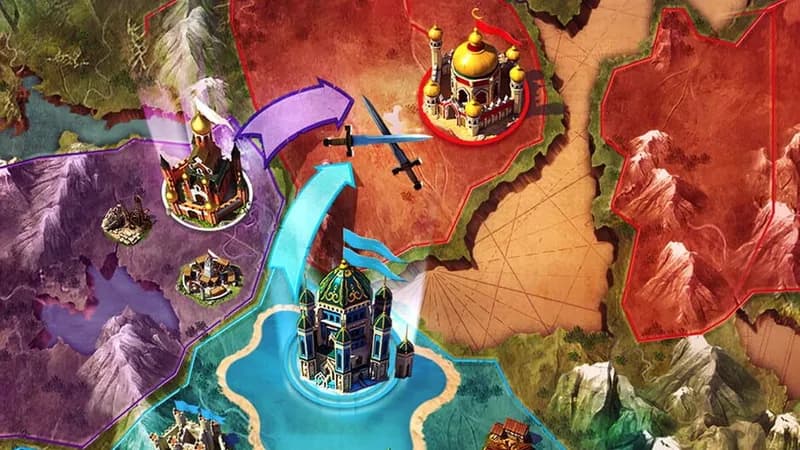
Command vast armies in this persistent-world, real-time strategy MMO. Forge alliances and conquer territories in a bid for imperial dominance.
March of Empires Minimum & Recommended Specs
Minimum: Intel Core i3-540, Nvidia GeForce GTS, 4 GB RAM. Recommended: 8 GB RAM RAM.
Minimum System Requirements
Recommended System Requirements
Quick Performance Tips for March of Empires
#1
Lower the graphics settings for increased FPS.
#2
Close unnecessary background applications.
#3
Update your graphics card drivers.
#4
Ensure your PC meets the minimum RAM requirement.
March of Empires System Requirements FAQ
Can I run March of Empires on a low-end PC?
If your PC meets the minimum requirements (Intel Core i3-540 or AMD Phenom II X4 940, Nvidia GeForce GTS 450 or AMD Radeon HD 5770, and 4 GB RAM), you should be able to run March of Empires, but potentially at lower settings and with reduced performance. For a smoother experience, aim for the recommended specifications.
What GPU do I need for March of Empires?
At a minimum, you'll need an Nvidia GeForce GTS 450 or an AMD Radeon HD 5770. For better performance, an Nvidia GeForce GTX 660 or AMD Radeon HD 7870 is recommended.
How much RAM does March of Empires need?
March of Empires requires at least 4 GB of RAM to run. However, 8 GB of RAM is recommended for a smoother and more stable gaming experience, especially during large battles or when running other applications in the background.
Will March of Empires run on integrated graphics?
While it *might* run on some higher-end integrated graphics solutions, it's not recommended. The game is designed to run best with dedicated graphics cards that meet at least the minimum requirements. You will likely experience significant performance issues with integrated graphics.
What is the best graphics settings for March of Empires?
If you meet the recommended specs, try the 'High' preset. If you're closer to the minimum, start with 'Medium' or 'Low' and adjust individual settings (like shadows and texture quality) until you find a balance between visual quality and performance.
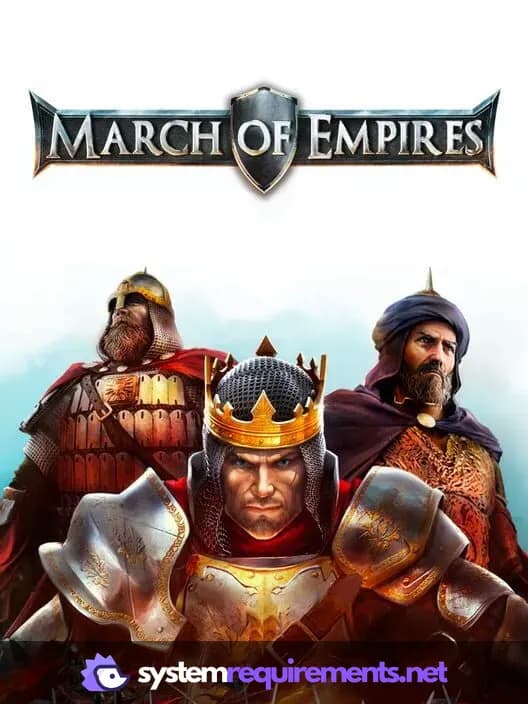
March of Empires Game Info
Developer
Gameloft
Publisher
Gameloft
Release Date
December 1, 2017
Platforms
PC (Microsoft Windows)
Genres
Role-playing (RPG)Strategy
Game Modes
- Multiplayer
- Massively Multiplayer Online (MMO)
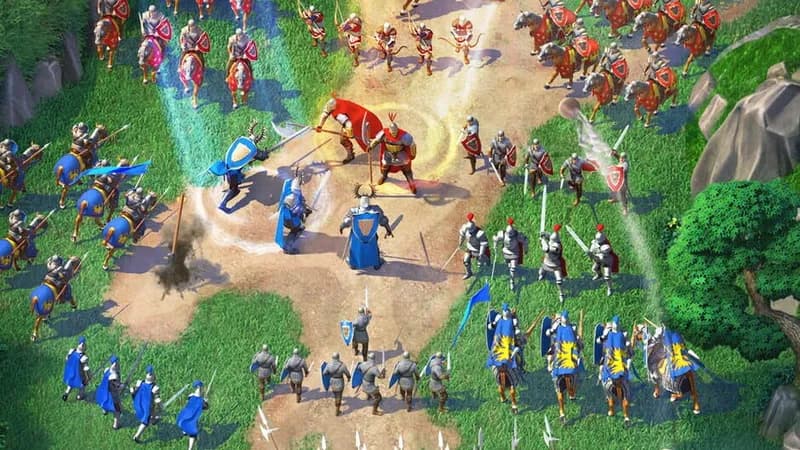
March of Empires Screenshots


Optimize Your PC for March of Empires
Use our free tools to analyze and improve your gaming performance