
All Games
Mirror's Edge Catalyst System Requirements
June 7, 2016EA Digital Illusions CE69/100
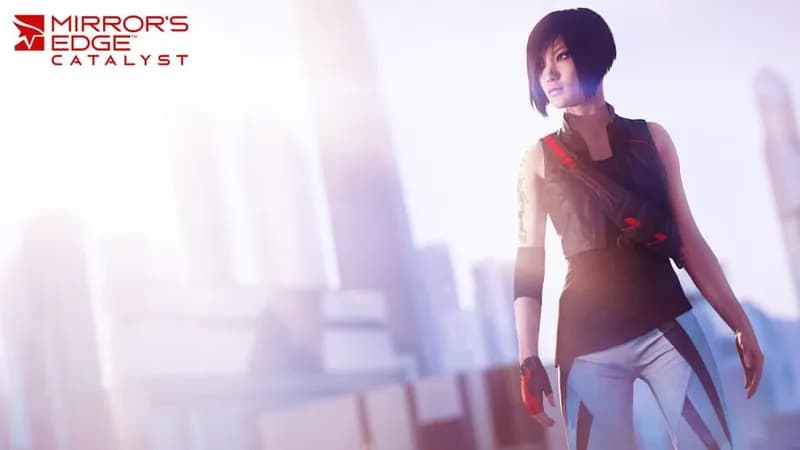
Leap into the origin story of Faith in this open-world, parkour-driven reboot of Mirror's Edge. Navigate the sprawling cityscape using free-running skills, engaging in a redefined, weaponless melee combat system.
Mirror's Edge Catalyst Minimum & Recommended Specs
Minimum: Intel i3-3250 /, NVIDIA GeForce GTX, 6 GB RAM. Recommended: 16 GB RAM RAM.
Minimum System Requirements
Recommended System Requirements
I Am Faith: Story Trailer
Quick Performance Tips for Mirror's Edge Catalyst
#1
Lower shadow quality for a significant FPS boost.
#2
Disable or reduce anti-aliasing for better performance.
#3
Reduce texture quality if you have limited VRAM.
#4
Close background applications to free up RAM.
Mirror's Edge Catalyst System Requirements FAQ
Can I run Mirror's Edge Catalyst on a low-end PC?
To run Mirror's Edge Catalyst, you'll need at least an Intel i3-3250 or AMD FX-6350 CPU, an NVIDIA GeForce GTX 650 Ti 2GB or AMD Radeon R7 260X 2GB GPU, and 6GB of RAM. If your PC meets these minimum specs, you should be able to run the game at lower settings. For a smoother experience at higher settings, aim for the recommended specs.
What GPU do I need for Mirror's Edge Catalyst?
The minimum GPU required is an NVIDIA GeForce GTX 650 Ti 2GB or an AMD Radeon R7 260X 2GB. For better performance and higher settings, an NVIDIA GeForce GTX 970 4GB or an AMD Radeon R9 280X 3GB is recommended.
How much RAM does Mirror's Edge Catalyst need?
Mirror's Edge Catalyst requires a minimum of 6GB of RAM. However, for optimal performance and to avoid stutters, 16GB of RAM is highly recommended.
Will Mirror's Edge Catalyst run on integrated graphics?
While technically possible, running Mirror's Edge Catalyst on integrated graphics is not recommended. The game is graphically demanding, and integrated graphics cards typically don't have the power to provide a playable experience, even at the lowest settings. You'll likely experience very low frame rates and visual glitches.
What is the best graphics settings for Mirror's Edge Catalyst?
The best graphics settings depend on your hardware. If you meet the minimum specs, start with low settings and gradually increase them until you find a balance between visual quality and performance. If you meet the recommended specs, you should be able to run the game on high or even ultra settings. Experiment with different settings to find what works best for your system.
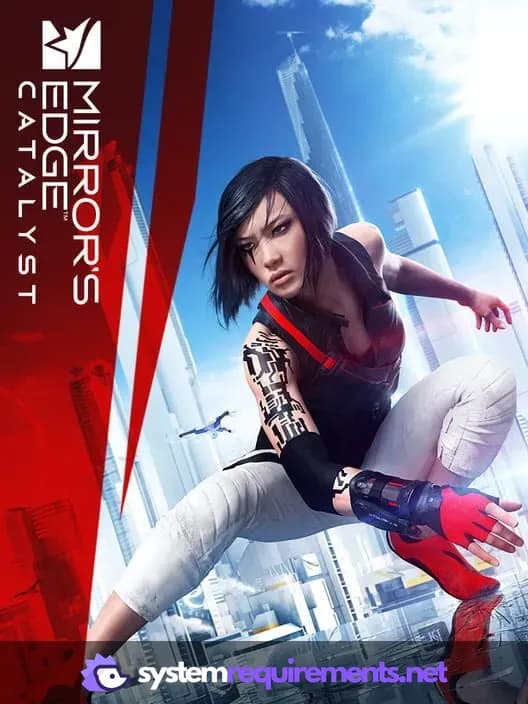
Mirror's Edge Catalyst Game Info
Developer
EA Digital Illusions CE
Publisher
Electronic Arts
Release Date
June 7, 2016
Platforms
PlayStation 4, PC (Microsoft Windows), Xbox One
Genres
PlatformAdventure
Game Modes
- Single player
- Multiplayer
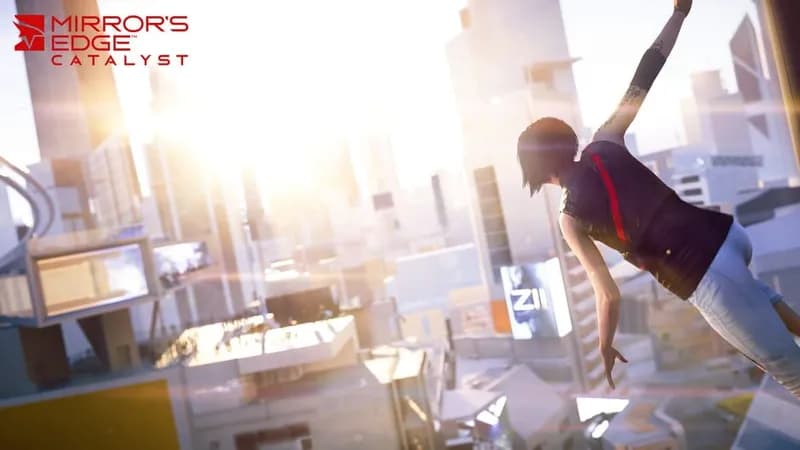
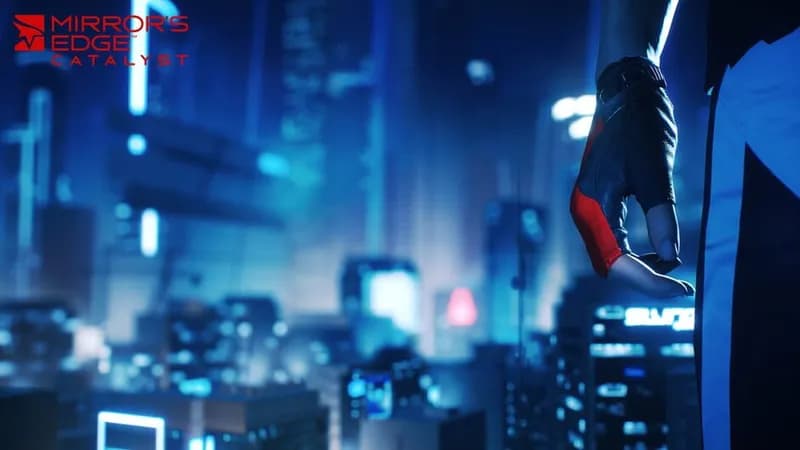
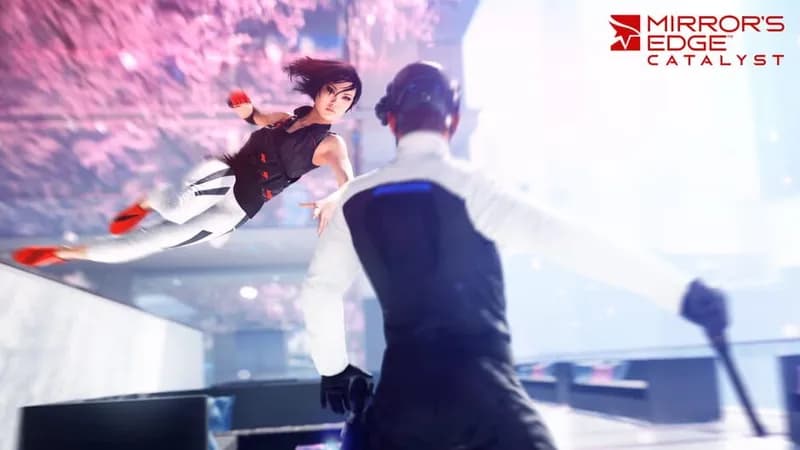
Mirror's Edge Catalyst Screenshots
Games Similar to Mirror's Edge Catalyst

Optimize Your PC for Mirror's Edge Catalyst
Use our free tools to analyze and improve your gaming performance