All Games

MX Bikes System Requirements

October 7, 2019

MX Bikes delivers a simulation-focused motocross experience, powered by a custom physics engine replicating motorcycle behavior. Expect detailed customization options impacting handling.

MX Bikes Minimum & Recommended Specs

Minimum: Intel Core i5-4460, NVIDIA GeForce GTX, 4 GB RAM. Recommended: 8 GB RAM RAM.

Minimum System Requirements

OS
Windows 10
Processor
Intel Core i5-4460CPU Deals
RAM
4 GB RAMRAM Deals
Graphics Card
NVIDIA GeForce GTX 460GPU Deals
DirectX
Version 11
Storage
2 GB available spaceSSD Deals

Recommended System Requirements

OS
Windows 10
Processor
Intel Core i5-6600KCPU Deals
RAM
8 GB RAMRAM Deals
Graphics Card
NVIDIA GeForce GTX 960GPU Deals
DirectX
Version 11
Storage
2 GB available spaceSSD Deals

Quick Performance Tips for MX Bikes

#1

Lower shadow quality for a quick FPS boost.

#2

Reduce texture resolution if you have limited VRAM.

#3

Disable or reduce anti-aliasing for better performance.

#4

Close unnecessary background applications.

#5

Update your graphics drivers for optimal performance.

#6

Experiment with different track LOD settings.

#7

Use the in-game FPS counter to monitor performance.

MX Bikes System Requirements FAQ

Can I run MX Bikes on a low-end PC?
MX Bikes can run on a low-end PC if it meets the minimum requirements: an Intel Core i5-4460, NVIDIA GeForce GTX 460, and 4 GB of RAM. However, expect lower frame rates and graphical settings. For a smoother experience, aim for the recommended specs.
What GPU do I need for MX Bikes?
At a minimum, you'll need an NVIDIA GeForce GTX 460. For a better experience with higher settings, an NVIDIA GeForce GTX 960 or equivalent is recommended.
How much RAM does MX Bikes need?
MX Bikes requires a minimum of 4 GB of RAM. However, 8 GB of RAM is recommended for smoother gameplay and to avoid potential stuttering, especially with multiple applications running in the background.
Will MX Bikes run on integrated graphics?
While it's *possible* MX Bikes might run on some modern integrated graphics solutions, performance will likely be very poor and the experience unplayable. A dedicated graphics card is highly recommended to enjoy the game.
What is the best graphics settings for MX Bikes?
The best graphics settings depend on your hardware. Start with the 'Medium' preset and adjust from there. If you're experiencing low frame rates, reduce settings like shadow quality, texture resolution, and anti-aliasing. Experiment to find the balance between visual quality and performance that works best for your system.
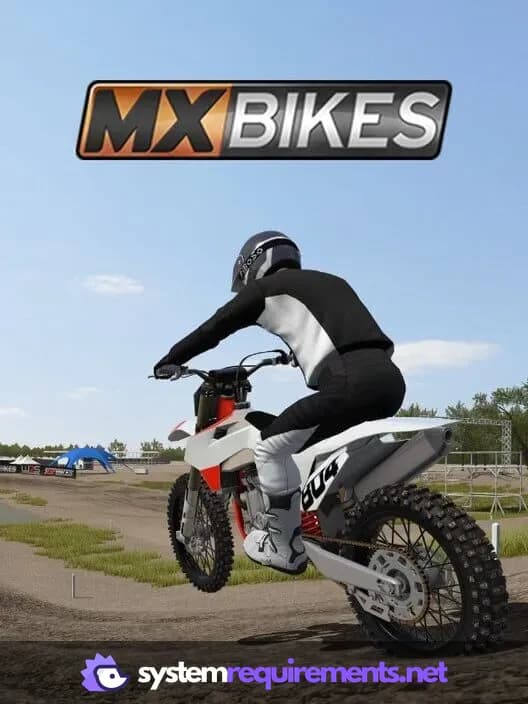
MX Bikes PC game cover art

MX Bikes Game Info

Release Date

October 7, 2019

Platforms

PC (Microsoft Windows)

Genres

RacingSimulatorSport

Game Modes

  • Single player
  • Multiplayer

MX Bikes Screenshots

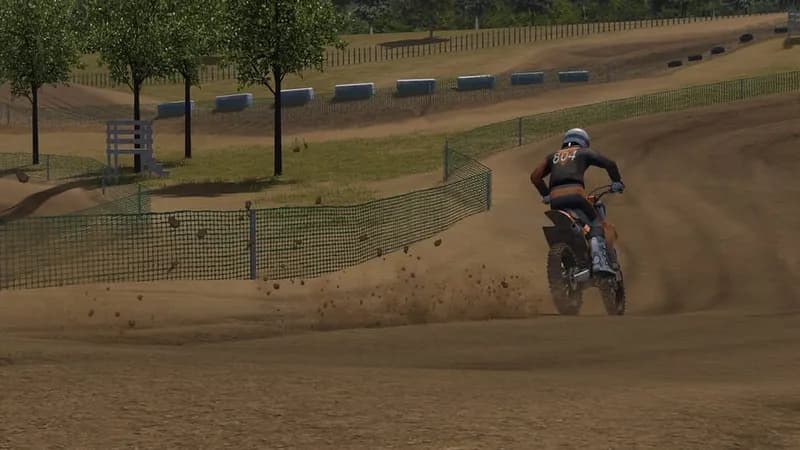
MX Bikes gameplay screenshot 1
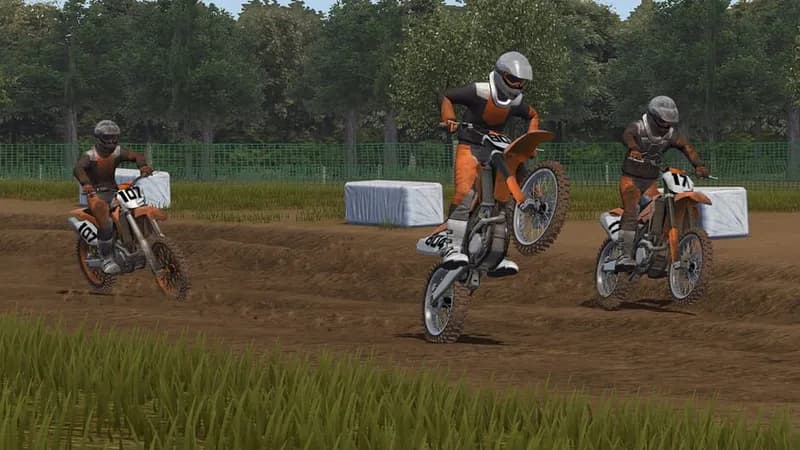
MX Bikes gameplay screenshot 2
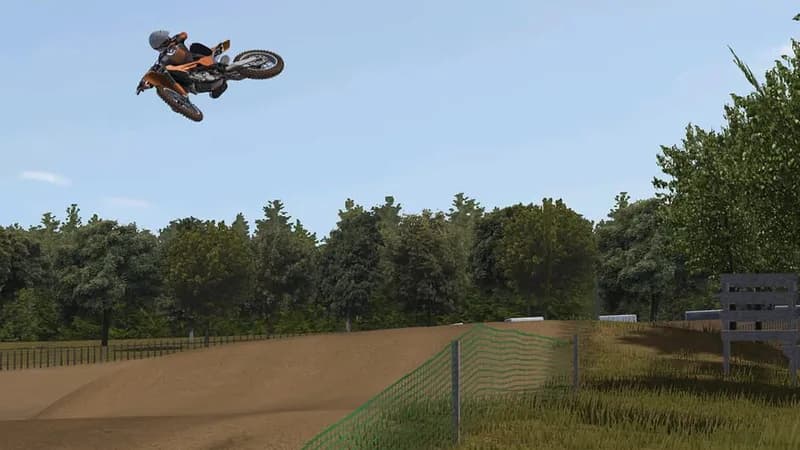
MX Bikes gameplay screenshot 3
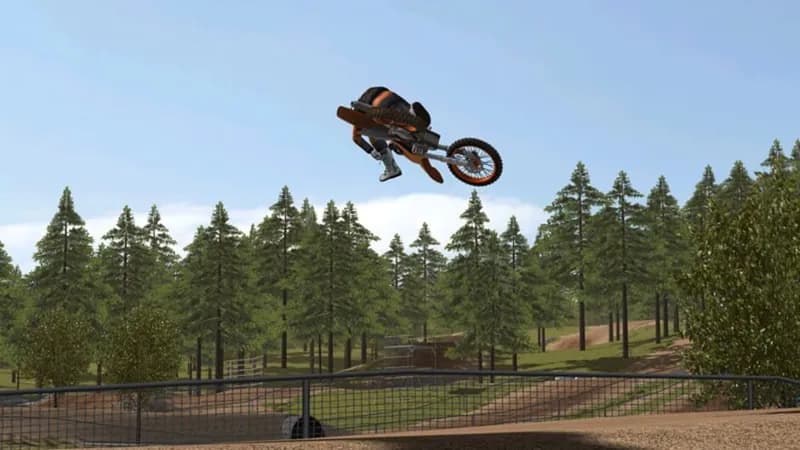
MX Bikes gameplay screenshot 4
MX Bikes System Requirements - Can Your PC Run It?