
All Games
Necrosis: Dawn of Dread System Requirements
January 30, 2026
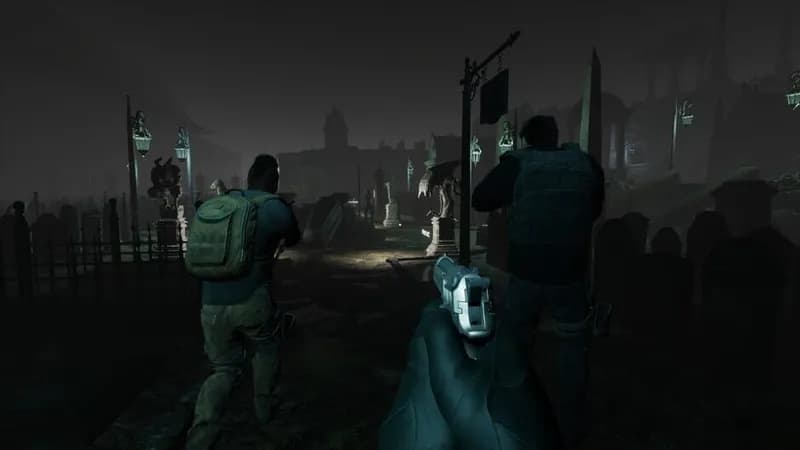
Necrosis: Dawn of Dread is a first-person, cooperative horror game where players must survive relentless threats. Teamwork is essential to overcome the horrors that await.
Necrosis: Dawn of Dread Minimum & Recommended Specs
Minimum: Intel Core i3-4160, NVIDIA GeForce GTX, 8 GB RAM. Recommended: 16 GB RAM RAM.
Minimum System Requirements
Recommended System Requirements
Trailer
Quick Performance Tips for Necrosis: Dawn of Dread
#1
Lower shadow quality for a significant performance boost.
#2
Reduce texture resolution if you experience stuttering.
#3
Close unnecessary background applications.
#4
Update your graphics drivers for optimal performance.
Necrosis: Dawn of Dread System Requirements FAQ
Can I run Necrosis: Dawn of Dread on a low-end PC?
If your PC meets the *minimum* requirements (Intel Core i3-4160 or AMD FX-6300, NVIDIA GeForce GTX 750 Ti or AMD Radeon R7 360, 8 GB RAM), you should be able to play, but expect lower graphics settings and potentially lower frame rates. For a smoother experience, aim for the *recommended* specs.
What GPU do I need for Necrosis: Dawn of Dread?
At a minimum, you'll need an NVIDIA GeForce GTX 750 Ti or an AMD Radeon R7 360. For the best experience, an NVIDIA GeForce GTX 970 or an AMD Radeon RX 580 is recommended.
How much RAM does Necrosis: Dawn of Dread need?
Necrosis: Dawn of Dread requires a minimum of 8 GB of RAM. However, 16 GB of RAM is recommended for smoother gameplay and to avoid potential performance issues.
Will Necrosis: Dawn of Dread run on integrated graphics?
Integrated graphics are *not* officially supported. While it *might* run, performance is likely to be very poor and the game may be unplayable. A dedicated graphics card is highly recommended.
What is the best graphics settings for Necrosis: Dawn of Dread?
If you meet the recommended specs, you should be able to run the game on high or ultra settings. If you're closer to the minimum specs, start with low or medium settings and adjust from there to find a balance between visual quality and performance.
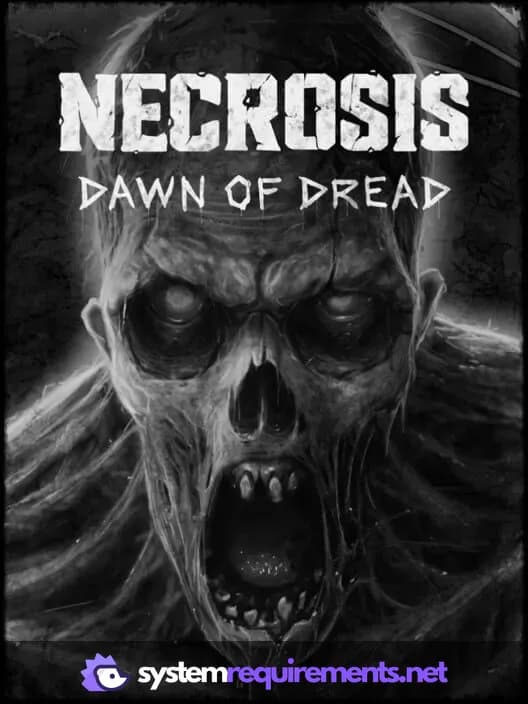
Necrosis: Dawn of Dread Game Info
Release Date
January 30, 2026
Platforms
PC (Microsoft Windows)
Genres
ShooterAdventureIndie
Game Modes
- Single player
- Multiplayer
- Co-operative
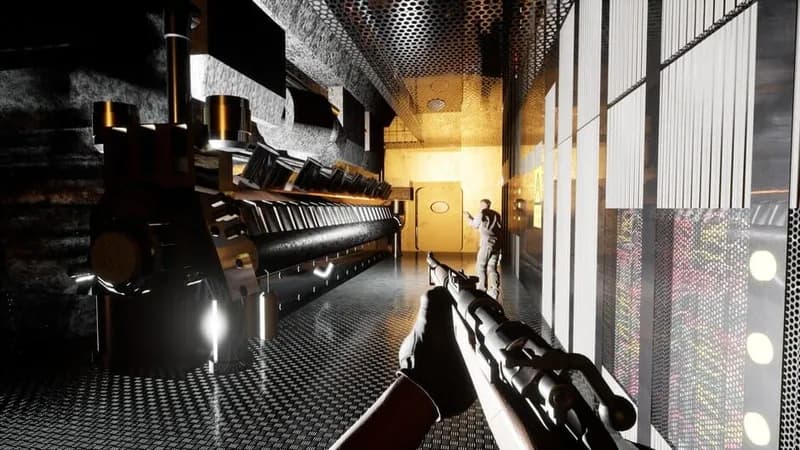
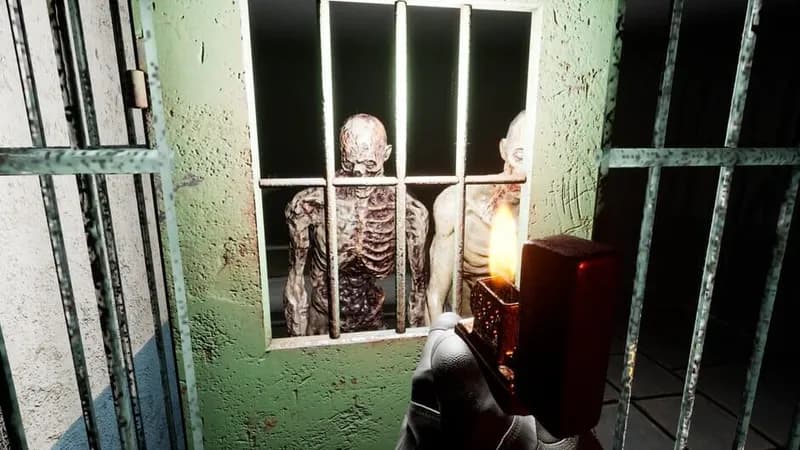
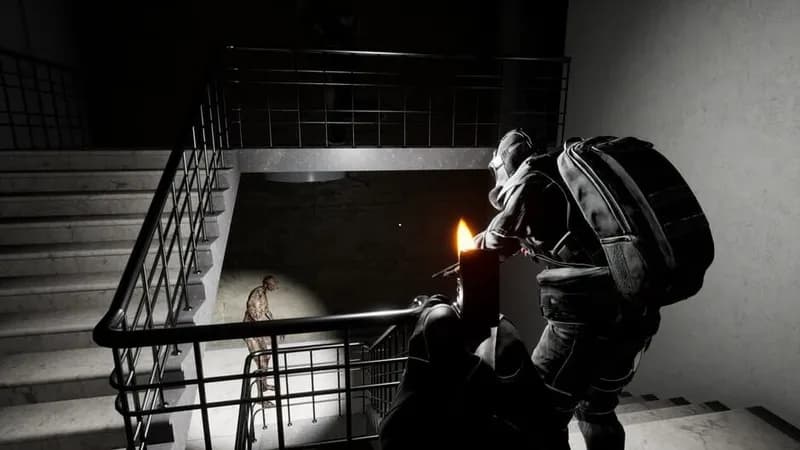
Necrosis: Dawn of Dread Screenshots





Optimize Your PC for Necrosis: Dawn of Dread
Use our free tools to analyze and improve your gaming performance