
All Games
Old School RuneScape System Requirements
February 22, 2013Jagex77/100
Experience classic MMO gameplay with Old School RuneScape. Join a massive community in a player-driven world, tackling a demanding progression system and engaging in high-stakes PvP.
Old School RuneScape Minimum & Recommended Specs
Minimum: Intel Core i3-2100, Intel HD Graphics, 4 GB RAM. Recommended: 8 GB RAM RAM.
Minimum System Requirements
Recommended System Requirements
Trailer
Quick Performance Tips for Old School RuneScape
#1
Lower your draw distance for better FPS.
#2
Close unnecessary background apps.
#3
Use the official client for best performance.
#4
Try different graphics modes (OpenGL/DirectX).
#5
Disable GPU plugins in RuneLite if lagging.
Old School RuneScape System Requirements FAQ
Can I run Old School RuneScape on a low-end PC?
Yes, Old School RuneScape is designed to run on relatively low-end PCs. As long as your computer meets the minimum requirements (Intel Core i3-2100 / AMD Athlon II X2 270, Intel HD Graphics 4000 / AMD Radeon HD 7450 / NVIDIA GeForce GT 520, 4 GB RAM), you should be able to play the game, although you might need to lower the graphics settings for optimal performance.
What GPU do I need for Old School RuneScape?
For minimum performance, you'll need at least an Intel HD Graphics 4000, AMD Radeon HD 7450, or NVIDIA GeForce GT 520. For a smoother experience with higher graphics settings, an NVIDIA GeForce GTX 750 or AMD Radeon R7 360 is recommended.
How much RAM does Old School RuneScape need?
Old School RuneScape requires a minimum of 4 GB of RAM. However, 8 GB of RAM is recommended for smoother gameplay, especially if you have other applications running in the background.
Will Old School RuneScape run on integrated graphics?
Yes, Old School RuneScape can run on integrated graphics, specifically Intel HD Graphics 4000 or better. However, you may need to lower the graphics settings to achieve a playable frame rate, especially in crowded areas.
What is the best graphics settings for Old School RuneScape?
The best graphics settings depend on your hardware. If you're meeting the recommended specs, you can likely run on higher settings. If you're closer to the minimum, try lowering the draw distance, disabling anti-aliasing, and reducing the detail level of textures and models. Experiment to find the best balance between visual quality and performance.
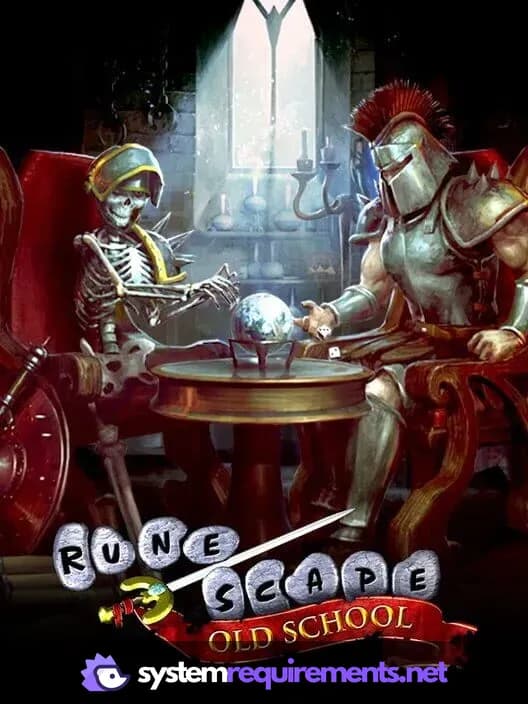
Old School RuneScape Game Info
Developer
Jagex
Publisher
Jagex
Release Date
February 22, 2013
Platforms
Android, PC (Microsoft Windows), iOS, Mac
Genres
Role-playing (RPG)Adventure
Game Modes
- Multiplayer
- Massively Multiplayer Online (MMO)
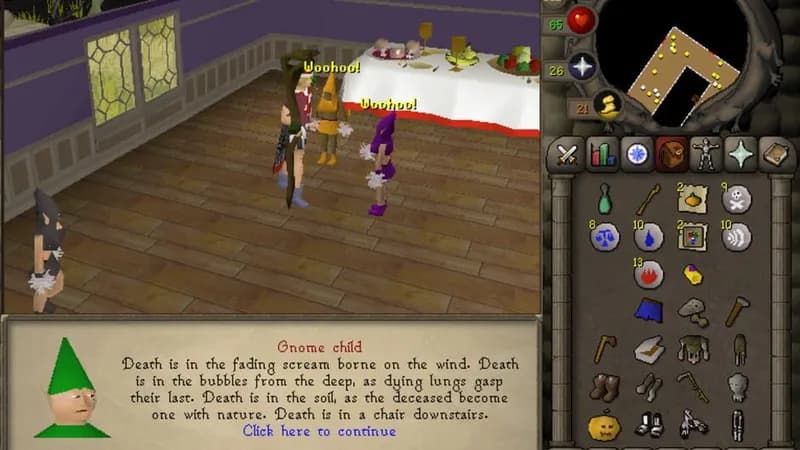
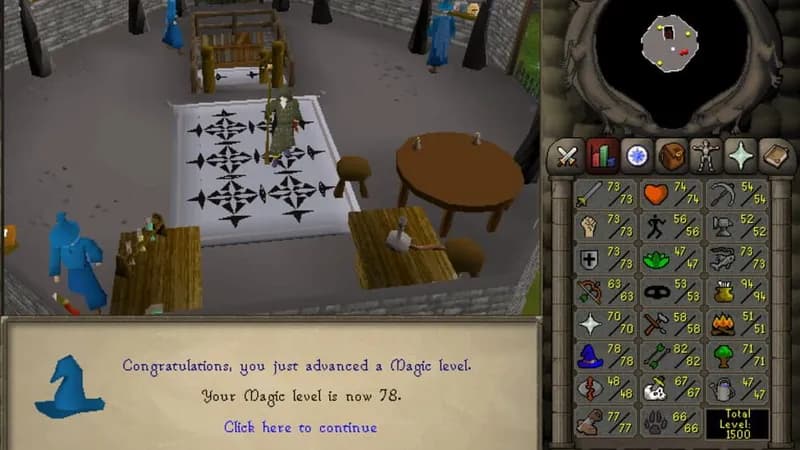
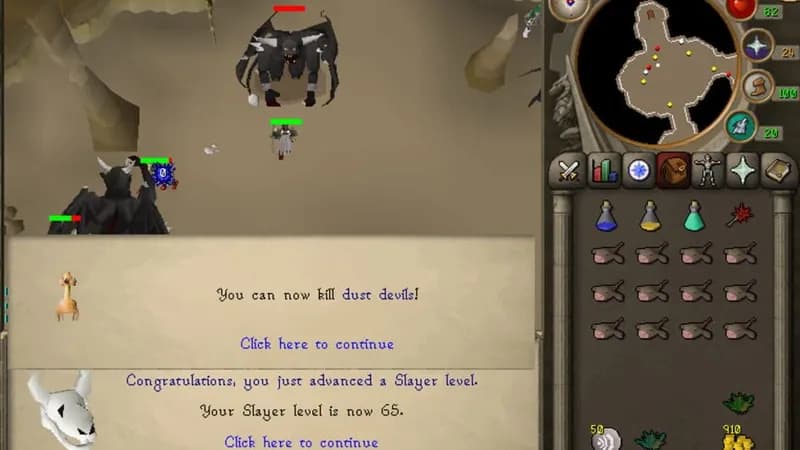
Old School RuneScape Screenshots
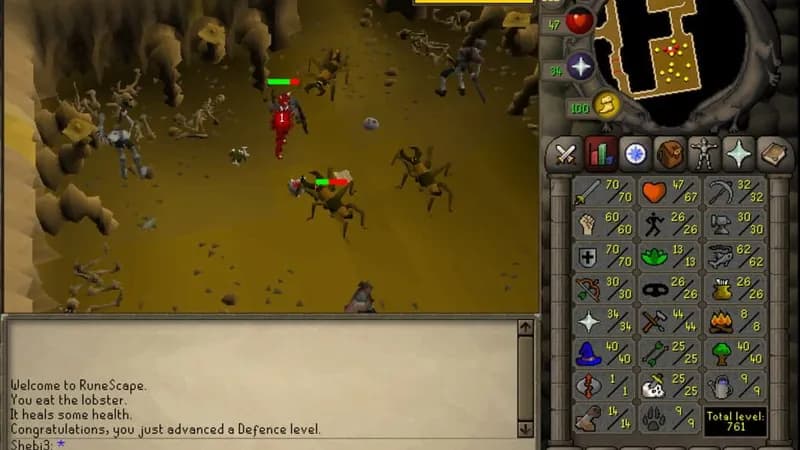



Optimize Your PC for Old School RuneScape
Use our free tools to analyze and improve your gaming performance