
All Games
Palia - Founders Pack System Requirements
Palia - Founders Pack Minimum & Recommended Specs
Minimum: Intel i5-7300U, NVIDIA GeForce GTX, 8 GB RAM. Recommended: 16 GB RAM RAM.
Minimum System Requirements
Recommended System Requirements
Upgrade Your Hardware
Quick Performance Tips for Palia - Founders Pack
#1
Close unnecessary background apps to free up RAM.
#2
Lower your graphics settings for improved performance.
#3
Update your graphics drivers for optimal compatibility.
#4
Consider upgrading your RAM if you have 8 GB or less.
Palia - Founders Pack System Requirements FAQ
Can I run Palia - Founders Pack on a low-end PC?
If your PC meets the minimum requirements (Intel i5-7300U, NVIDIA GeForce GTX 960, 8 GB RAM), you should be able to run Palia - Founders Pack, but expect lower graphics settings and potentially lower framerates. For a smoother experience, meeting the recommended specs is advised.
What GPU do I need for Palia - Founders Pack?
The minimum GPU is an NVIDIA GeForce GTX 960. For a better experience, an NVIDIA GeForce RTX 2060 or equivalent is recommended.
How much RAM does Palia - Founders Pack need?
Palia - Founders Pack requires a minimum of 8 GB of RAM. However, 16 GB of RAM is recommended for smoother gameplay and better performance, especially at higher settings.
Will Palia - Founders Pack run on integrated graphics?
While it's possible Palia - Founders Pack *might* launch on integrated graphics, performance will likely be very poor and unstable. A dedicated GPU (NVIDIA GeForce GTX 960 or better) is strongly recommended.
What is the best graphics settings for Palia - Founders Pack?
The best settings depend on your hardware. Start with the 'Medium' preset and adjust from there. If you're above the recommended specs, try 'High' or 'Epic'. If you're below the minimum, lower settings like 'Low' or 'Very Low' are best.
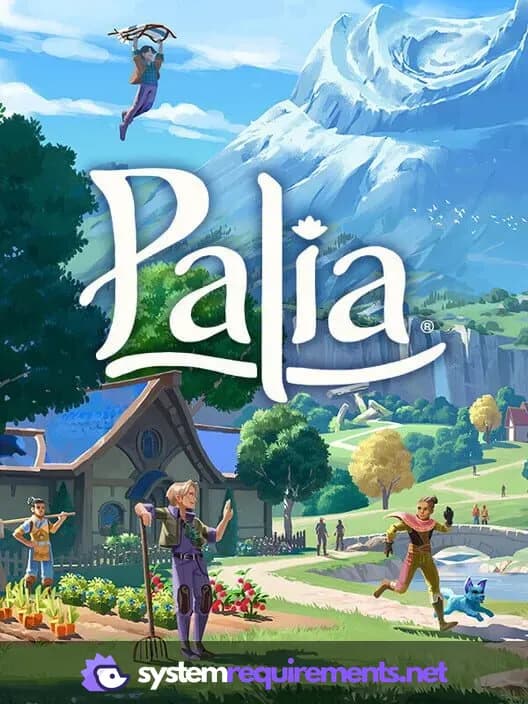
Palia - Founders Pack Game Info
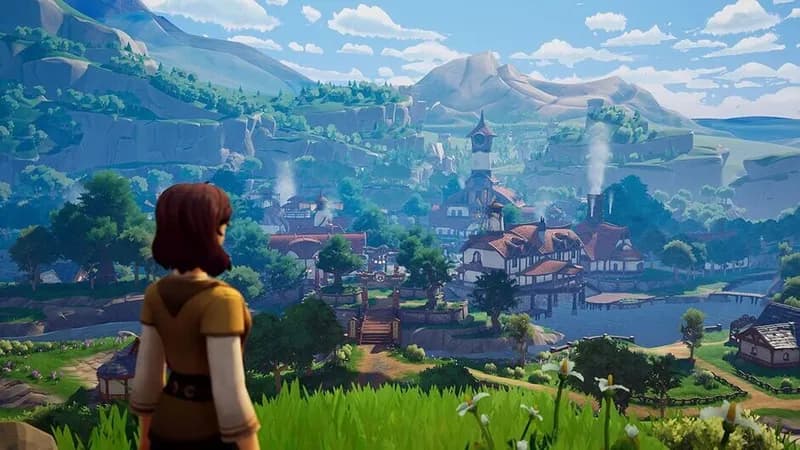
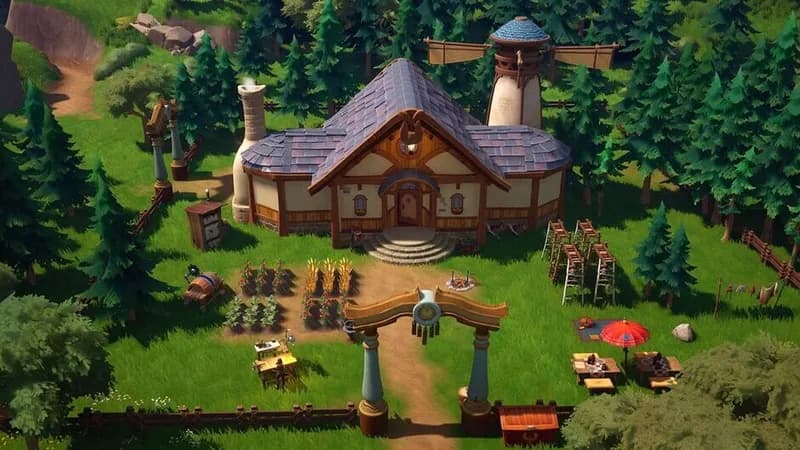
Palia - Founders Pack Screenshots
Games Similar to Palia - Founders Pack



Optimize Your PC for Palia - Founders Pack
Use our free tools to analyze and improve your gaming performance