
All Games
PC Building Simulator System Requirements
December 14, 2018CREATY
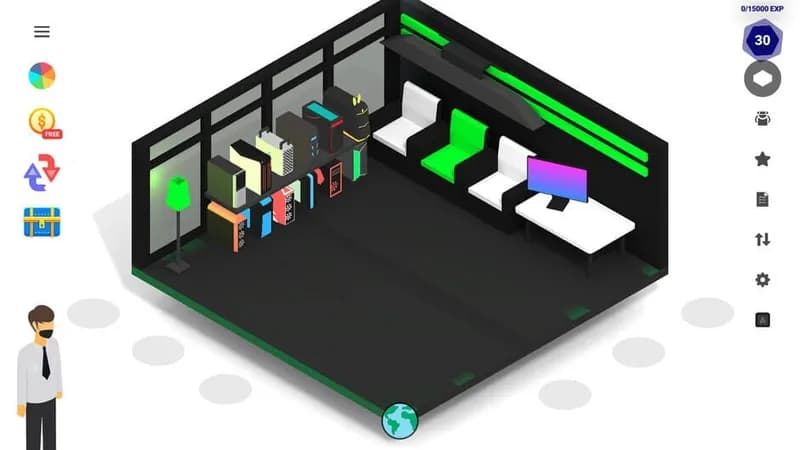
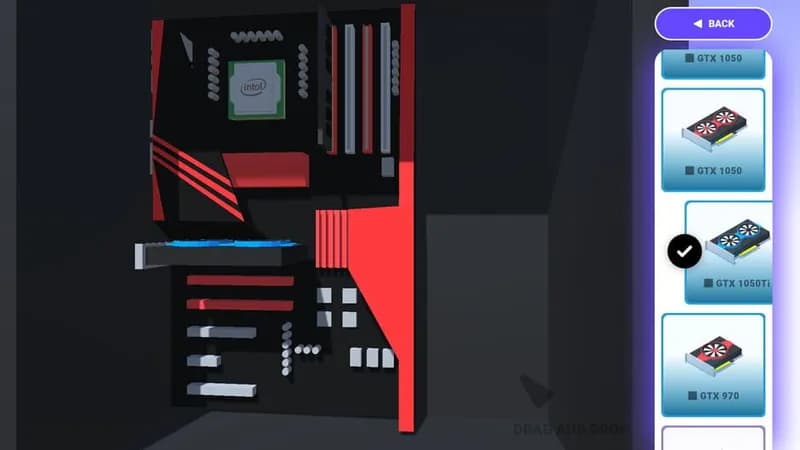
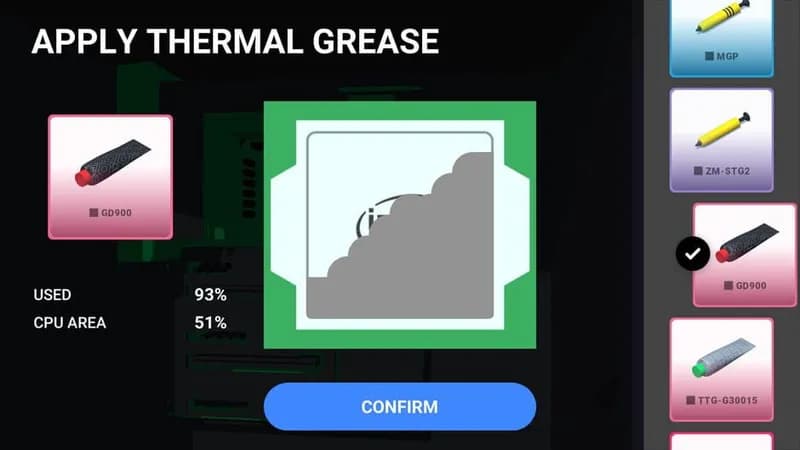
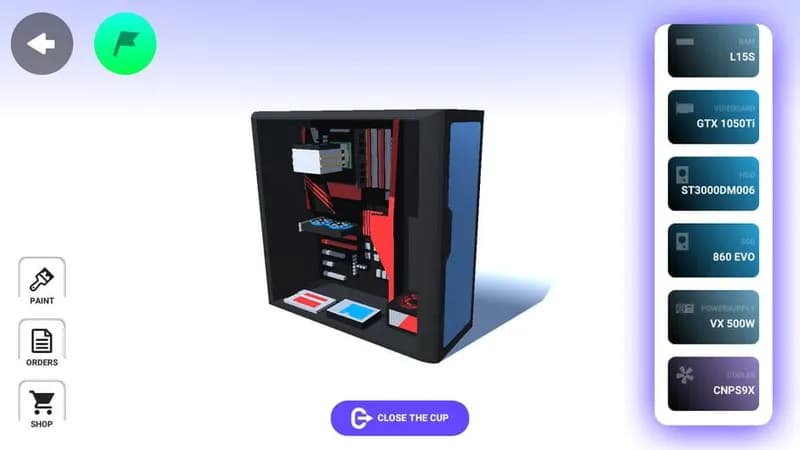
Assemble virtual rigs using officially licensed components in PC Building Simulator. Diagnose and resolve hardware issues, fulfill customer requests, and expand your workshop in this detailed simulation.
PC Building Simulator Minimum & Recommended Specs
Minimum: Intel Core i3-2100, NVIDIA GeForce GTX, 4 GB RAM. Recommended: 8 GB RAM RAM.
Minimum System Requirements
Recommended System Requirements
Trailer
Quick Performance Tips for PC Building Simulator
#1
Lower shadow quality for a significant FPS boost.
#2
Reduce reflection quality to improve performance.
#3
Close unnecessary background applications.
#4
Update your graphics card drivers for best performance.
PC Building Simulator System Requirements FAQ
Can I run PC Building Simulator on a low-end PC?
Yes, but you'll need at least an Intel Core i3-2100 or AMD equivalent, a NVIDIA GeForce GTX 660 (2GB) or AMD Radeon HD 7850 (2GB), and 4GB of RAM. Expect lower graphics settings and potentially lower frame rates.
What GPU do I need for PC Building Simulator?
At a minimum, you'll need a NVIDIA GeForce GTX 660 (2GB) or AMD Radeon HD 7850 (2GB). For a smoother experience with higher settings, a NVIDIA GeForce GTX 970 (4GB) or AMD Radeon R9 290X (4GB) is recommended.
How much RAM does PC Building Simulator need?
The game requires a minimum of 4GB of RAM. However, 8GB of RAM is recommended for better performance and smoother gameplay, especially at higher settings.
Will PC Building Simulator run on integrated graphics?
While it *might* run on very basic integrated graphics, it is highly unlikely to be a playable experience. A dedicated graphics card is strongly recommended to meet the minimum requirements.
What is the best graphics settings for PC Building Simulator?
This depends on your hardware. Start with the 'Medium' preset and adjust individual settings (like shadows and reflections) to find a balance between visual quality and performance. If you exceed recommended, try 'High' or 'Ultra'.
PC Building Simulator Game Info
Developer
CREATY
Release Date
December 14, 2018
Platforms
Android, PC (Microsoft Windows)
Genres
Simulator
Game Modes
- Single player
- Multiplayer
PC Building Simulator Screenshots
Games Similar to PC Building Simulator






Optimize Your PC for PC Building Simulator
Use our free tools to analyze and improve your gaming performance