
Portal 2 Minimum & Recommended Specs
Minimum: 3.0 GHz P4,, ATI Radeon X800, 2 GB RAM. Recommended: 2 GB RAM RAM.
Minimum System Requirements
Recommended System Requirements
Quick Performance Tips for Portal 2
#1
Lower texture detail for a quick performance boost.
#2
Disable anti-aliasing to improve frame rates.
#3
Close unnecessary background programs.
#4
Update your graphics drivers for optimal performance.
Portal 2 System Requirements FAQ
Can I run Portal 2 on a low-end PC?
Portal 2 is quite forgiving. As long as you meet the minimum requirements (3.0 GHz P4, Dual Core 2.0, or AMD64X2, 128 MB DirectX 9 GPU, and 2 GB RAM), you should be able to run it, though you might need to lower the graphics settings.
What GPU do I need for Portal 2?
At a minimum, you'll need a DirectX 9-compatible GPU with Pixel Shader 2.0b support and 128 MB of VRAM. Examples include an ATI Radeon X800, NVIDIA GeForce 7600, or Intel HD Graphics 2000 or higher.
How much RAM does Portal 2 need?
The minimum RAM requirement for Portal 2 is 2 GB. While the game doesn't have a recommended RAM amount, more RAM can improve performance, especially on integrated graphics.
Will Portal 2 run on integrated graphics?
Yes, Portal 2 can run on integrated graphics like Intel HD Graphics 2000 or higher, provided your system meets the other minimum requirements. You may need to lower the graphics settings for smoother gameplay.
What is the best graphics settings for Portal 2?
The 'best' settings depend on your hardware. If you're struggling with performance, try lowering the texture detail, shadow detail, and effects detail. Disabling anti-aliasing can also provide a significant performance boost.
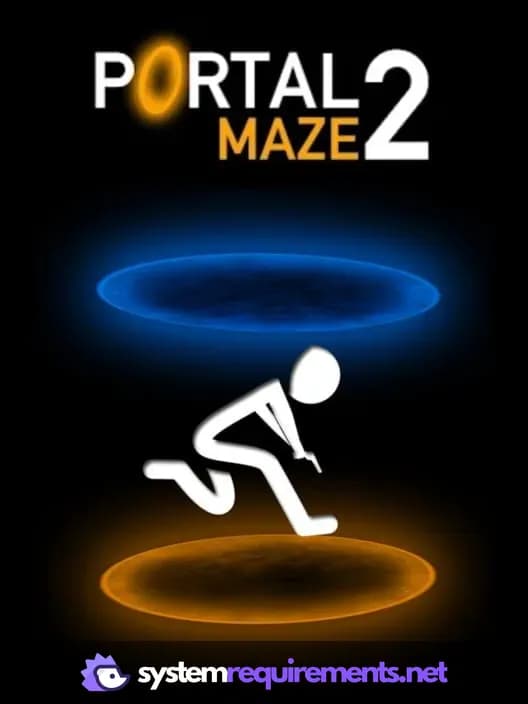
Portal 2 Game Info
Developer
PlayStal Games
Publisher
PlayStal Games
Release Date
December 31, 2021
Platforms
Android
Genres
ShooterPlatformPuzzle
Game Modes
- Single player
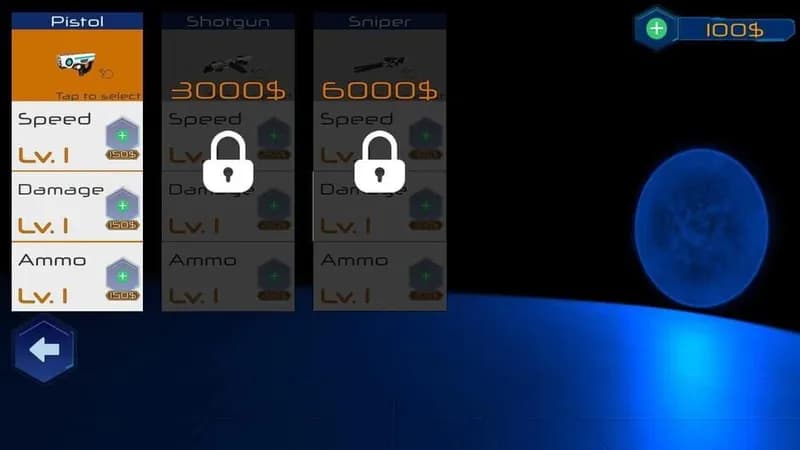
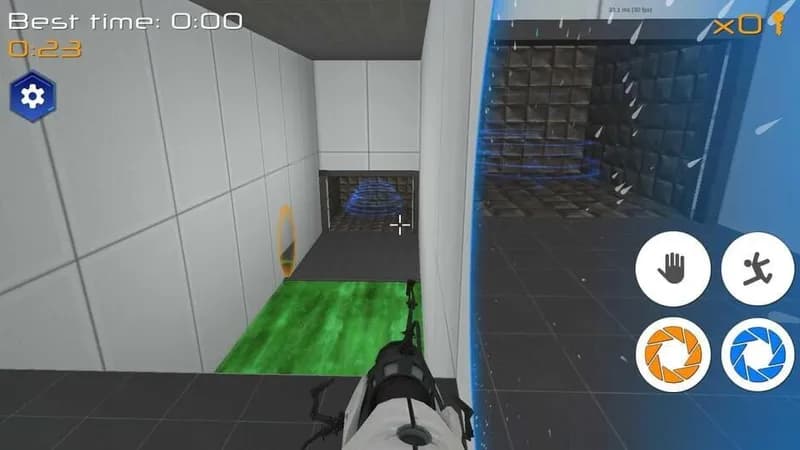
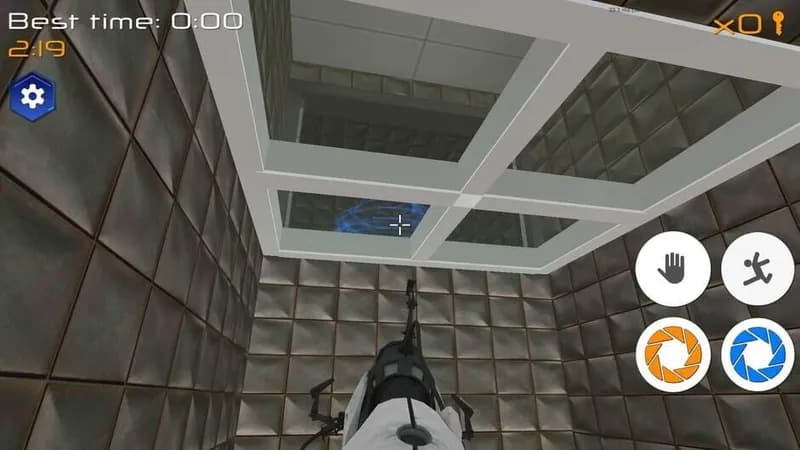
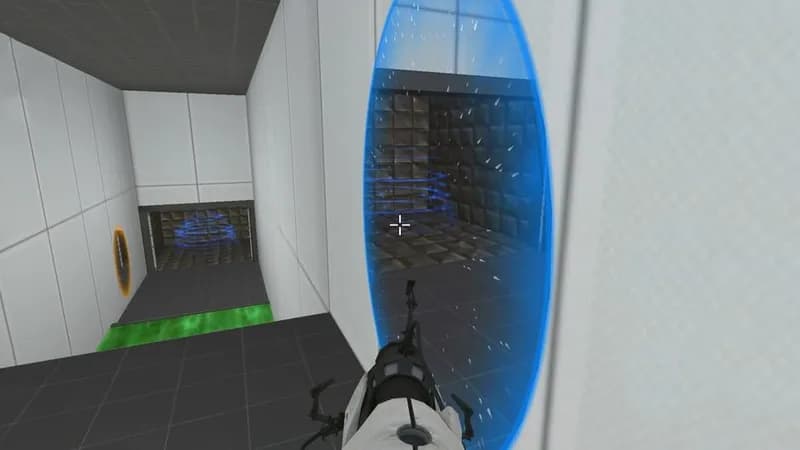
Portal 2 Screenshots






Optimize Your PC for Portal 2
Use our free tools to analyze and improve your gaming performance