All Games

PUBG: BATTLEGROUNDS System Requirements

December 20, 2017PUBG Corp75/100

In PUBG: Battlegrounds, 100 combatants parachute onto a hostile landscape to scavenge for weapons and equipment. The shrinking play area forces confrontations, where tactical prowess and marksmanship determine the lone survivor.

PUBG: BATTLEGROUNDS Minimum & Recommended Specs

Minimum: Intel Core i5-4430, NVIDIA GeForce GTX, 8 GB RAM. Recommended: 16 GB RAM RAM.

Minimum System Requirements

OS
Windows 10 64bit
Processor
Intel Core i5-4430 / AMD FX-6300CPU Deals
RAM
8 GB RAMRAM Deals
Graphics Card
NVIDIA GeForce GTX 960 2GB / AMD Radeon R7 370 2GBGPU Deals
DirectX
DirectX 11
Storage
40 GB available spaceSSD Deals

Recommended System Requirements

OS
Windows 10 64bit
Processor
Intel Core i5-6600K / AMD Ryzen 5 1600CPU Deals
RAM
16 GB RAMRAM Deals
Graphics Card
NVIDIA GeForce GTX 1060 3GB / AMD Radeon RX 580 4GBGPU Deals
DirectX
DirectX 11
Storage
40 GB available spaceSSD Deals

Xbox One Launch Trailer

Quick Performance Tips for PUBG: BATTLEGROUNDS

#1

Lower your resolution for a significant FPS boost.

#2

Disable or lower shadows for better performance.

#3

Close unnecessary background applications.

#4

Update your graphics drivers for optimal performance.

PUBG: BATTLEGROUNDS System Requirements FAQ

Can I run PUBG: BATTLEGROUNDS on a low-end PC?
While you might be able to run PUBG: BATTLEGROUNDS on a low-end PC that meets the *minimum* requirements (Intel Core i5-4430/AMD FX-6300, GTX 960 2GB/R7 370 2GB, 8GB RAM), expect significantly reduced performance and lower graphics settings. You may experience stuttering and low frame rates.
What GPU do I need for PUBG: BATTLEGROUNDS?
For minimum performance, you'll need at least an NVIDIA GeForce GTX 960 2GB or an AMD Radeon R7 370 2GB. For a smoother experience with higher settings, an NVIDIA GeForce GTX 1060 3GB or an AMD Radeon RX 580 4GB is recommended.
How much RAM does PUBG: BATTLEGROUNDS need?
PUBG: BATTLEGROUNDS requires a minimum of 8GB of RAM to run. However, 16GB of RAM is highly recommended for smoother gameplay and to avoid performance issues, especially with other applications running in the background.
Will PUBG: BATTLEGROUNDS run on integrated graphics?
While technically possible, running PUBG: BATTLEGROUNDS on integrated graphics is *not* recommended. You will likely experience very low frame rates and significant performance issues, making the game difficult to play. A dedicated graphics card is highly recommended.
What is the best graphics settings for PUBG: BATTLEGROUNDS?
The 'best' settings depend on your hardware. Start with 'Medium' or 'Low' presets and adjust individual settings. Prioritize frame rate over visual fidelity. Experiment with settings like textures, shadows, and effects to find a balance that works for your system.
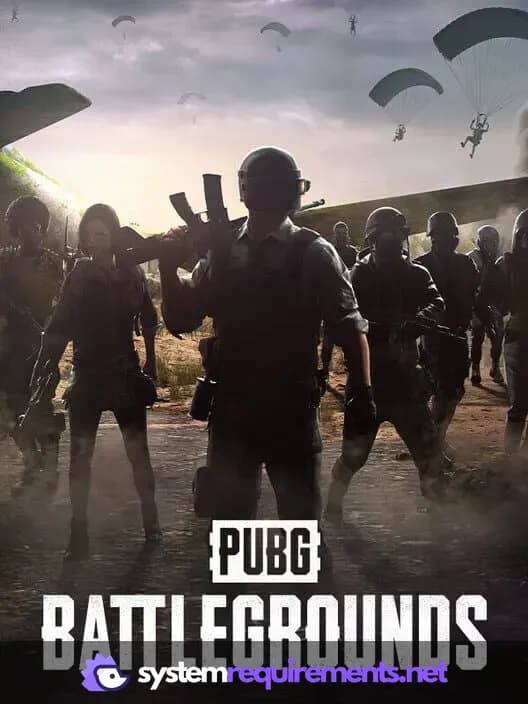
PUBG: BATTLEGROUNDS PC game cover art

PUBG: BATTLEGROUNDS Game Info

Developer

PUBG Corp

Publisher

Microsoft Studios

Release Date

December 20, 2017

Platforms

Google Stadia, Xbox Series X|S, PlayStation 4, PC (Microsoft Windows), PlayStation 5

Genres

Shooter

Game Modes

  • Single player
  • Multiplayer
  • Co-operative
  • Battle Royale

PUBG: BATTLEGROUNDS Screenshots
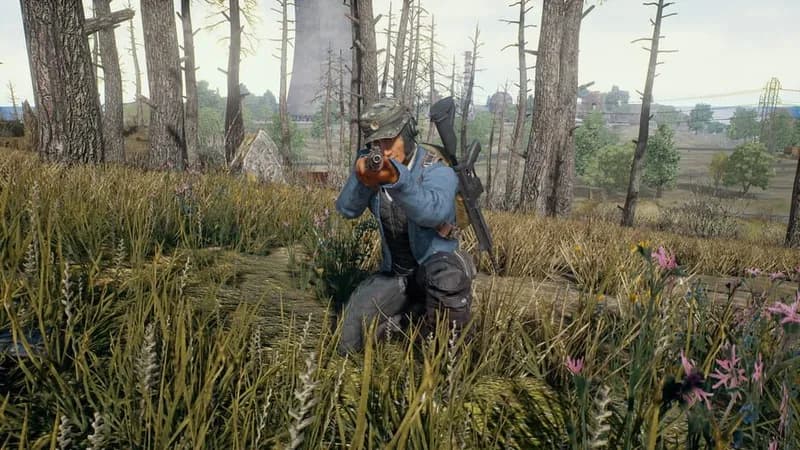
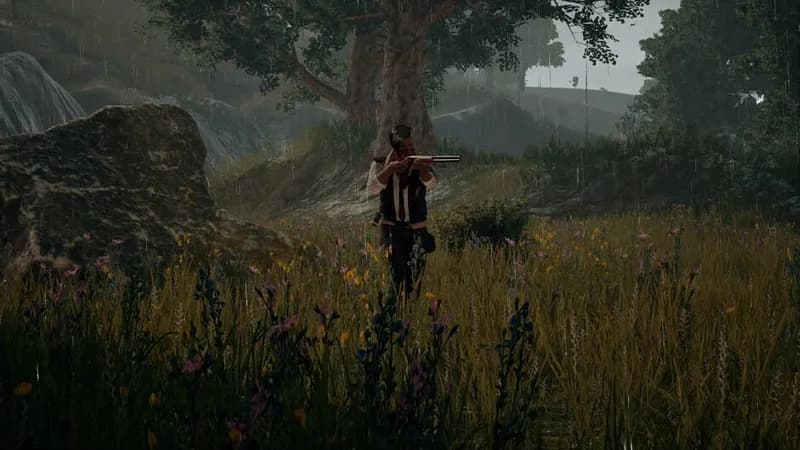
PUBG: BATTLEGROUNDS gameplay screenshot 1
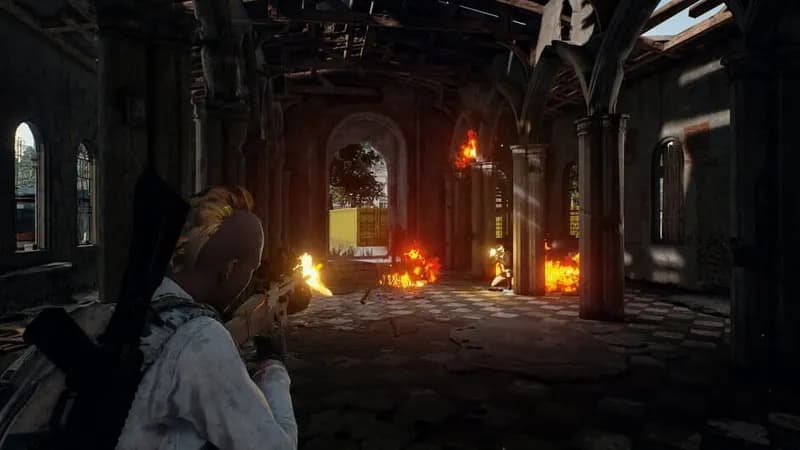
PUBG: BATTLEGROUNDS gameplay screenshot 2
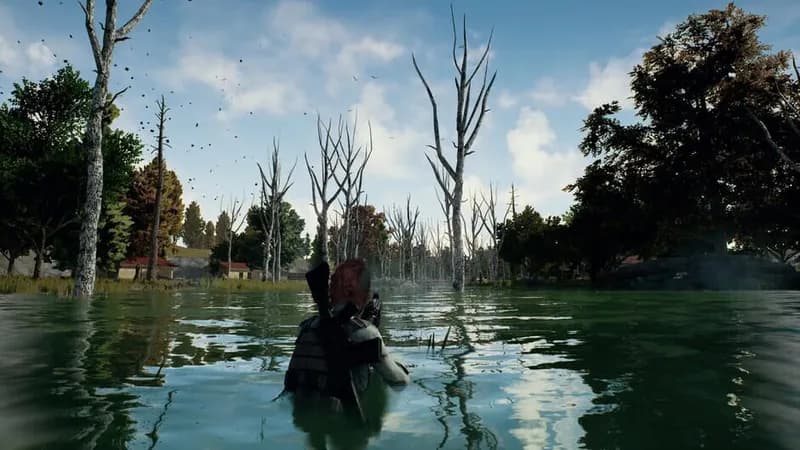
PUBG: BATTLEGROUNDS gameplay screenshot 3
PUBG: BATTLEGROUNDS gameplay screenshot 4
PUBG: BATTLEGROUNDS System Requirements - Can Your PC Run It?