
All Games
REMNANT II System Requirements
REMNANT II Minimum & Recommended Specs
Minimum: Intel Core i5-7600K, GeForce GTX 1650, 16 GB RAM. Recommended: 16 GB RAM RAM.
Minimum System Requirements
Recommended System Requirements
Quick Performance Tips for REMNANT II
#1
Lower shadow quality for a significant performance boost.
#2
Reduce texture quality if you are experiencing VRAM limitations.
#3
Disable or reduce anti-aliasing for increased FPS.
#4
Close unnecessary background applications while playing.
REMNANT II System Requirements FAQ
Can I run REMNANT II on a low-end PC?
To play REMNANT II, your PC needs at least an Intel Core i5-7600K or AMD Ryzen 5 1600 CPU, a GeForce GTX 1650 or AMD Radeon RX 590 GPU, and 16 GB of RAM. If your system falls below these specs, you may experience performance issues or be unable to run the game.
What GPU do I need for REMNANT II?
The minimum GPU requirement for REMNANT II is a GeForce GTX 1650 or AMD Radeon RX 590. For a smoother experience at higher settings, a GeForce RTX 2060 or AMD Radeon RX 5700 is recommended.
How much RAM does REMNANT II need?
REMNANT II requires 16 GB of RAM to run effectively. Insufficient RAM can lead to stuttering and performance problems.
Will REMNANT II run on integrated graphics?
REMNANT II is unlikely to run well, or at all, on integrated graphics. A dedicated graphics card meeting the minimum requirements (GeForce GTX 1650 or AMD Radeon RX 590) is highly recommended.
What is the best graphics settings for REMNANT II?
The best graphics settings depend on your hardware. If you meet the recommended specs, try 'High' settings. If you meet only the minimum, start with 'Low' or 'Medium' and adjust individual settings like shadows and textures to find a balance between visual quality and performance.
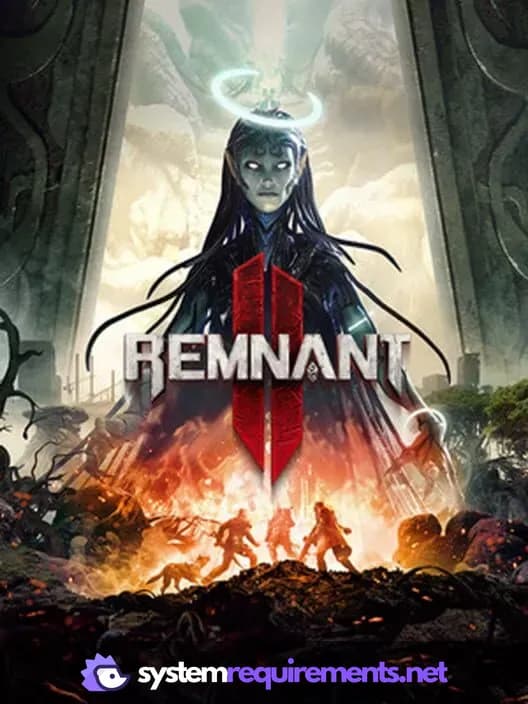
REMNANT II Game Info
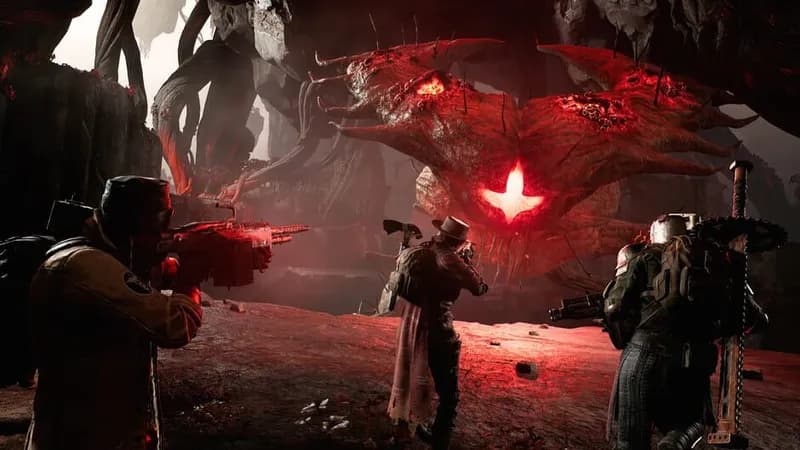
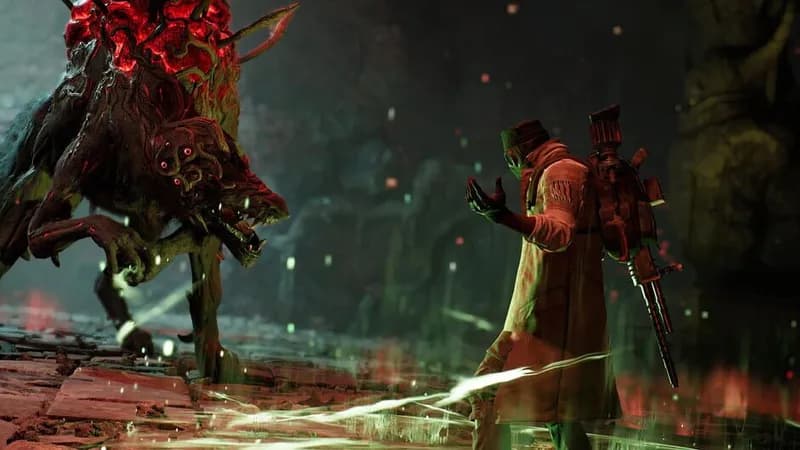
REMNANT II Screenshots






Optimize Your PC for REMNANT II
Use our free tools to analyze and improve your gaming performance