
All Games
Reverse: 1999 System Requirements
May 31, 2023Bluepoch
Experience a time-bending phenomenon where 1999 collapses into the Roaring Twenties. Investigate this temporal anomaly as an Arcanist, uncovering the mysteries behind the storm and the emergence of arcane abilities in a card-based RPG.
Reverse: 1999 Minimum & Recommended Specs
Minimum: Intel Core i3-6100, Nvidia GeForce GTX, 8 GB RAM. Recommended: 16 GB RAM RAM.
Minimum System Requirements
Recommended System Requirements
Upgrade Your Hardware
Trailer
Quick Performance Tips for Reverse: 1999
#1
Close unnecessary background apps to free up RAM.
#2
Lower the game's resolution for a significant performance boost.
#3
Update your graphics drivers for the latest optimizations.
#4
Disable shadows and anti-aliasing for better FPS.
Reverse: 1999 System Requirements FAQ
Can I run Reverse: 1999 on a low-end PC?
If your PC meets the minimum requirements (Intel Core i3-6100, Nvidia GeForce GTX 750 Ti, 8 GB RAM), you should be able to run Reverse: 1999 at lower settings. Performance may vary, so try adjusting graphics options for the best experience.
What GPU do I need for Reverse: 1999?
At a minimum, you'll need an Nvidia GeForce GTX 750 Ti. For a smoother experience with higher settings, an Nvidia GeForce GTX 970 or better is recommended.
How much RAM does Reverse: 1999 need?
Reverse: 1999 requires at least 8 GB of RAM to run. For optimal performance, especially with higher graphics settings, 16 GB of RAM is recommended.
Will Reverse: 1999 run on integrated graphics?
While it's *possible* Reverse: 1999 *might* run on some higher-end integrated graphics solutions, it is not officially supported. A dedicated graphics card (like the GTX 750 Ti or better) is highly recommended for a playable experience.
What is the best graphics settings for Reverse: 1999?
This depends on your hardware. Start with the 'Medium' preset. If performance is good, try 'High'. If performance is poor, lower settings to 'Low' and disable post-processing effects like anti-aliasing and shadows.
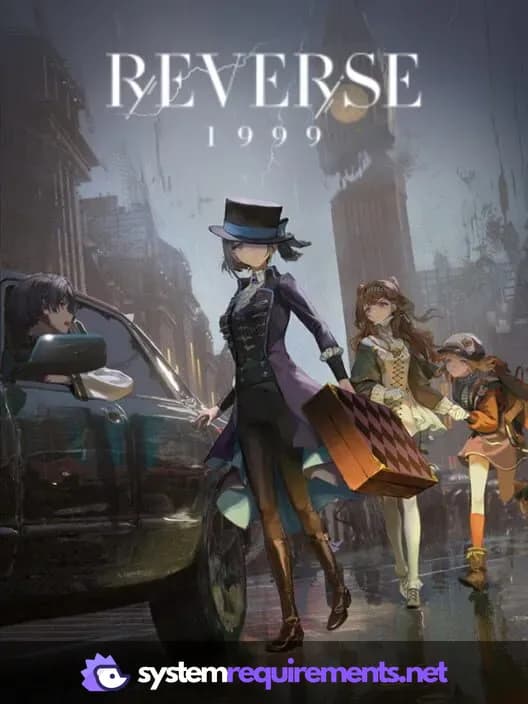
Reverse: 1999 Game Info
Developer
Bluepoch
Publisher
Bluepoch
Release Date
May 31, 2023
Platforms
Android, PC (Microsoft Windows), iOS
Genres
Role-playing (RPG)StrategyTurn-based strategy (TBS)
Game Modes
- Single player
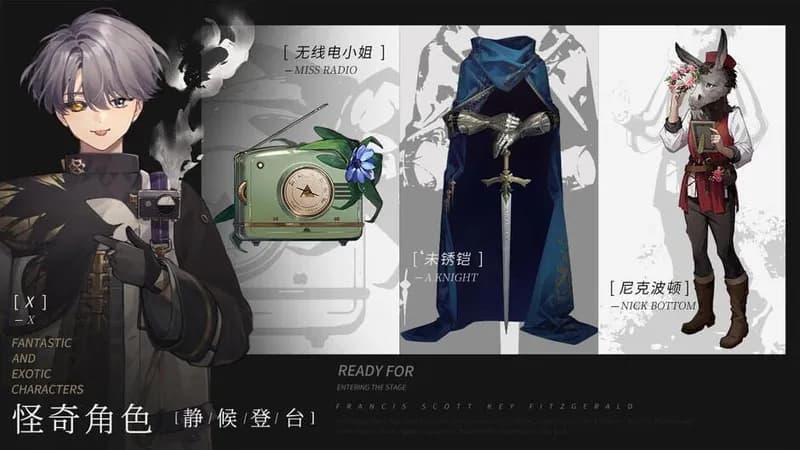
Reverse: 1999 Screenshots



Games Similar to Reverse: 1999

Optimize Your PC for Reverse: 1999
Use our free tools to analyze and improve your gaming performance