
All Games
Rune Factory: Guardians of Azuma System Requirements
June 4, 2025
Azuma is experiencing a cultural shift influenced by Selphia. Experience this world where fashion trends reflect a blend of familiar and new aesthetics.
Rune Factory: Guardians of Azuma Minimum & Recommended Specs
Minimum: Intel Core i5-6400, NVIDIA GeForce GTX, 8 GB RAM. Recommended: 16 GB RAM RAM.
Minimum System Requirements
Recommended System Requirements
Upgrade Your Hardware
Quick Performance Tips for Rune Factory: Guardians of Azuma
#1
Lower shadow quality for a significant FPS boost.
#2
Close unnecessary background applications.
#3
Update your graphics drivers to the latest version.
#4
Try playing in windowed mode to improve performance.
Rune Factory: Guardians of Azuma System Requirements FAQ
Can I run Rune Factory: Guardians of Azuma on a low-end PC?
To comfortably play Rune Factory: Guardians of Azuma, your PC should meet at least the minimum requirements: an Intel Core i5-6400, NVIDIA GeForce GTX 960, and 8 GB of RAM. If your PC is below these specs, you may experience performance issues.
What GPU do I need for Rune Factory: Guardians of Azuma?
The minimum GPU required is an NVIDIA GeForce GTX 960. For a smoother experience with higher settings, an NVIDIA GeForce GTX 1070 or better is recommended.
How much RAM does Rune Factory: Guardians of Azuma need?
At least 8 GB of RAM is required to run Rune Factory: Guardians of Azuma. For optimal performance, especially with higher settings, 16 GB of RAM is recommended.
Will Rune Factory: Guardians of Azuma run on integrated graphics?
While it's *possible* the game might launch on integrated graphics, performance will likely be very poor. A dedicated graphics card is highly recommended for a playable experience.
What is the best graphics settings for Rune Factory: Guardians of Azuma?
If you meet the recommended specs, you should be able to play on high settings. If you're closer to the minimum specs, try lowering settings like shadows, anti-aliasing, and texture quality for better performance.

Rune Factory: Guardians of Azuma Game Info
Release Date
June 4, 2025
Platforms
Nintendo Switch 2, PC (Microsoft Windows), Nintendo Switch
Genres
Role-playing (RPG)Adventure
Game Modes
- Single player
Rune Factory: Guardians of Azuma Screenshots
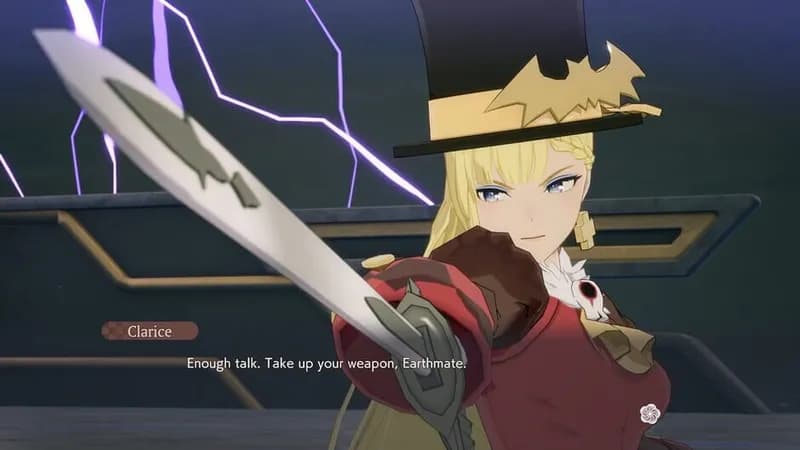
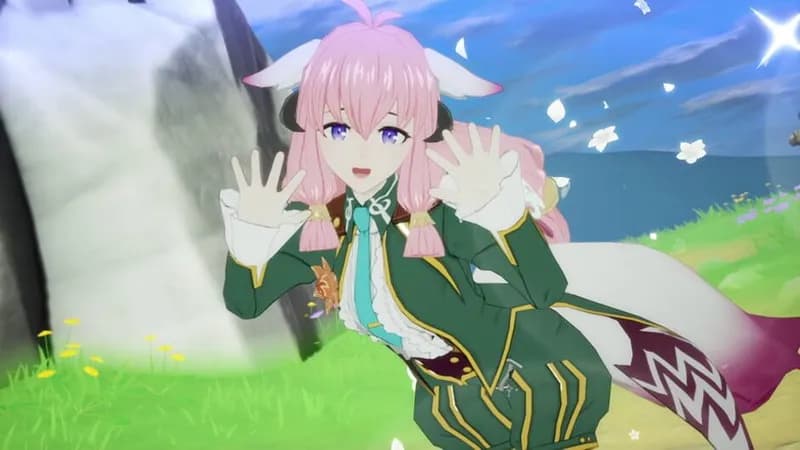

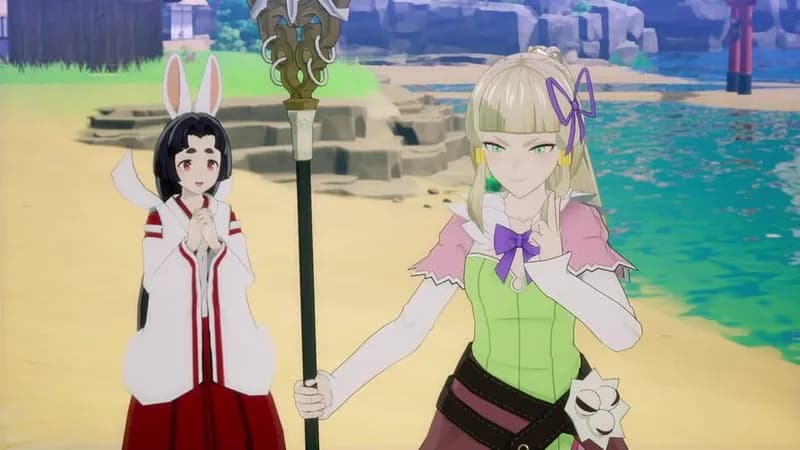
Games Similar to Rune Factory: Guardians of Azuma

Yakuza Kiwami 3 & Dark Ties
View requirements →
Assassin’s Creed Shadows
View requirements →
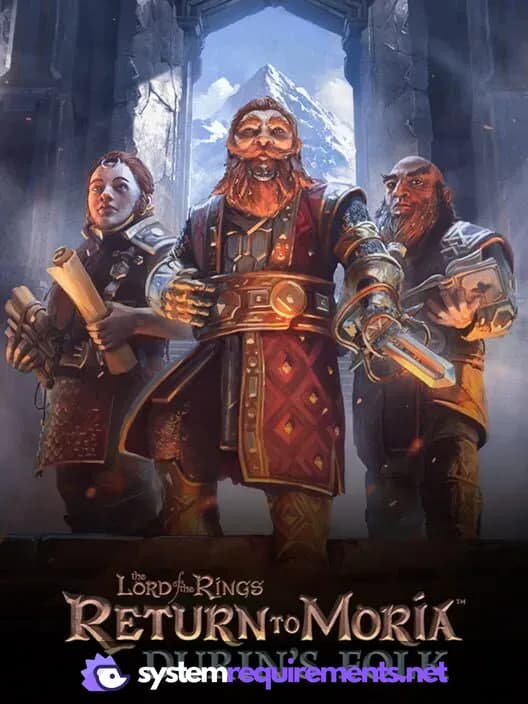
The Lord of the Rings: Return to Moria Durin's Folk Expansion
View requirements →
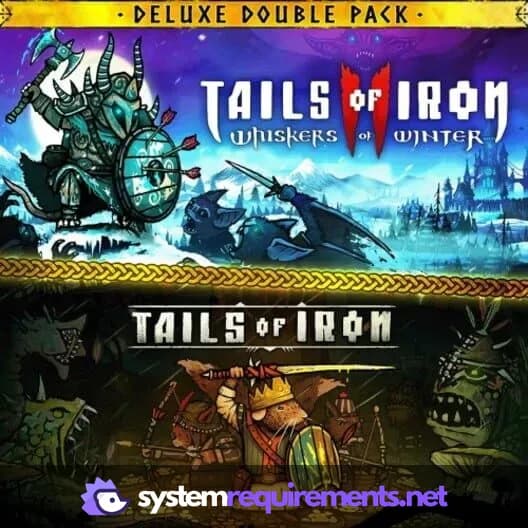
Tails of Iron
View requirements →
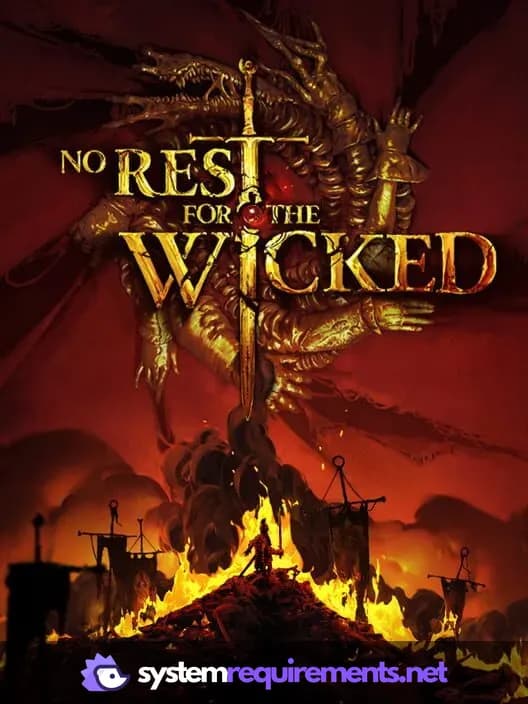
No Rest for the Wicked
View requirements →
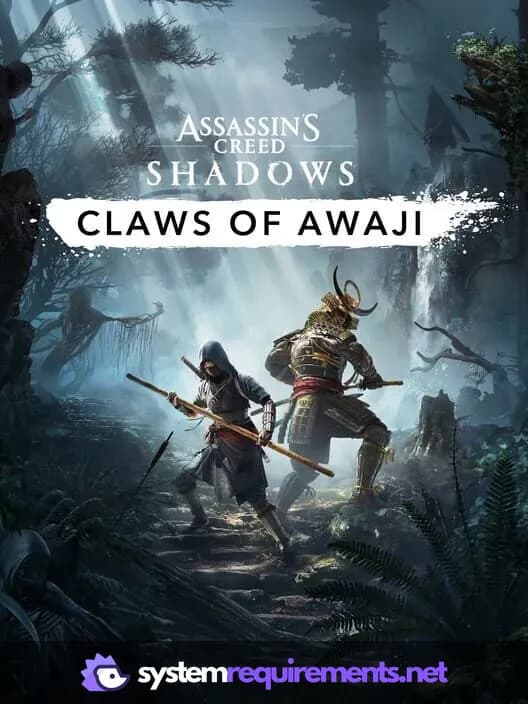
Assassin's Creed Shadows - Claws of Awaji
View requirements →
Optimize Your PC for Rune Factory: Guardians of Azuma
Use our free tools to analyze and improve your gaming performance