
All Games
RuneScape System Requirements
RuneScape Minimum & Recommended Specs
Minimum: Intel Core i3-2100, Intel HD Graphics, 4 GB RAM. Recommended: 8 GB RAM RAM.
Minimum System Requirements
Recommended System Requirements
Quick Performance Tips for RuneScape
#1
Lower your graphics settings for better performance.
#2
Close unnecessary background applications.
#3
Update your graphics drivers for optimal performance.
#4
Try playing in a less crowded area of the game.
RuneScape System Requirements FAQ
Can I run RuneScape on a low-end PC?
Yes, RuneScape is designed to be playable on a wide range of systems. As long as your PC meets the minimum requirements (Intel Core i3-2100 or AMD Athlon II X2 270, Intel HD Graphics 530 or AMD Radeon HD 6670 or Nvidia GeForce GT 610, and 4 GB of RAM), you should be able to run the game, though possibly with lower graphics settings.
What GPU do I need for RuneScape ?
For minimum settings, an Intel HD Graphics 530, AMD Radeon HD 6670, or Nvidia GeForce GT 610 will suffice. For a smoother experience with higher settings, an Nvidia GeForce GTX 750 Ti or AMD Radeon R7 360 is recommended.
How much RAM does RuneScape need?
RuneScape requires a minimum of 4 GB of RAM to run. However, 8 GB of RAM is recommended for a smoother experience, especially if you have other applications running in the background.
Will RuneScape run on integrated graphics?
Yes, RuneScape can run on integrated graphics, specifically Intel HD Graphics 530 or better. However, performance may be limited, and you may need to lower the graphics settings for a playable frame rate.
What is the best graphics settings for RuneScape ?
The best graphics settings depend on your hardware. If you meet the recommended specs, you should be able to run on high or ultra settings. If you only meet the minimum specs, try starting with low or medium settings and adjust from there to find a balance between visual quality and performance.
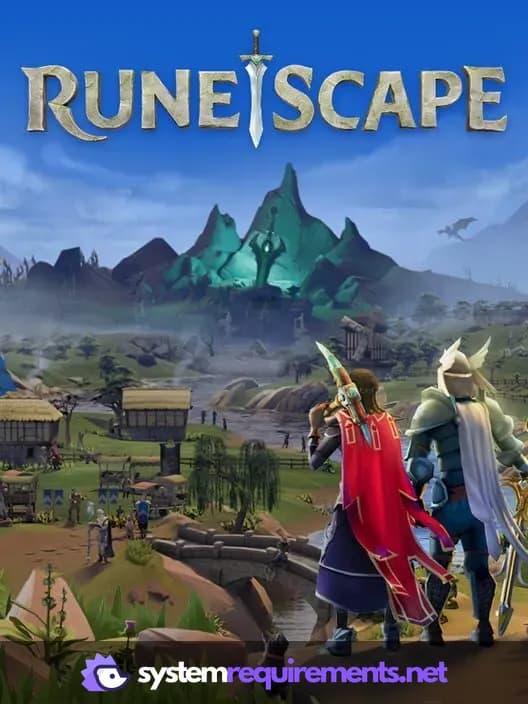
RuneScape Game Info
RuneScape Screenshots

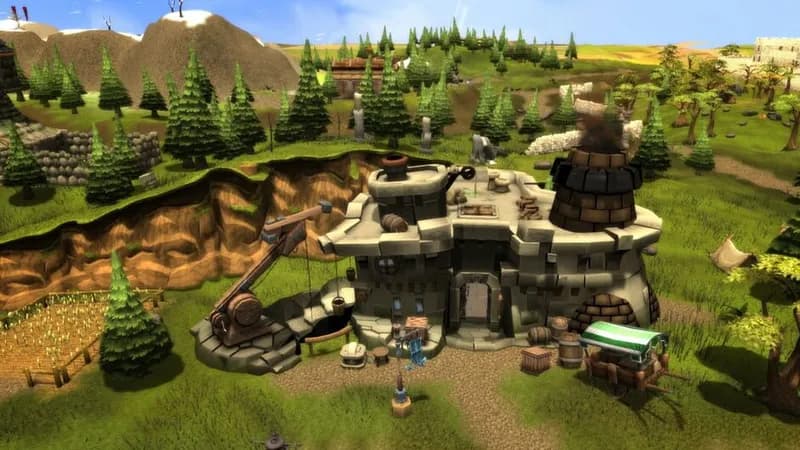
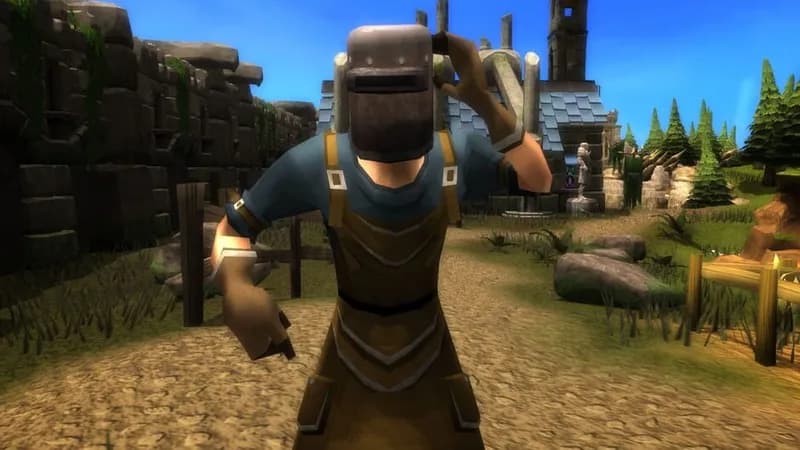




Optimize Your PC for RuneScape
Use our free tools to analyze and improve your gaming performance