
All Games
Spaceflight Simulator System Requirements
February 18, 2022
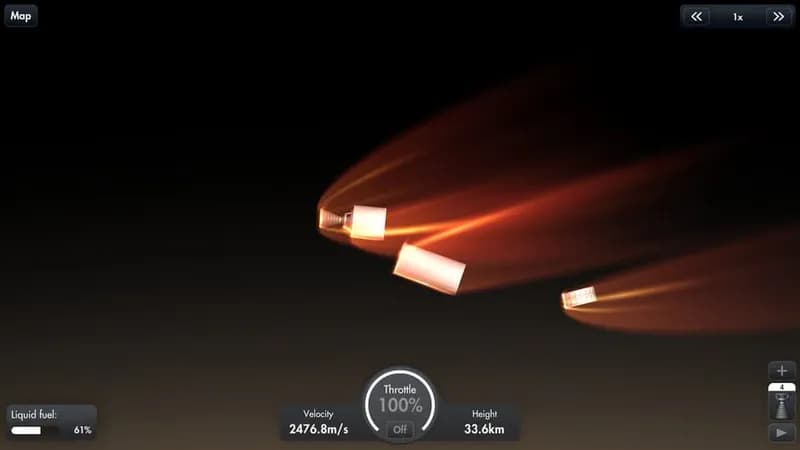
Engineer your own spacecraft from the ground up and chart a course through the solar system. Execute complex orbital maneuvers, deliver essential cargo, and set foot on distant planets.
Spaceflight Simulator Minimum & Recommended Specs
Minimum: Intel Core i3, Intel HD Graphics, 4 GB RAM. Recommended: 8 GB RAM RAM.
Minimum System Requirements
Recommended System Requirements
Upgrade Your Hardware
Quick Performance Tips for Spaceflight Simulator
#1
Lower the graphics settings for better performance.
#2
Reduce the number of parts in your rockets to improve FPS.
#3
Close unnecessary background programs while playing.
#4
Update your graphics drivers for optimal performance.
Spaceflight Simulator System Requirements FAQ
Can I run Spaceflight Simulator on a low-end PC?
If your PC meets the minimum requirements (Intel Core i3, Intel HD Graphics 4000, 4 GB RAM), you should be able to run Spaceflight Simulator, but expect lower graphics settings and potentially lower frame rates. For a smoother experience, aim for the recommended specs.
What GPU do I need for Spaceflight Simulator?
At a minimum, you'll need a GPU equivalent to Intel HD Graphics 4000. For a significantly better experience with higher settings and smoother frame rates, an NVIDIA GeForce GTX 970 or better is recommended.
How much RAM does Spaceflight Simulator need?
Spaceflight Simulator requires at least 4 GB of RAM to run. However, 8 GB of RAM is recommended for smoother gameplay, especially when building complex rockets or exploring large areas.
Will Spaceflight Simulator run on integrated graphics?
Yes, Spaceflight Simulator can run on integrated graphics like Intel HD Graphics 4000, but performance may be limited. Expect lower frame rates and the need to reduce graphics settings significantly. A dedicated graphics card is highly recommended for a better experience.
What is the best graphics settings for Spaceflight Simulator?
The best graphics settings depend on your hardware. If you meet the recommended specs, you can likely run the game on high or ultra settings. If you're closer to the minimum specs, start with low or medium settings and experiment to find a balance between visual quality and performance. Lowering shadow quality and particle effects can significantly improve frame rates.
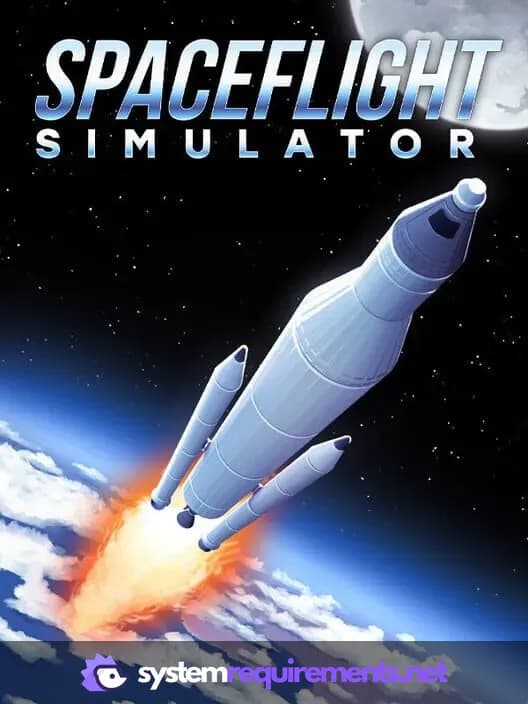
Spaceflight Simulator Game Info
Release Date
February 18, 2022
Platforms
PC (Microsoft Windows), Mac
Genres
SimulatorIndie
Game Modes
- Single player
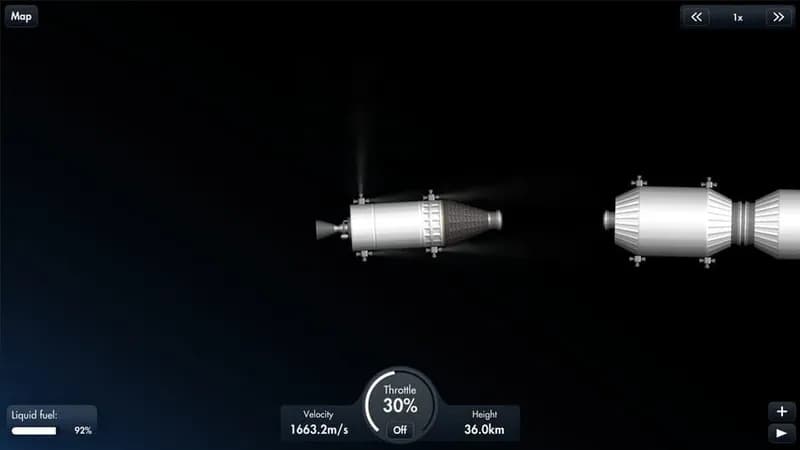
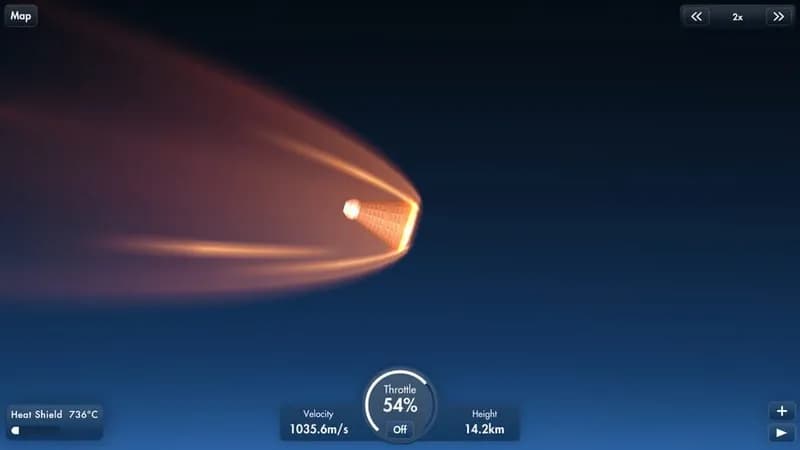
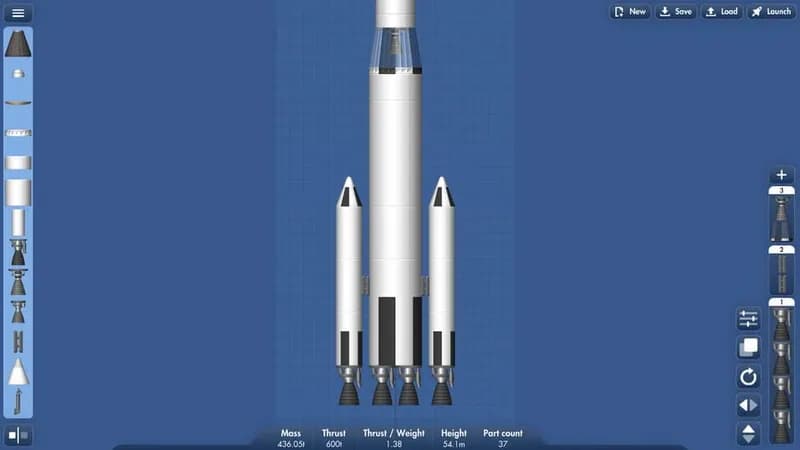
Spaceflight Simulator Screenshots
Games Similar to Spaceflight Simulator


Optimize Your PC for Spaceflight Simulator
Use our free tools to analyze and improve your gaming performance