
All Games
STEINS;GATE 0 System Requirements
December 10, 2015MAGES.87/100
Dive into the world of STEINS;GATE 0, the follow-up to STEINS;GATE and the fifth entry in the Science Adventure saga. Experience an alternate timeline as you guide Okabe Rintaro through a "hypothetical science ADV."
STEINS;GATE 0 Minimum & Recommended Specs
Minimum: Core i3, GeForce 520 /, 4 GB RAM. Recommended: 8 GB RAM RAM.
Minimum System Requirements
Recommended System Requirements
Upgrade Your Hardware
Trailer
Quick Performance Tips for STEINS;GATE 0
#1
Close unnecessary background apps.
#2
Lower the game resolution if needed.
#3
Update your graphics card drivers.
#4
Ensure your PC meets minimum specs.
STEINS;GATE 0 System Requirements FAQ
Can I run STEINS;GATE 0 on a low-end PC?
Yes, STEINS;GATE 0 has relatively low system requirements. If your PC meets the minimum specifications (Core i3, GeForce 520 / Radeon HD 6450, 4 GB RAM), you should be able to run the game, but you may need to lower the graphics settings for optimal performance.
What GPU do I need for STEINS;GATE 0?
At a minimum, you'll need a GeForce 520 or Radeon HD 6450. For a smoother experience with higher settings, a GeForce GTX 750 or Radeon HD 7770 is recommended.
How much RAM does STEINS;GATE 0 need?
STEINS;GATE 0 requires a minimum of 4 GB of RAM. However, 8 GB of RAM is recommended for a smoother experience, especially if you have other applications running in the background.
Will STEINS;GATE 0 run on integrated graphics?
It's possible STEINS;GATE 0 might run on some integrated graphics solutions, especially newer ones. However, performance may be limited and you might experience low frame rates or graphical glitches. A dedicated graphics card is highly recommended for the best experience.
What is the best graphics settings for STEINS;GATE 0?
STEINS;GATE 0 is a visual novel, so graphics settings are minimal. If you're experiencing performance issues, try disabling any optional visual effects or running the game in a lower resolution. The game should run smoothly on most systems.
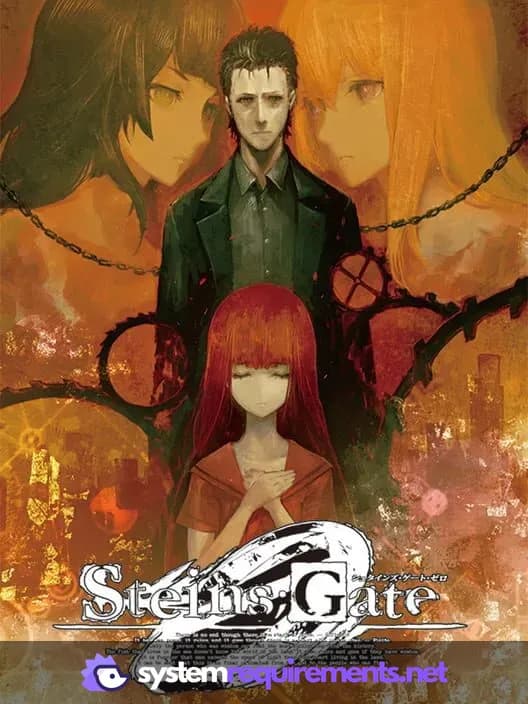
STEINS;GATE 0 Game Info
Developer
MAGES.
Publisher
Spike Chunsoft
Release Date
December 10, 2015
Platforms
PlayStation 3, PlayStation 4, PC (Microsoft Windows), PlayStation Vita, Xbox One
Genres
AdventureVisual Novel
Game Modes
- Single player
STEINS;GATE 0 Screenshots


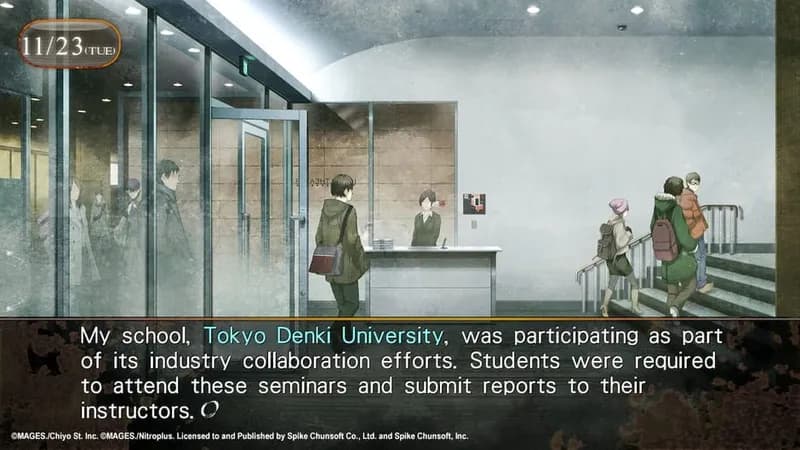
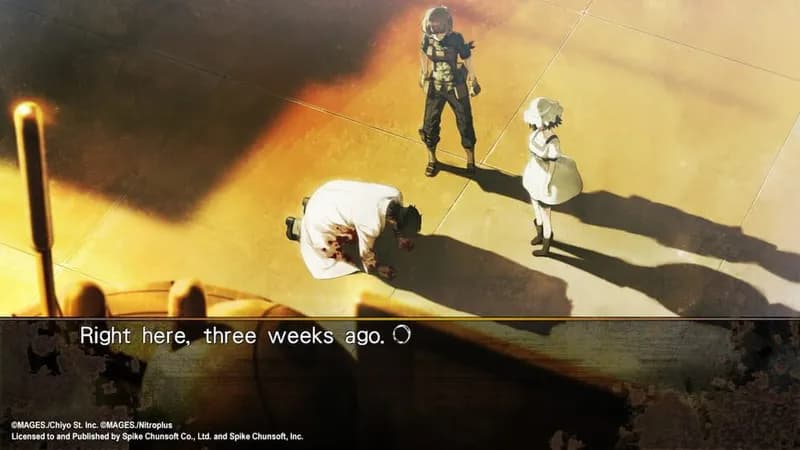



Optimize Your PC for STEINS;GATE 0
Use our free tools to analyze and improve your gaming performance