
All Games
Stoneshard System Requirements
February 6, 2020Ink Stains Games
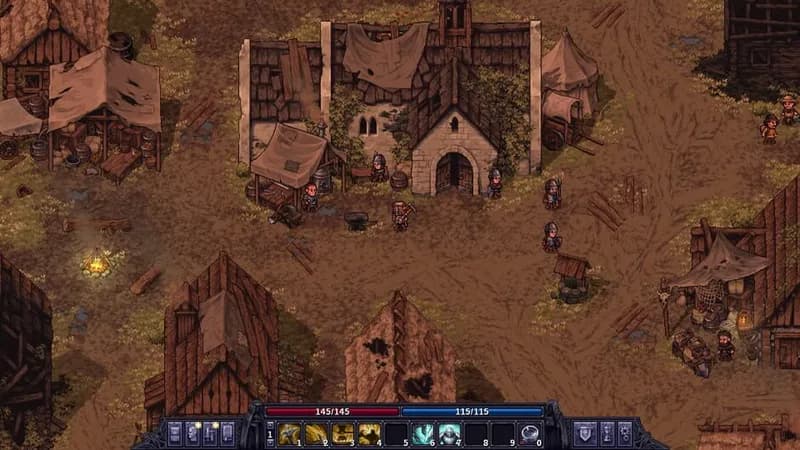
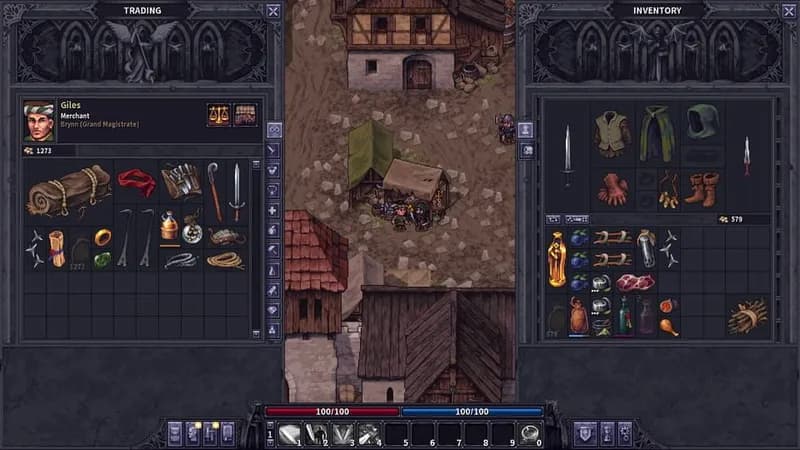
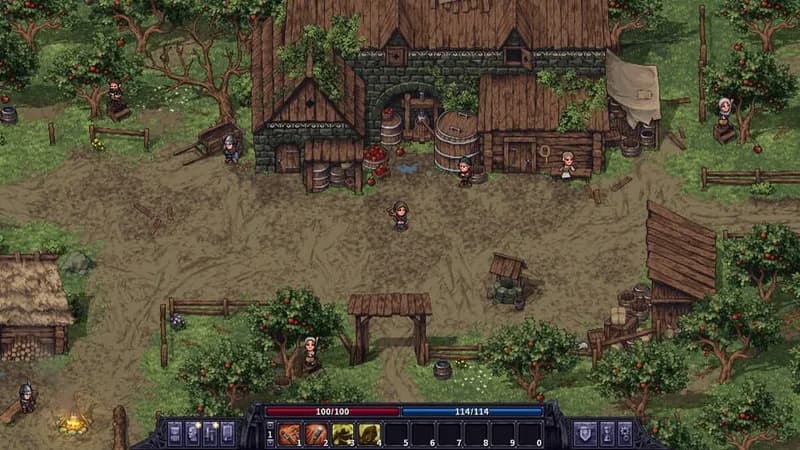
Navigate a harsh, randomized world where survival hinges on more than just combat. Manage your character's physical and mental state while making choices that determine the fate of a war-torn land.
Stoneshard Minimum & Recommended Specs
Minimum: Intel Core 2, NVIDIA GeForce GT, 2 GB RAM. Recommended: 4 GB RAM RAM.
Minimum System Requirements
Recommended System Requirements
Gameplay Trailer
Quick Performance Tips for Stoneshard
#1
Lower resolution for a big FPS boost.
#2
Disable shadows for significant performance gain.
#3
Close unnecessary background programs.
#4
Update your graphics drivers.
Stoneshard System Requirements FAQ
Can I run Stoneshard on a low-end PC?
Stoneshard can run on relatively low-end PCs. Check the minimum requirements: Intel Core 2 Duo E6300 or AMD Athlon 64 X2 5600+, NVIDIA GeForce GT 610 or AMD Radeon HD 4650, and 2 GB of RAM. If your PC meets or exceeds these, you should be able to play, though you might need to lower graphics settings for optimal performance.
What GPU do I need for Stoneshard?
At a minimum, you'll need an NVIDIA GeForce GT 610 or an AMD Radeon HD 4650. For a smoother experience, the developers recommend an NVIDIA GeForce GT 630 or an AMD Radeon HD 6670.
How much RAM does Stoneshard need?
Stoneshard requires a minimum of 2 GB of RAM. However, the recommended amount is 4 GB for a more stable and enjoyable gameplay experience.
Will Stoneshard run on integrated graphics?
While it *might* run on some integrated graphics solutions, it's not officially supported and performance may be poor. You'll likely need to significantly lower settings and may still experience lag or stuttering. Check if your integrated graphics are comparable to the minimum GPU requirements.
What is the best graphics settings for Stoneshard?
The 'best' settings depend on your hardware. Start with the 'Medium' preset and adjust from there. If you experience lag, lower settings like shadows, texture quality, and resolution. Experiment to find a balance between visual quality and performance.
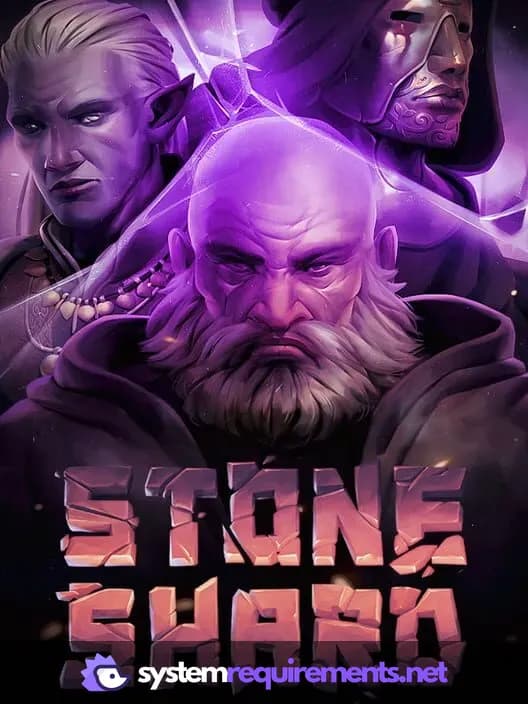
Stoneshard Game Info
Developer
Ink Stains Games
Publisher
HypeTrain Digital
Release Date
February 6, 2020
Platforms
Linux, PC (Microsoft Windows), Mac
Genres
Role-playing (RPG)StrategyTurn-based strategy (TBS)TacticalAdventureIndie
Game Modes
- Single player
Stoneshard Screenshots
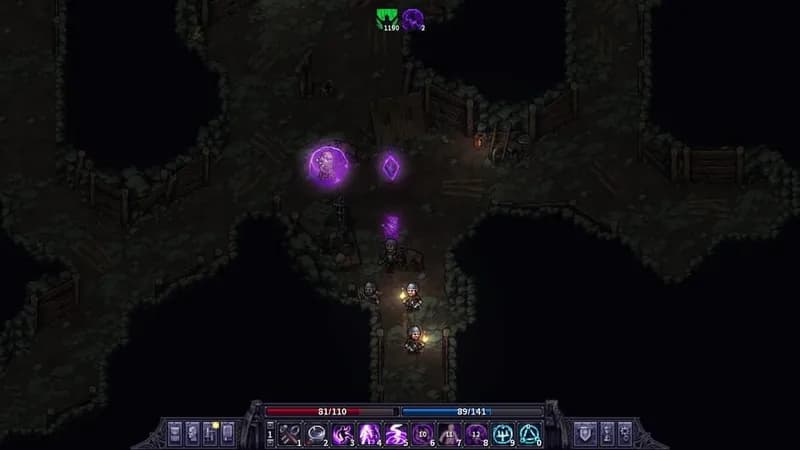

Optimize Your PC for Stoneshard
Use our free tools to analyze and improve your gaming performance