
All Games
Stormworks: Build and Rescue System Requirements
September 17, 2020Geometa
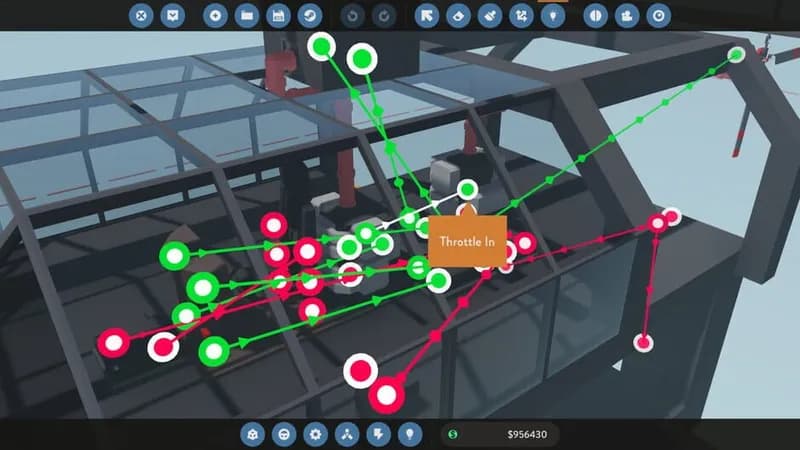
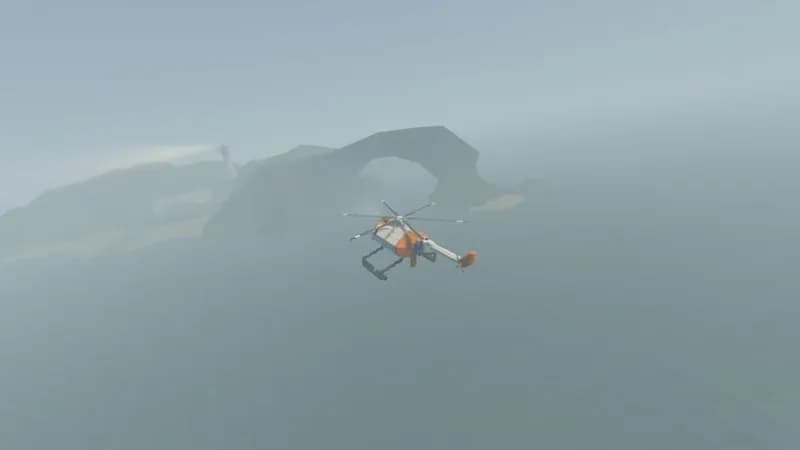
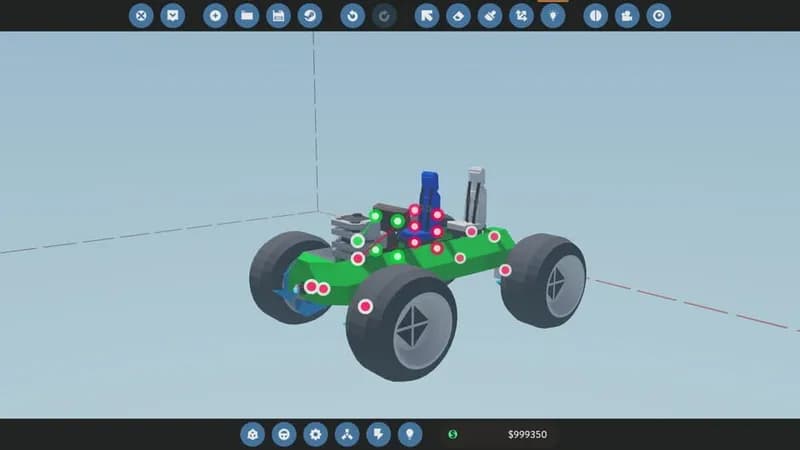
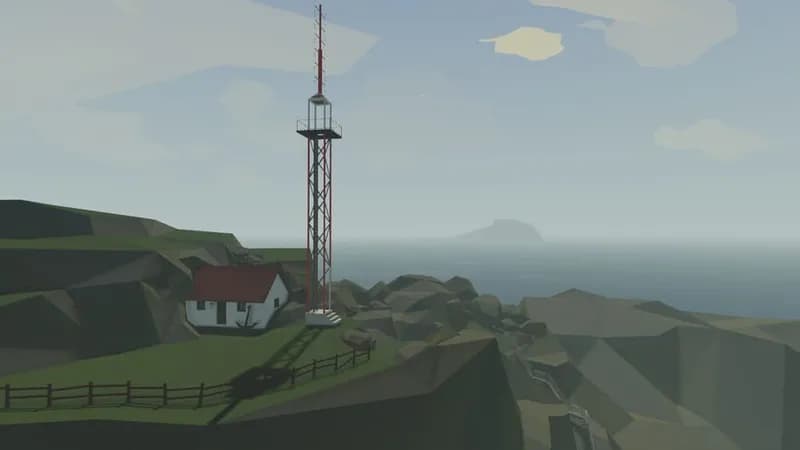
Engineer and operate a personalized fleet of rescue vehicles, facing dynamic weather and ocean physics. Construct your machines block by block, program their functions, and tackle diverse emergency situations on land, sea, and air.
Stormworks: Build and Rescue Minimum & Recommended Specs
Minimum: Intel Core i3, GeForce GTX 460, 4 GB RAM. Recommended: 8 GB RAM RAM.
Minimum System Requirements
Recommended System Requirements
Trailer
Quick Performance Tips for Stormworks: Build and Rescue
#1
Reduce vehicle complexity to improve performance.
#2
Lower water quality settings for a FPS boost.
#3
Limit the number of active vehicles in your world.
#4
Decrease render distance for better performance.
Stormworks: Build and Rescue System Requirements FAQ
Can I run Stormworks: Build and Rescue on a low-end PC?
If your PC meets the minimum requirements (Intel Core i3 3220 or AMD Athlon II X4 730, GeForce GTX 460 or Radeon HD 5770, 4 GB RAM), you should be able to play, but expect lower frame rates and graphical settings. Complex creations might cause performance issues.
What GPU do I need for Stormworks: Build and Rescue?
At a minimum, you'll need a GeForce GTX 460 or Radeon HD 5770. For a smoother experience with higher settings, a GeForce GTX 970 or Radeon RX 580 is recommended.
How much RAM does Stormworks: Build and Rescue need?
The game requires a minimum of 4 GB of RAM. However, 8 GB of RAM is recommended for smoother gameplay, especially when creating and simulating complex vehicles and scenarios.
Will Stormworks: Build and Rescue run on integrated graphics?
While it *might* launch, playing Stormworks on integrated graphics is generally not recommended. The game relies heavily on GPU processing power, and integrated graphics typically lack the performance needed for a playable experience, especially with larger vehicles or complex simulations.
What is the best graphics settings for Stormworks: Build and Rescue?
The 'best' settings depend on your hardware. Start with the 'Medium' preset. If your frame rate is consistently high, increase settings like 'Water Quality' and 'Shadows'. If performance is poor, lower 'Physics Quality' and 'Render Distance'.
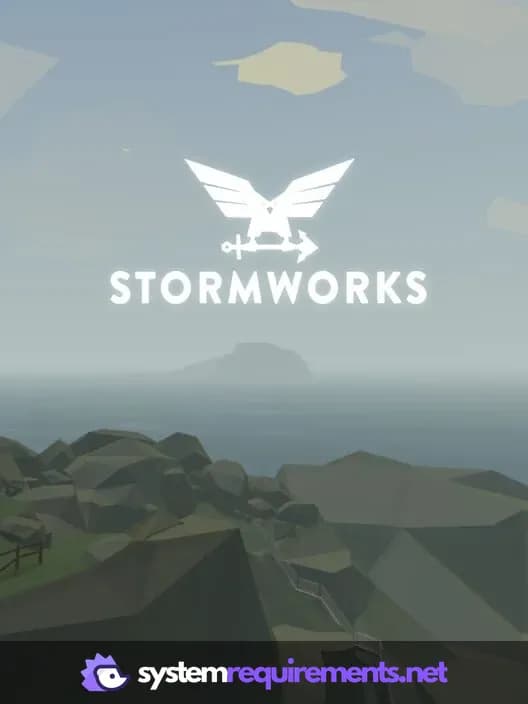
Stormworks: Build and Rescue Game Info
Developer
Geometa
Publisher
Green Man Gaming Publishing
Release Date
September 17, 2020
Platforms
PC (Microsoft Windows), Mac
Genres
SimulatorStrategy
Game Modes
- Single player
- Multiplayer
- Co-operative
Stormworks: Build and Rescue Screenshots
Games Similar to Stormworks: Build and Rescue




Optimize Your PC for Stormworks: Build and Rescue
Use our free tools to analyze and improve your gaming performance