
All Games
Streamer Life Simulator 2 System Requirements
February 5, 2026Cheesecake Dev
Streamer Life Simulator 2 intensifies the battle for online fame, pushing your virtual persona—and your actual PC—to its limits. Can your system handle the demands of chasing digital stardom in a hyper-competitive streaming landscape?
Streamer Life Simulator 2 Minimum & Recommended Specs
Minimum: 2.5 GHz Dual, GTX 560 2GB, 4 GB RAM. Recommended: 8 GB RAM RAM.
Minimum System Requirements
Recommended System Requirements
Upgrade Your Hardware
Trailer
Quick Performance Tips for Streamer Life Simulator 2
#1
Close unnecessary background apps for better performance.
#2
Lower graphics settings like shadows and anti-aliasing.
#3
Update your graphics drivers for optimal compatibility.
#4
Consider upgrading your RAM if you're close to the minimum.
Streamer Life Simulator 2 System Requirements FAQ
Can I run Streamer Life Simulator 2 on a low-end PC?
You'll need at least a 2.5 GHz Dual Core Processor, a GTX 560 2GB graphics card, and 4 GB of RAM to meet the minimum requirements. If your PC is below these specs, you may experience performance issues or be unable to run the game.
What GPU do I need for Streamer Life Simulator 2?
The minimum GPU is a GTX 560 2GB. For a smoother experience with higher settings, we recommend a GTX 960 4GB or equivalent.
How much RAM does Streamer Life Simulator 2 need?
At least 4 GB of RAM is required to run Streamer Life Simulator 2. However, we recommend 8 GB of RAM for optimal performance, especially if you plan on streaming or running other applications in the background.
Will Streamer Life Simulator 2 run on integrated graphics?
While it's possible, running Streamer Life Simulator 2 on integrated graphics is not recommended. You will likely experience significant performance issues and may not be able to play the game smoothly. A dedicated graphics card is highly recommended.
What is the best graphics settings for Streamer Life Simulator 2?
If you meet the recommended specs, you should be able to run the game on high or ultra settings. If you're closer to the minimum specs, try lowering the graphics settings to medium or low to improve performance. Experiment with different settings to find the best balance between visual quality and frame rate.
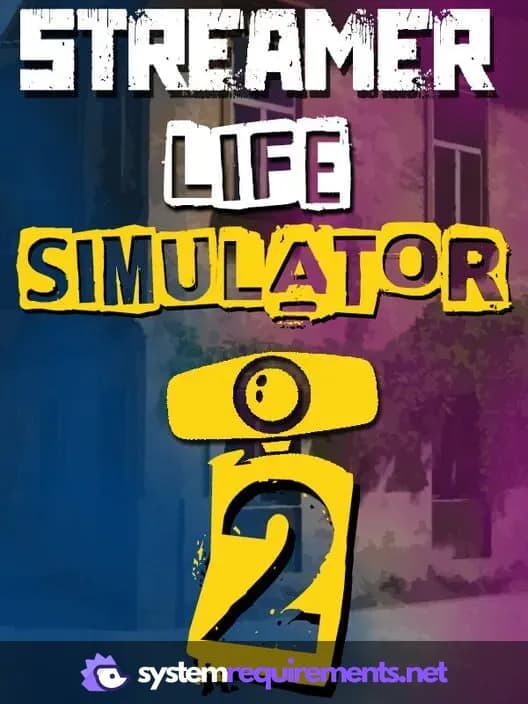
Streamer Life Simulator 2 Game Info
Developer
Cheesecake Dev
Publisher
Cheesecake Dev
Release Date
February 5, 2026
Platforms
PC (Microsoft Windows)
Genres
SimulatorIndie
Game Modes
- Single player
Streamer Life Simulator 2 Screenshots
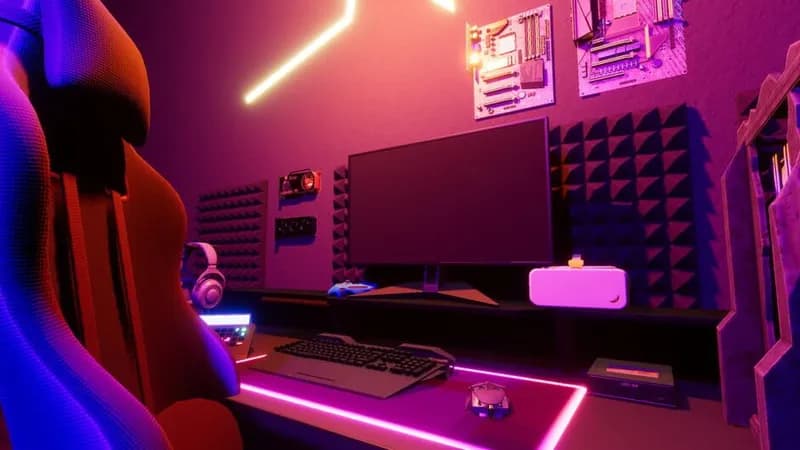
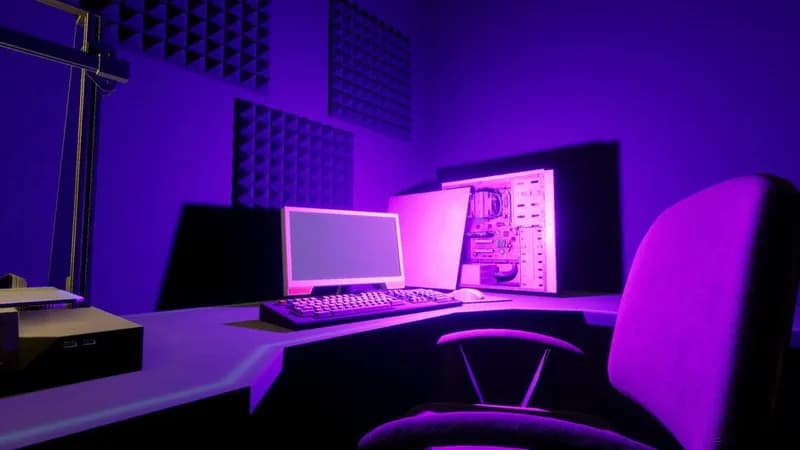

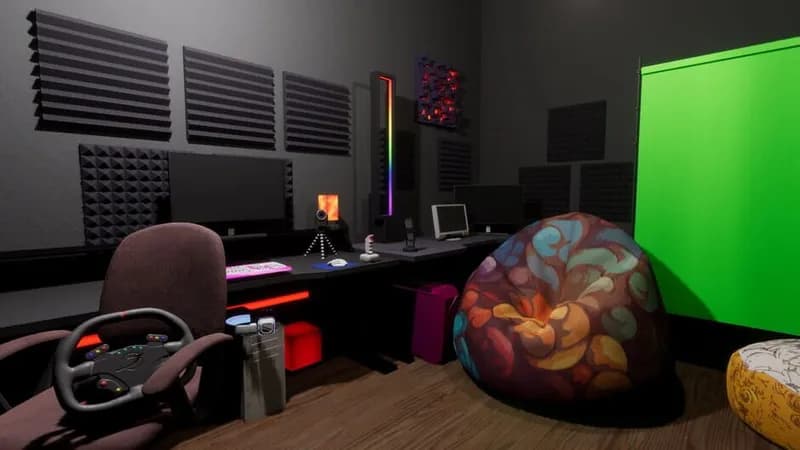
Games Similar to Streamer Life Simulator 2




Optimize Your PC for Streamer Life Simulator 2
Use our free tools to analyze and improve your gaming performance