
The Elder Scrolls III: Morrowind Game of the Year Edition System Requirements
Explore the island of Vvardenfell in this expansive single-player RPG, where your choices shape your destiny. Investigate a spreading plague or forge your own path through a richly detailed world, developing your character through action and exploration.
The Elder Scrolls III: Morrowind Game of the Year Edition Minimum & Recommended Specs
Minimum: 500 MHz Intel, 32MB Direct3D Compatible, 256MB. Recommended: 512MB RAM.
Minimum System Requirements
Recommended System Requirements
Trailer
Quick Performance Tips for The Elder Scrolls III: Morrowind Game of the Year Edition
Reduce view distance for a big performance boost.
Lower texture quality if you experience stuttering.
Disable shadows for a noticeable FPS increase.
Close unnecessary background programs.
Use Morrowind Graphics Extender for resolution fixes.
The Elder Scrolls III: Morrowind Game of the Year Edition System Requirements FAQ
Can I run The Elder Scrolls III: Morrowind Game of the Year Edition on a low-end PC?
What GPU do I need for The Elder Scrolls III: Morrowind Game of the Year Edition?
How much RAM does The Elder Scrolls III: Morrowind Game of the Year Edition need?
Will The Elder Scrolls III: Morrowind Game of the Year Edition run on integrated graphics?
What is the best graphics settings for The Elder Scrolls III: Morrowind Game of the Year Edition?
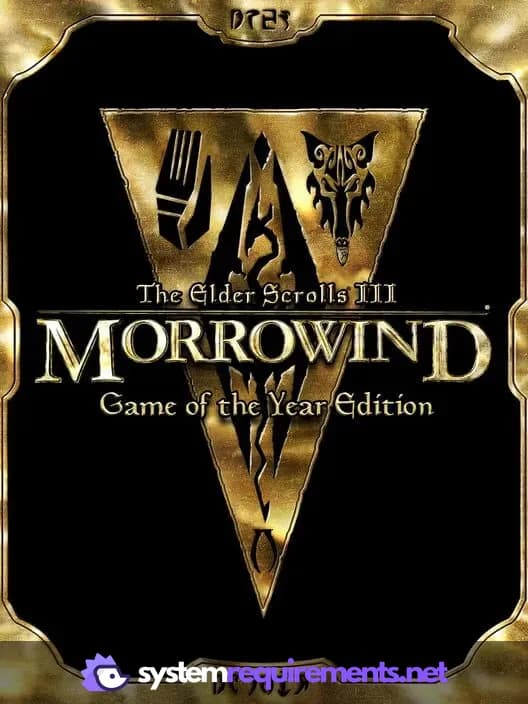
The Elder Scrolls III: Morrowind Game of the Year Edition Game Info
Developer
Bethesda Game Studios
Publisher
Bethesda Softworks
Release Date
October 31, 2003
Platforms
Xbox, PC (Microsoft Windows)
Genres
Game Modes
- Single player
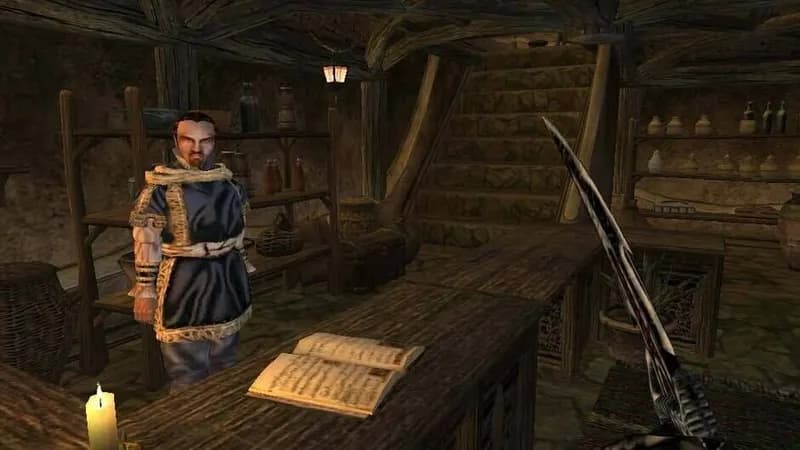
The Elder Scrolls III: Morrowind Game of the Year Edition Screenshots
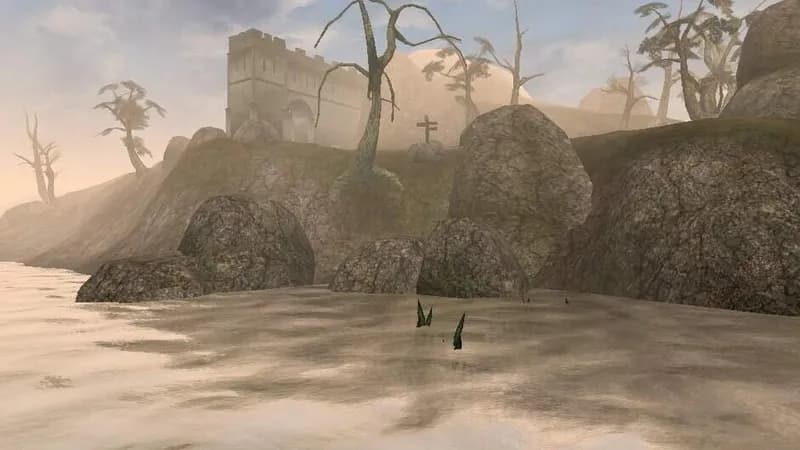
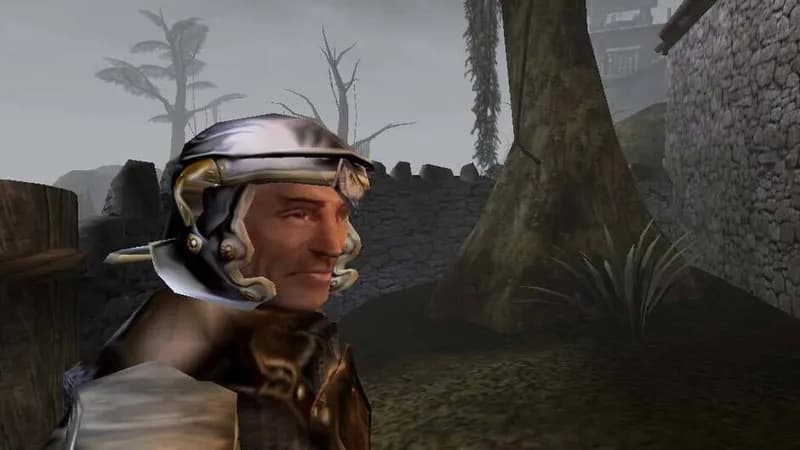
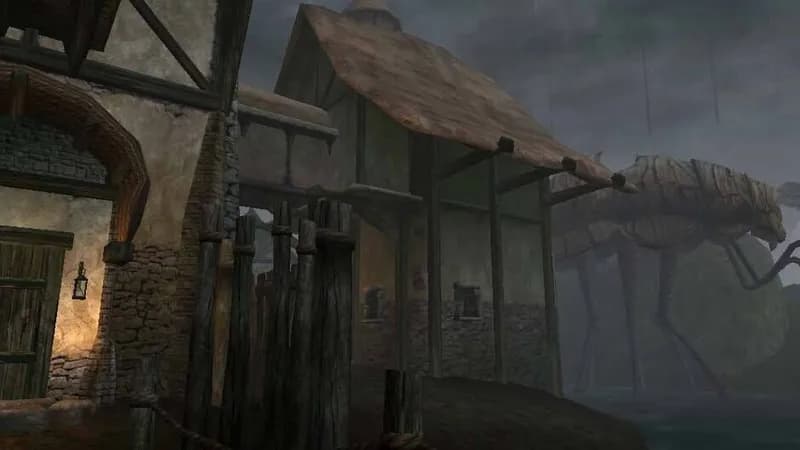
Games Similar to The Elder Scrolls III: Morrowind Game of the Year Edition





Optimize Your PC for The Elder Scrolls III: Morrowind Game of the Year Edition
Use our free tools to analyze and improve your gaming performance
Estimate FPS for The Elder Scrolls III: Morrowind Game of the Year Edition
Calculate expected frame rates with your hardware
Check for Bottlenecks
Find if your CPU or GPU is holding you back
Calculate PSU Wattage
Make sure your power supply can handle your build
Compare Graphics Cards
Find the best GPU upgrade for your needs