
All Games
The Long Dark System Requirements
Hinterland Studio Inc.
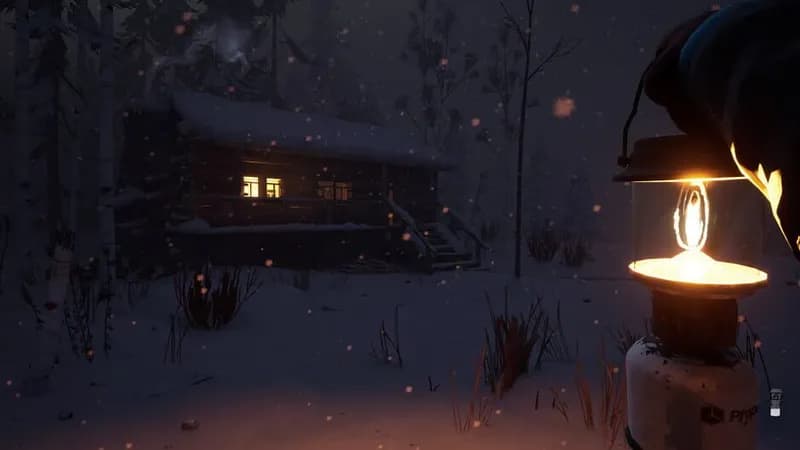
In the wake of a geomagnetic disaster, navigate the unforgiving Canadian wilderness in The Long Dark. Scavenge resources, battle the elements, and confront both natural and human threats in a stark, player-driven survival experience.
The Long Dark Minimum & Recommended Specs
Minimum: Dual-Core Intel i5, Intel HD 4000, 4 GB RAM. Recommended: 8 GB RAM RAM.
Minimum System Requirements
Recommended System Requirements
Upgrade Your Hardware
Announcement Trailer
Quick Performance Tips for The Long Dark
#1
Lower the shadow quality. Shadows impact performance significantly.
#2
Reduce the resolution for a noticeable FPS boost.
#3
Disable anti-aliasing or use FXAA for better performance.
#4
Close unnecessary background applications before playing.
The Long Dark System Requirements FAQ
Can I run The Long Dark on a low-end PC?
If your PC meets the *minimum* requirements (Dual-Core Intel i5 @ 2GHz+, Intel HD 4000, 4GB RAM), you should be able to run The Long Dark, but likely at lower settings and resolutions. Expect lower framerates and potential stuttering. For a smoother experience, aim for the recommended specs.
What GPU do I need for The Long Dark?
At a minimum, you'll need a GPU equivalent to an Intel HD 4000. For a better experience with higher settings, an NVIDIA GTX 555 with 2GB VRAM or better is recommended.
How much RAM does The Long Dark need?
The Long Dark requires a minimum of 4GB of RAM to run. However, 8GB of RAM is recommended for smoother gameplay and to avoid performance issues, especially on larger maps or with higher graphics settings.
Will The Long Dark run on integrated graphics?
Yes, The Long Dark can run on integrated graphics like the Intel HD 4000, which is the minimum requirement. However, expect significant performance limitations. You'll likely need to play at the lowest settings and a lower resolution to achieve playable framerates.
What is the best graphics settings for The Long Dark?
The 'best' settings depend on your hardware. If you meet the *recommended* specs, try 'Medium' or 'High' settings. If you meet the *minimum* specs, start with the 'Low' preset and gradually increase settings until you find a balance between visual quality and performance. Experiment with resolution scaling for further optimization.
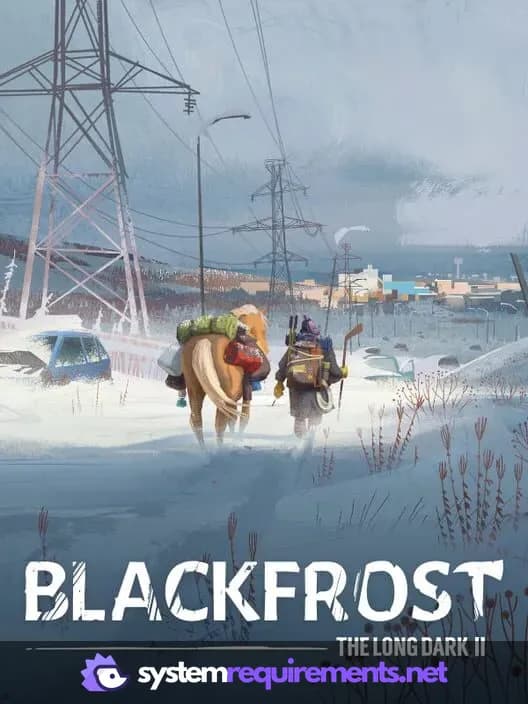
The Long Dark Game Info
Developer
Hinterland Studio Inc.
Publisher
Hinterland Studio Inc.
Platforms
PC (Microsoft Windows)
Genres
SimulatorStrategyIndie
Game Modes
- Single player
- Multiplayer
- Co-operative
The Long Dark Screenshots
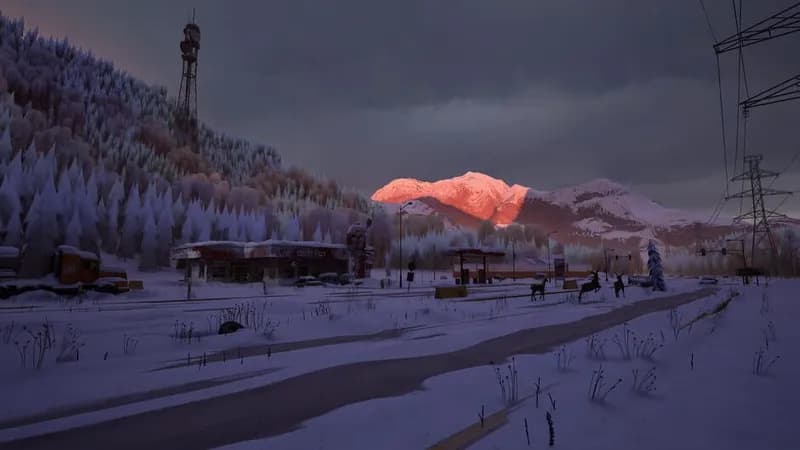
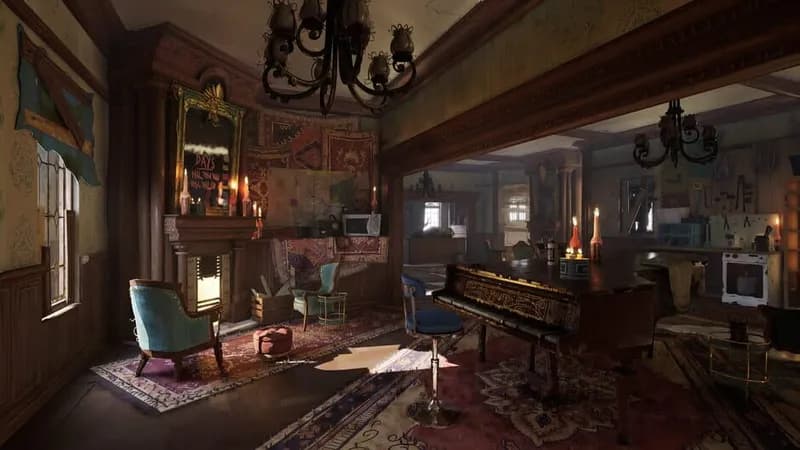
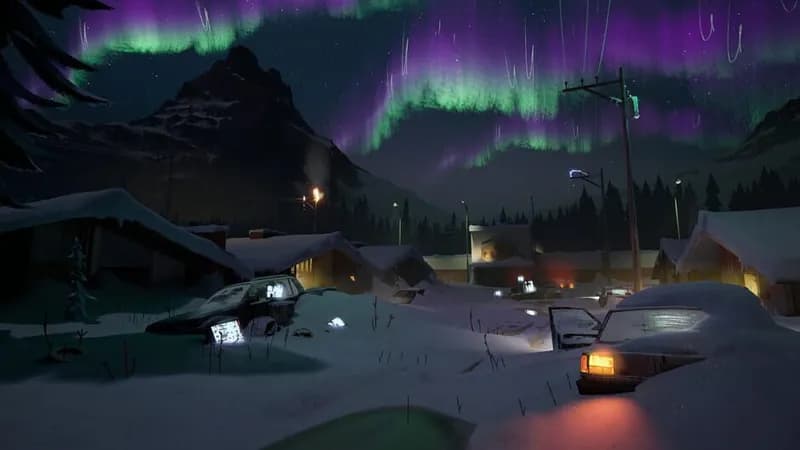





Optimize Your PC for The Long Dark
Use our free tools to analyze and improve your gaming performance